

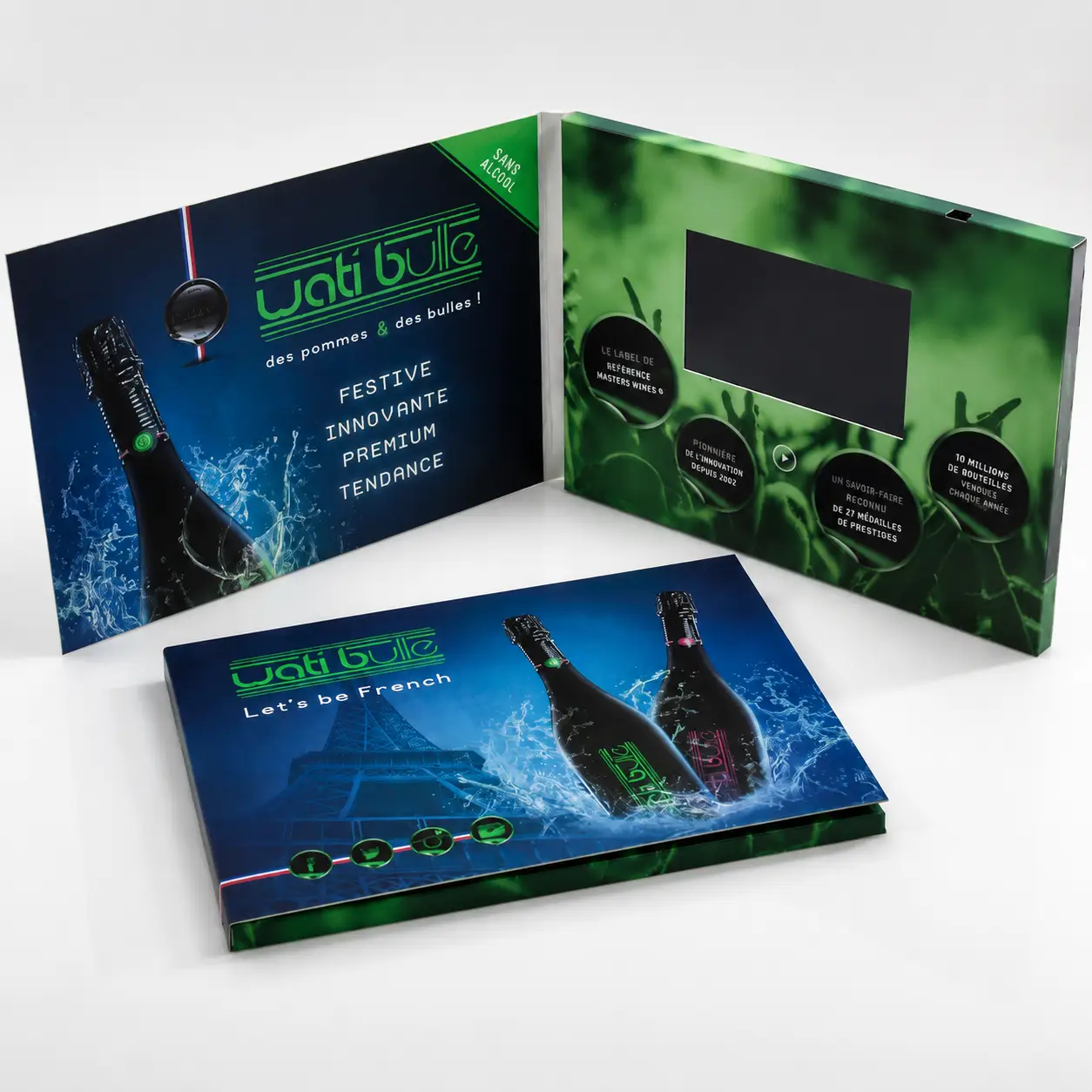
I often speak with buyers who feel disappointed after receiving a sample. The quotation says "1080P supported," the video file is Full HD, yet the screen does not look as sharp as expected.
Many video brochures support 1080P video playback without having a true 1080P screen. The hardware may decode a 1920×1080 video file, but the image quality still depends on the screen’s native resolution, panel quality, brightness, and video optimization.
This misunderstanding is one of the most common reasons buyers become confused during the sample stage. Once you understand the difference between playback capability and display capability, it becomes much easier to evaluate suppliers and compare quotations.
How can I tell whether a video brochure has a true HD screen?
I often see buyers focus on the video file while overlooking the screen itself. In reality, the screen determines what the viewer actually sees.
The easiest way to identify a true HD video brochure is to check the LCD panel’s native resolution rather than the advertised playback specification. A brochure may support 1080P playback while using a display with a much lower physical resolution.1
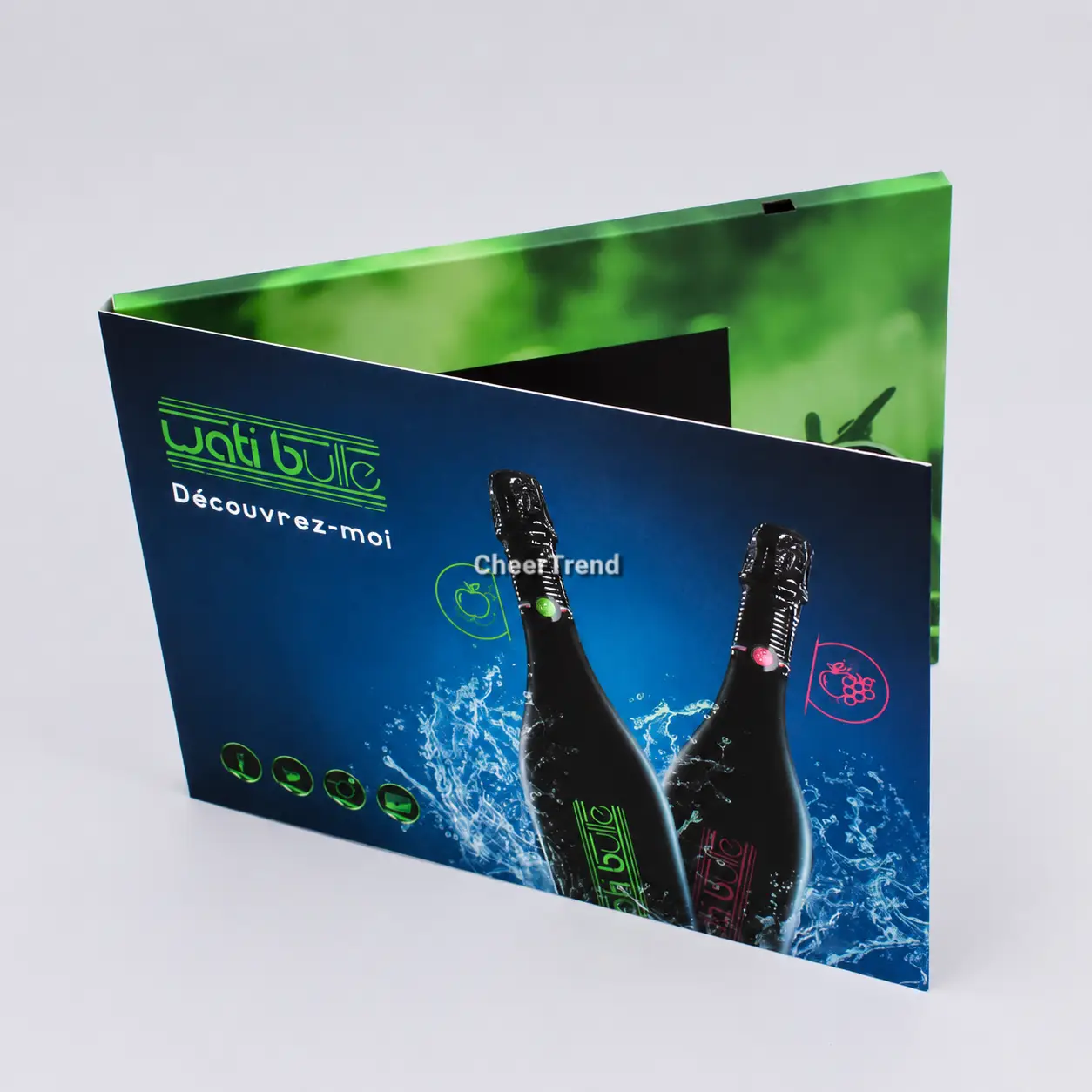
A 7-inch 1024×600 screen contains roughly 614,000 pixels. A true 1080P screen contains over 2 million. That is more than three times the visual information displayed in the same physical space. When a 1080P video is compressed to fit a 1024×600 panel, every fine edge, every line of text, and every product detail loses clarity in the process.
Many suppliers advertise specifications that sound similar but mean very different things:
| What Buyers Think | What It Actually Means |
|---|---|
| Supports 1080P Video | The hardware can open a 1080P file |
| Full HD Screen | The LCD panel itself contains 1920×1080 pixels |
| 4K Supported | The device can accept a 4K source file |
| 4K Screen | The display itself is 3840×2160 |
These specifications are not interchangeable.
At CheerTrend, our standard 7-inch IPS video brochures use a 1024×600 display panel. Higher-resolution Full HD options are available for projects that require additional detail.
I always recommend asking suppliers one simple question: "What is the native resolution of the LCD screen?" That answer tells you far more about image quality than any playback claim.
Why does my video brochure look blurry even when it supports 1080P playback?
I often hear buyers assume that a blurry image means something is wrong with the video file. In many cases, the video file is not the problem at all.
A 1080P video can still appear soft when it is displayed on a lower-resolution screen, encoded incorrectly, or played on a low-quality panel. Resolution alone does not guarantee image quality.2
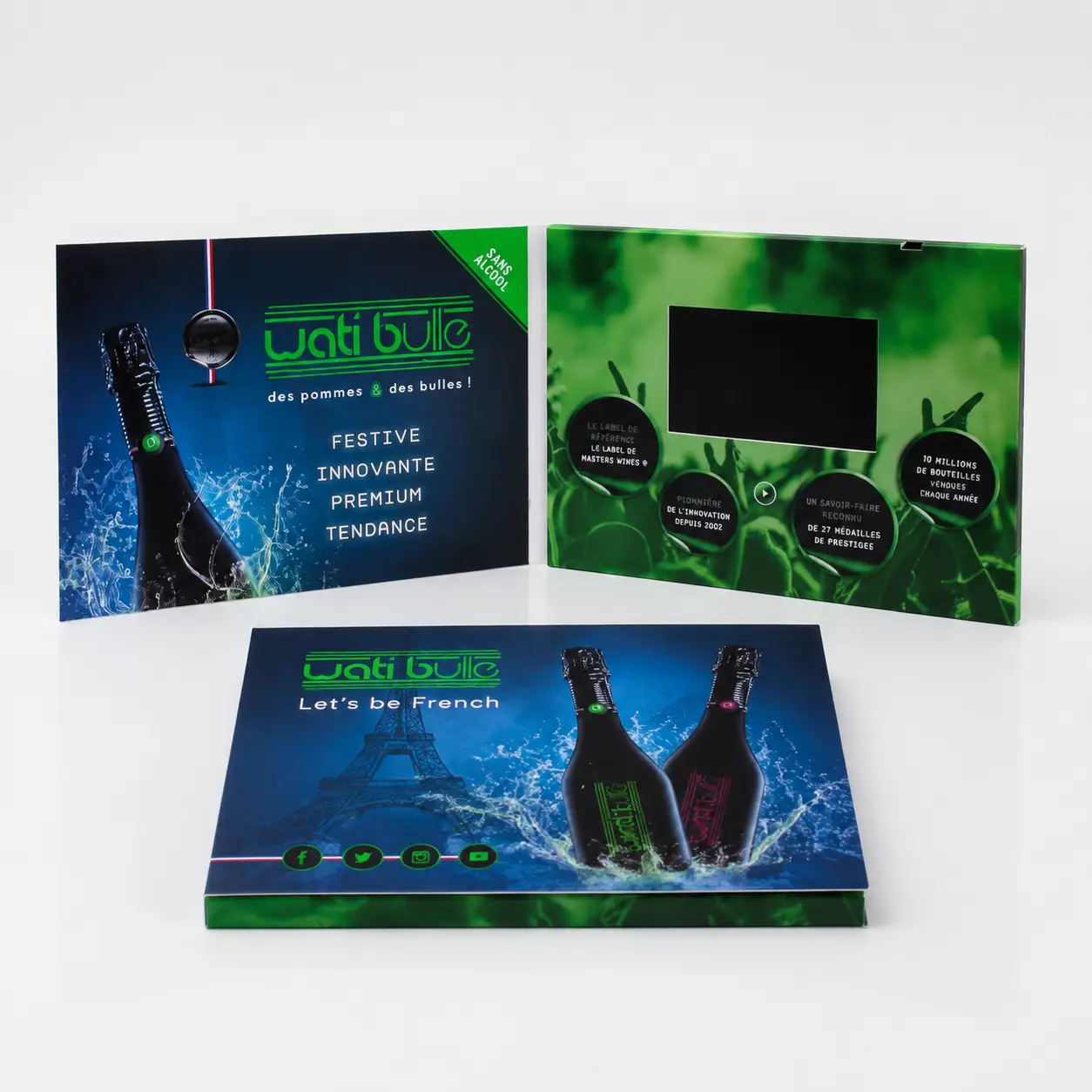
Real-world image quality comes from a combination of screen resolution, panel technology, brightness, and video optimization rather than any single specification.
I recently worked with a customer reviewing product demonstration videos for a medical device launch. The same video file was tested on two different displays:
| Screen Size | Native Resolution | Video File | Visual Result |
|---|---|---|---|
| 7" IPS | 1024×600 | 1080P | Clear but slightly soft |
| 10" IPS | 1920×1080 | 1080P | Noticeably sharper |
Nothing changed except the screen. The video file remained identical. This is an important distinction because many buyers assume image quality comes entirely from the source video.
Panel technology also plays a significant role. In many projects, customers upgrade from TFT screens to IPS screens not because they want more pixels, but because IPS panels provide better color consistency, wider viewing angles, and a more premium appearance.3 Brightness matters too. Several customers have specifically requested 1000-nit IPS screens because presentations need to look clear in bright meeting rooms and exhibition halls. In those situations, brightness has a greater impact on perceived quality than increasing resolution alone.
What should I ask my supplier about screen resolution before ordering?
I have found that a few simple questions can quickly reveal whether a supplier is providing useful information or relying on marketing language.
Before ordering a video brochure, ask for the LCD panel’s native resolution, panel type, brightness level, and recommended video settings. These specifications directly affect how the final product looks.
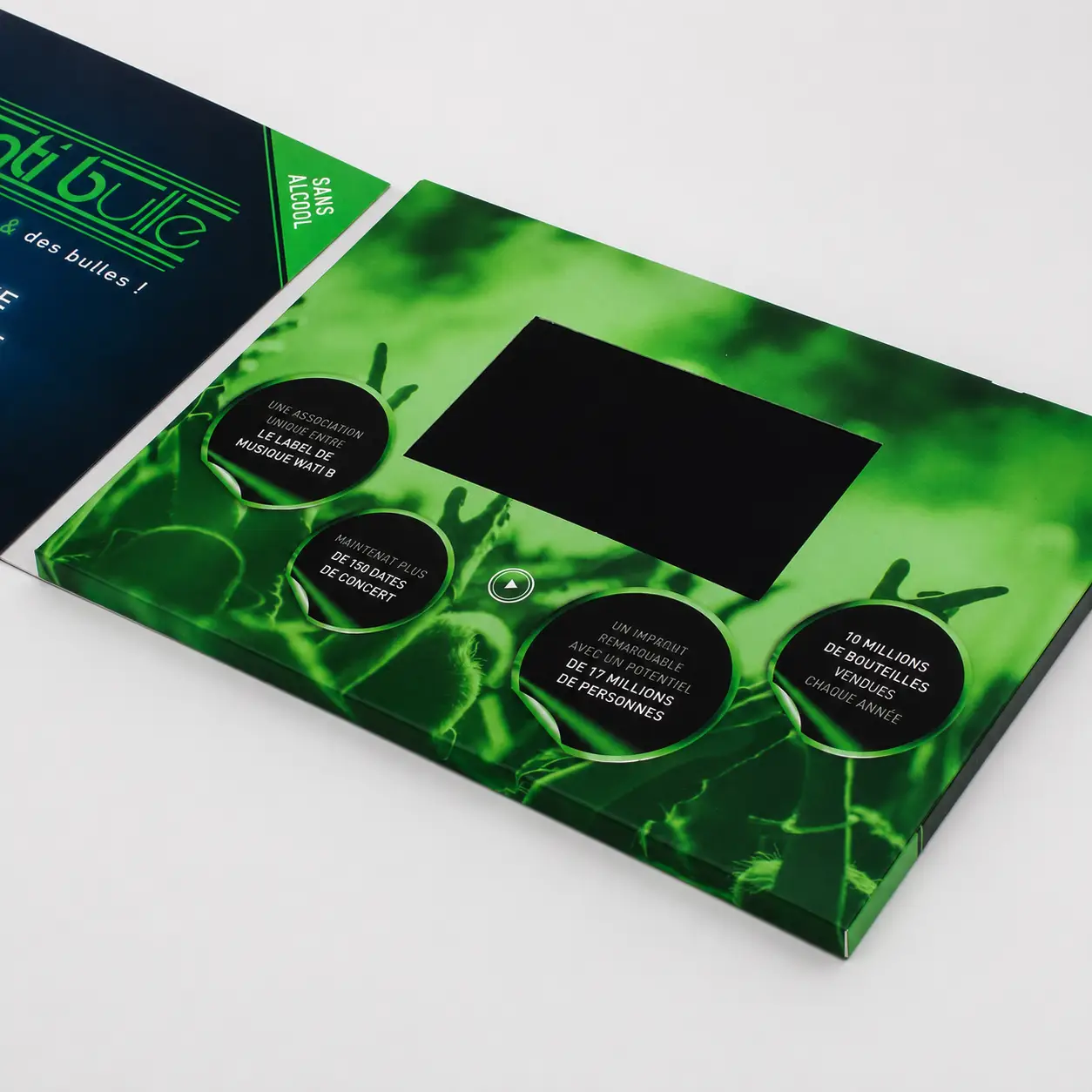
Most buyers ask: "Does it support 1080P?" Ironically, this is often the least useful question when evaluating screen quality. A better question is: "What is the native resolution of the LCD panel?" This small change often reveals a significant difference between suppliers.
I also recommend comparing the following specifications during the sample stage:
| Specification | Why It Matters |
|---|---|
| Native Resolution | Determines actual visible detail |
| IPS or TFT | Affects color and viewing angle |
| Brightness (Nits) | Impacts visibility in bright environments |
| Video Codec Support | Affects compatibility and playback stability |
| Recommended Export Settings | Improves image quality and reduces lag |
In luxury real estate projects, property videos contain fine architectural details, interior finishes, and drone footage. Buyers often focus on video resolution but overlook the screen that renders it. The same applies to medical device and technology brands, where presentations include text, diagrams, and technical graphics that require sharp, accurate reproduction. This is why I encourage customers to compare screens side by side whenever possible. Most people immediately notice differences in color, brightness, and clarity.
Which screen resolution should I choose for my video brochure project?
I often get asked whether every project needs a Full HD screen. The answer depends on the content type and the audience.
For most projects, the best screen resolution is the one that matches the brochure size, content type, and budget. Higher resolution is valuable when it produces a visible difference for the end viewer.4
The following table reflects what I typically recommend based on screen size:
| Screen Size | Native Resolution | Recommended Video Export |
|---|---|---|
| 4.3" | 480×272 | Match screen resolution |
| 5" IPS | 800×480 | 720P |
| 7" IPS | 1024×600 | Optimized 1080P |
| 10" IPS | 1920×1080 | Full 1080P |
A 7-inch 1024×600 IPS screen is often more than sufficient for most marketing applications. A 10-inch Full HD screen becomes more valuable when the content contains fine text, detailed product images, technical diagrams, architectural renderings, or high-end luxury branding where every detail contributes to the perceived quality of the presentation.
In several projects, customers initially requested 4K-related specifications. After reviewing samples side by side, they shifted their attention toward screen quality, brightness, and color performance. The difference was immediately visible. They realized that presentation quality depends on the entire viewing experience, not just resolution numbers.
What are the most common display problems and how do I fix them?
I often see buyers blame the video file when the real issue lies elsewhere.
Most display problems are caused by mismatched screen resolution, poor panel quality, incorrect export settings, or unsuitable brightness levels rather than a lack of 1080P playback support.5
The table below summarizes the most common issues I encounter and how I address them:
| Problem | Likely Cause | Recommended Solution |
|---|---|---|
| Soft Image | Downscaling on lower-resolution screen | Match export settings to native screen |
| Pixelation | Low-quality display panel | Upgrade panel quality |
| Poor Color | Standard TFT display | Use IPS display |
| Difficult Viewing | Low brightness | Increase screen brightness |
| Lag During Playback | Bitrate too high | Optimize video export |
| Fuzzy Text | Resolution mismatch | Use higher-resolution screen |
Most of these issues can be identified during the sample stage. This is one reason I encourage customers to test actual project content rather than generic demo videos. Real files provide a much more accurate representation of final performance. A well-matched combination of screen resolution, brightness, panel technology, and video settings almost always produces better results than simply choosing the highest resolution available.
Conclusion
The biggest mistake buyers make is assuming that 1080P playback means a 1080P screen. They are not the same thing. Before comparing prices, compare native screen resolution. Panel quality, brightness, and video optimization all determine how HD the final product actually looks. Before placing a full order, always request samples with the exact screen specifications you intend to use and test them with your actual content. That single step eliminates most display-related surprises.
-
Native resolution refers to the actual number of pixels physically present on the LCD panel, which determines the maximum detail the screen can display. ↩
-
Video resolution, bitrate, codec, panel type, and brightness all contribute to perceived image sharpness in video brochures. ↩
-
IPS panels generally provide viewing angles up to 178° and more consistent color reproduction than standard TFT displays. ↩
-
For small screens under 5 inches, increasing resolution beyond the panel’s native capability produces no visible benefit and may increase cost unnecessarily. ↩
-
Many playback and display complaints are related to video export settings or screen panel limitations rather than the quality of the original video file. ↩