Custom Video Brochures for Real Estate Marketing

Present property videos, development visuals, and marketing messages in a custom-printed video brochure that plays without Wi-Fi or an internet connection.

CheerTrend manufactures custom video brochures for real estate agencies, property teams, and development marketing projects, with screen sizes, print finishes, control buttons, memory, and hardcover options configured for your project requirements.

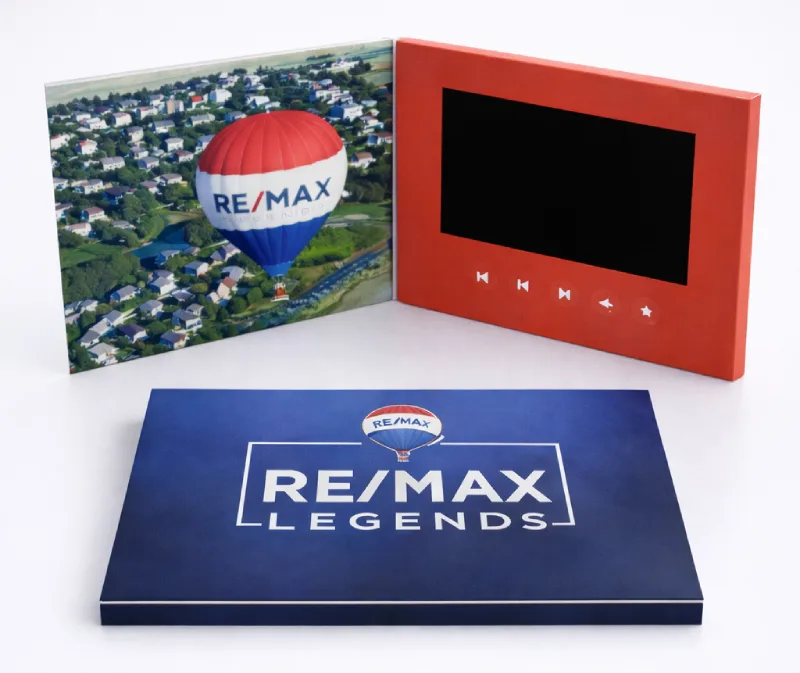
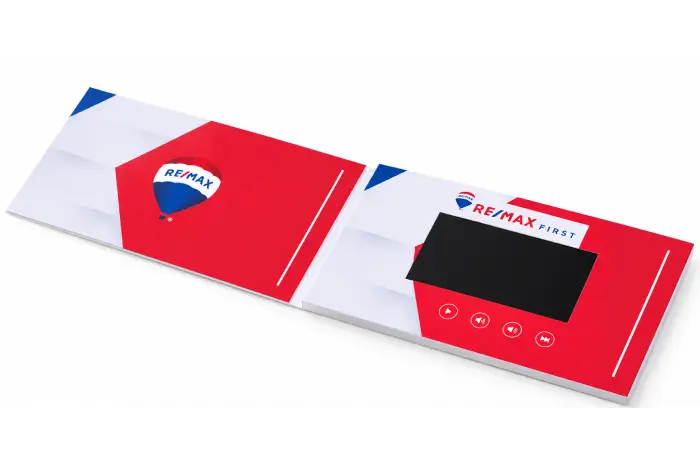
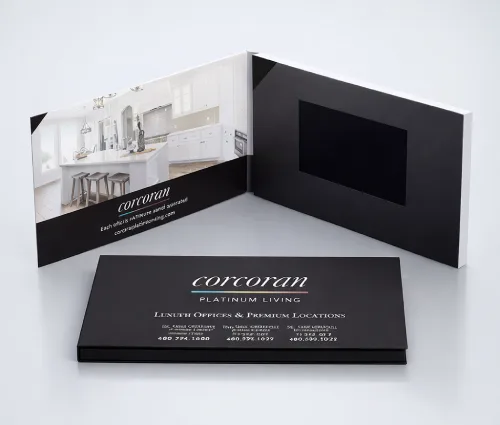
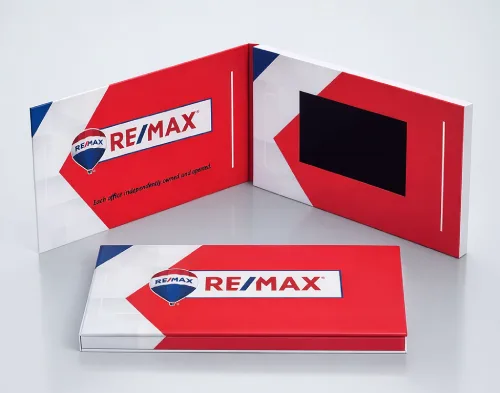
custom real estate video brochure with screen and branding

Where Video Brochures Fit in Real Estate Marketing

Real estate professionals use video brochures at different stages:

Listing Presentations

Present property marketing plans, agency introductions, previous projects, or listing videos in a physical, branded format that clients can replay after the meeting.

Property & Development Marketing

Combine property walkthroughs, architectural renderings, development information, and printed specifications in a single physical presentation.

Remote Buyer & Investor Presentations

Preload property walkthroughs, development videos, or other presentation content for remote buyers, investors, or project partners without relying on internet access or third-party links.


High-Value Client Follow-Up

Leave or deliver a branded video presentation after a meeting so recipients can review the property or marketing content again later.

Choose the Right Format for Your Real Estate Project


Project NeedSuggested FormatWhy It Fits
Compact Presentation5″ Video BrochureSmaller overall format with space for printed branding and video content.
Premium Presentation7″ Hardcover Video BrochureProvides a larger viewing area and is available in hardcover presentation formats.
Development Presentation10.1″ Video BrochureProvides more screen area for property visuals, architectural renderings, and detailed presentations.
Presentation with Physical MaterialsVideo Presentation BoxCombines video with a physical compartment for printed materials, cards, samples, or other contents.
Direct Prospect OutreachVideo MailerSuitable when the video presentation needs to be packaged and shipped directly to the recipient.

Real Estate Project Examples

U.S. Real Estate Marketing Project

Product: 4.3″ Custom Video Brochure
Quantity: 100 pcs
Project Status: Repeat Order

A U.S. real estate customer placed a repeat order for 100 custom video brochures for ongoing marketing use.
U.S. Real Estate Team

Product: 7″ Hardcover Video Brochure
Quantity: 50 pcs
Project Status: Completed Order

This completed project used a 7-inch hardcover video brochure as a customized real estate marketing presentation.

U.S. Real Estate Marketing Project

Product: 4.3″ Custom Video Brochure
Quantity: 100 pcs
Project Status: Repeat Order

A U.S. real estate customer placed a repeat order for 100 custom video brochures for ongoing marketing use.

Features You Can Configure for Real Estate Projects

Auto-Play Options

Video playback can start automatically when the brochure is opened, depending on the selected trigger configuration.

Multiple Videos & Control Buttons

Dedicated buttons can be configured for different videos, play/pause functions, and volume controls.

Offline Video Playback

Video files are stored in the brochure’s internal memory, so playback does not depend on Wi-Fi or internet access.

Custom Printing & Finishing

Customize the cover and internal printed areas with CMYK printing, with optional finishes such as soft-touch lamination, foil stamping, or spot UV.

Common Screen Sizes for Real Estate Projects

A compact option for smaller brochure formats and projects where overall size and cost are important considerations.

7-inch

Provides a larger viewing area than 5-inch formats and works well with hardcover presentation structures.

10.1-inch

Provides more screen area for larger-format presentations, property visuals, architectural renderings, and detailed project content.

Screen size, quantity, memory, printing, and finishing options all affect the final price.

See the Video Brochure Cost Guide →

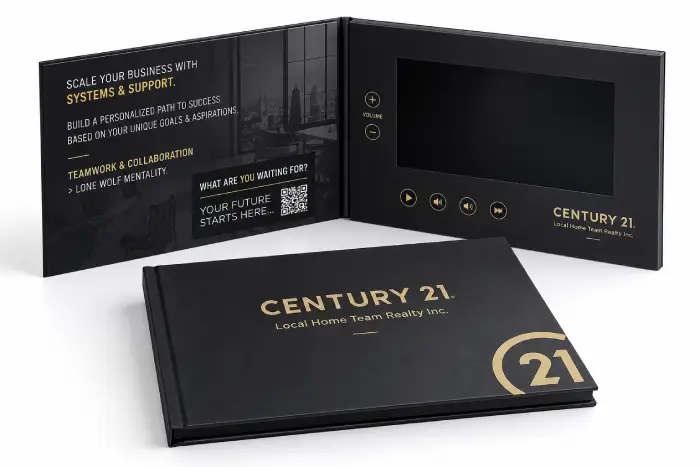
Century21
Real Estate Video Brochure Marketing Presentation

What to Confirm Before Ordering

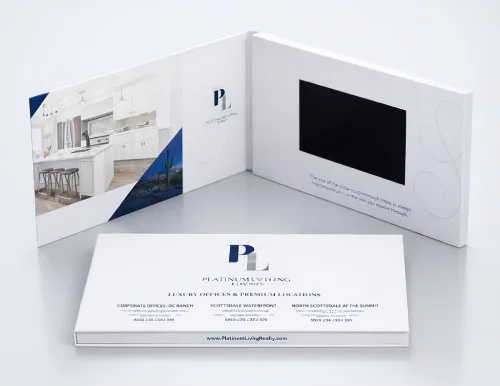
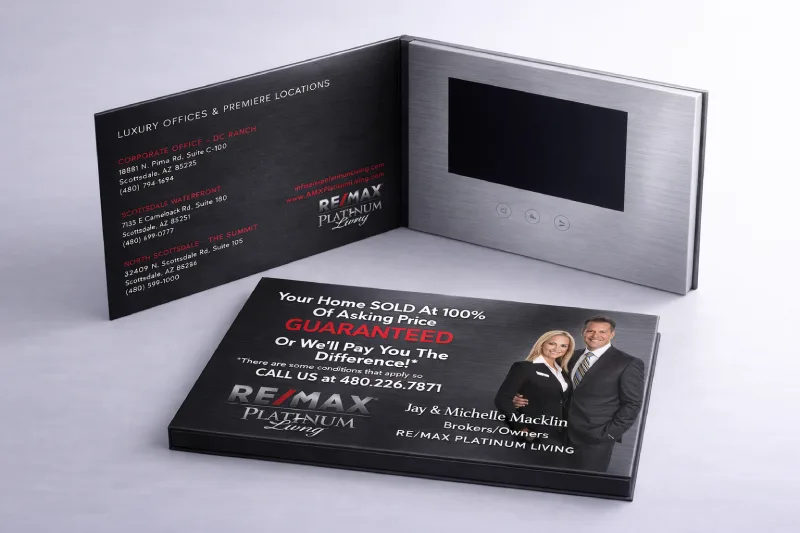
luxury home video brochure with screen and premium print
Luxury Real Estate Video Brochure Presentation
Real Estate Video Brochure Open With Screen

Quantity

Specify whether you need a sample, small production run, or larger production quantity.

Screen Size & Brochure Format

Choose the screen size and overall brochure dimensions based on your presentation requirements.

Video Files

Confirm the total file size and number of videos before selecting the memory capacity.

Button Layout

Decide whether you need simple auto-play or dedicated video and control buttons.

Printing & Finishing

Confirm the print artwork and any lamination, foil stamping, spot UV, or other finishing requirements.

Delivery Schedule

Provide the delivery destination and required in-hand date so production and shipping can be planned accordingly.

How a Custom Real Estate Video Brochure Project Works

Delivery Schedule

Tell us your expected quantity, preferred screen size, brochure dimensions, video requirements, and delivery destination.

Confirm the Configuration

We confirm the screen, memory, button layout, printing, and finishing options for your project.

Prepare Artwork & Video Files

Use the corresponding artwork template and provide your final video files for checking and preloading.

Review a Sample or Proof

A physical sample or production proof can be arranged when required before mass production.

Production & Quality Control

Printing, electronic assembly, video loading, and functional checks are completed before shipment.

Packaging & Shipping

Shipping options are confirmed according to the order quantity, destination, and delivery requirements.

Frequently Asked Questions

A 5-inch screen offers a more compact format, while a 7-inch screen provides a larger viewing area and works well with hardcover presentations. A 10.1-inch screen is available when more screen space is needed for property or development visuals.

Yes. Multiple videos can be preloaded, and dedicated buttons can be configured to switch between different videos depending on the selected button layout.

Yes. Supported configurations allow video files to be updated through a computer connection. We can provide file preparation and uploading instructions for your specific model.

No. Video files are stored in the brochure’s internal memory and play locally without an internet connection.

Yes. A sample can be arranged before a larger production order so you can review the configuration, printing, and video playback.

Production time depends on quantity, configuration, printing, and finishing requirements. The production schedule and shipping time are confirmed for each project before ordering.

Related Video Brochure Guides

Planning your project in more detail? These guides can help you compare costs, screen sizes, storage, and supplier considerations before ordering.

Video Brochure Cost Guide

See what affects video brochure pricing, including screen size, quantity, memory, printing, and customization options.
Read the Video Brochure Cost Guide →

Video Brochure Screen Size & Dimensions Guide

Compare common screen sizes and brochure formats to determine which configuration best fits your presentation.

Compare Screen Sizes & Dimensions →

Video Brochure Memory Guide

Learn how video file size, number of videos, and storage capacity affect the memory configuration you need.

Choose the Right Memory Capacity →

Video Brochure Manufacturer Guide

Review the key points to check when evaluating a video brochure manufacturer, including customization, samples, production, quality control, and communication.

See the Video Brochure Manufacturer Guide →

Planning a Real Estate Video Brochure Project?

Tell us your expected quantity, preferred screen size, video requirements, and delivery destination. We can help you compare the available configurations and prepare a quotation for your project.

Not sure which format to choose? Send us your project requirements and we can recommend a suitable starting configuration.