Video Brochure Examples: Real Custom Projects & Design Ideas
Looking for video brochure design ideas? Exploring real custom video brochure examples is one of the best ways to compare layouts, screen sizes, and presentation styles before starting your own project.
Over the past decade, CheerTrend has manufactured custom video brochures for customers across industries including real estate, healthcare, aviation, manufacturing, consumer products, and corporate communications. The examples below show how different organizations have adapted screen size, printing, and playback features to suit specific marketing objectives.
To protect customer confidentiality, some branding and project details have been simplified while preserving the actual product configurations and applications.
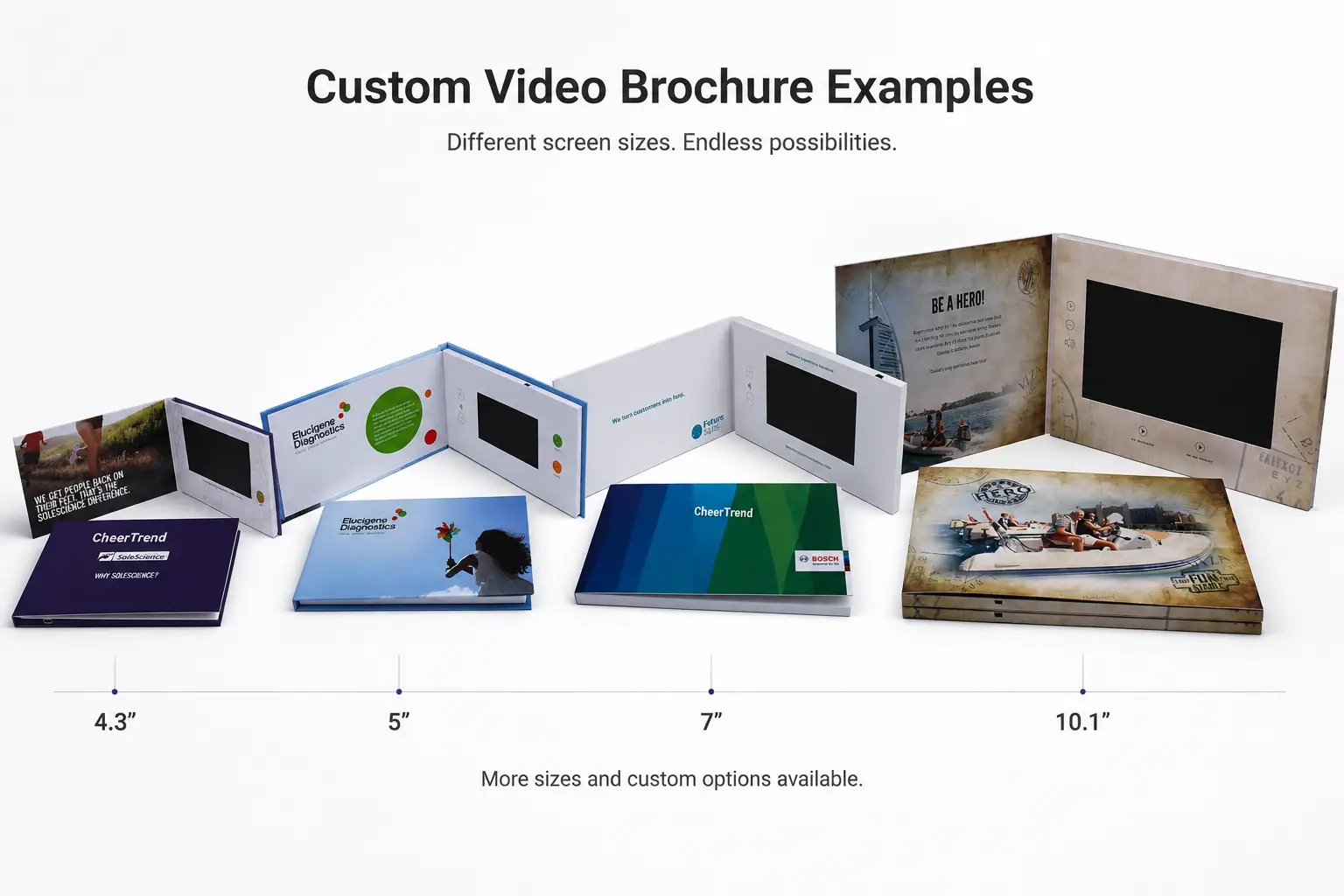
Need help choosing the right configuration? Contact our team for recommendations based on your application, budget, and production requirements.
Why Looking at Real Video Brochure Examples Saves Time
When buyers first contact us, the questions are usually technical — how much does a 7-inch video brochure cost, should I choose 512MB or 1GB memory, how many buttons do I need. Those questions matter, but they’re rarely the starting point of a successful project.
The best video brochures are designed around how they’ll be used, not around their specifications. A brochure for a luxury property presentation has very different requirements from one used for distributor training or a product launch. Looking at real projects helps answer practical questions before requesting a quotation — is a larger screen worth the added cost, does a hardcover create a stronger first impression, are playback buttons necessary, and which printing finishes are commonly used for premium marketing projects.
Quick Comparison
| Industry | Screen | Primary Use |
|---|---|---|
| Luxury Real Estate | 7″ IPS | Property Presentations |
| Aviation Brand | 7″ IPS | Brand Storytelling |
| Healthcare | 7″ IPS | Product Demonstrations |
| Consumer Products | 4.3″ LCD | Product Launches |
| Building Products | 10.1″ IPS | Dealer Presentations |
| Corporate Communication | 5″ IPS | Company Presentations |
Each example below explains why the selected screen size, cover style, playback method, and printing finish suited the project’s specific marketing objective.
Example 1 — Luxury Real Estate
Luxury property marketing depends heavily on visual presentation — interior photography, architectural detail, and cinematic walkthroughs often carry more weight with buyers than the printed word. That’s the starting point for this project: a luxury real estate agency commissioned a custom 7-inch hardcover video brochure to present premium residential developments to prospective buyers and investors. When the brochure opens, video begins automatically, so the sales representative can focus on the conversation instead of managing a laptop or searching for files.
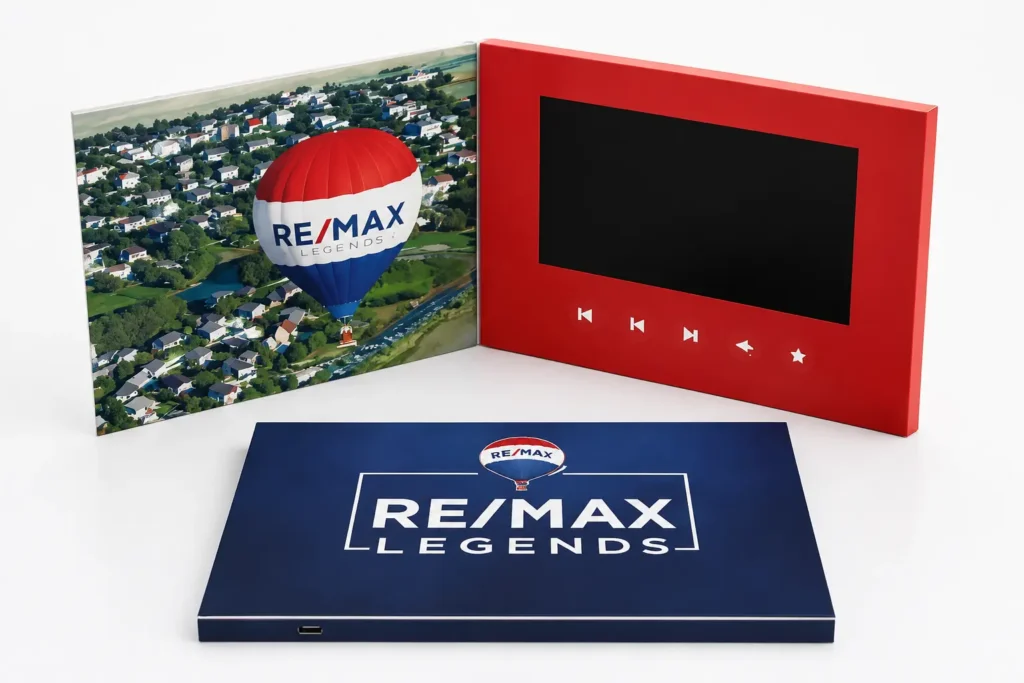
Project Configuration
| Specification | Details |
|---|---|
| Screen | 7-inch IPS |
| Cover | Hardcover |
| Playback | Auto Play |
| Memory | 512MB |
| Finish | Soft-touch Lamination |
In a face-to-face listing presentation, the agent typically has only a few minutes to make an impression before the conversation moves to price and terms. A 7-inch IPS display gives interior photography and property walkthroughs enough room to read clearly at arm’s length, while the hardcover build and soft-touch finish register as premium the moment the brochure is picked up — before a single frame of video has played.
Key Takeaway
If your presentation depends on high-quality visuals and face-to-face meetings, a 7-inch hardcover format offers the strongest balance between portability and presentation quality.
Example 2 — Aviation Brand
The goal for this client was straightforward but not easy to achieve on paper alone: communicate reliability and premium service standards to prospective partners and high-value clients before a single word was spoken. An aviation services company used a custom 7-inch video brochure as part of its corporate presentation materials for exactly that purpose. Instead of a conventional presentation folder, a hardcover video brochure automatically played a brand film when opened, while printed pages highlighted key services and company information.
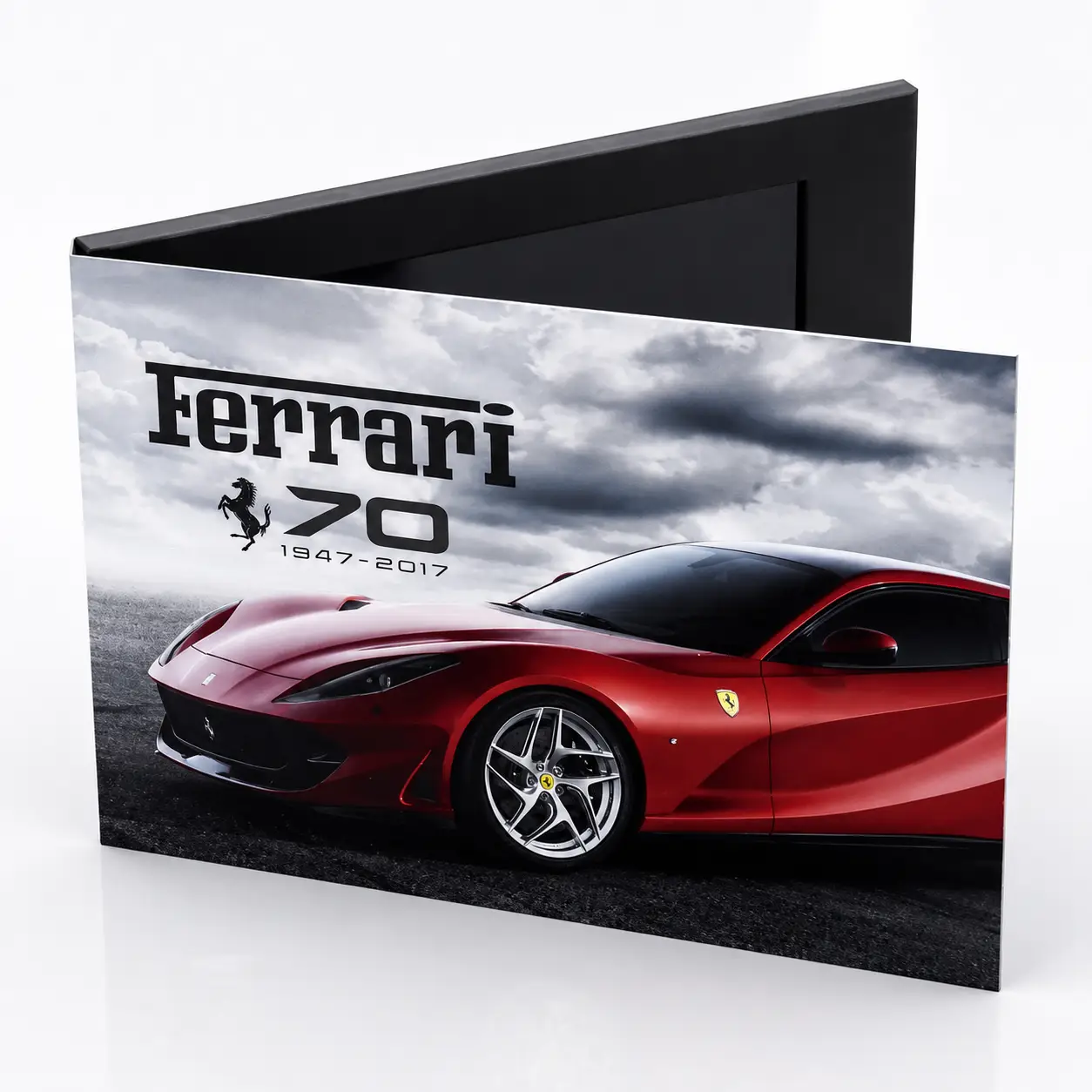
Project Configuration
| Specification | Details |
|---|---|
| Screen | 7-inch IPS |
| Cover | Hardcover |
| Playback | Auto Play + Control Buttons |
| Memory | 512MB |
| Buttons | Play / Next / Previous / Volume |
Why This Configuration Works
Business development meetings rarely stick to a single topic — a conversation about the brand film often leads into a specific service, then a case example. Control buttons let the presenter jump to the relevant clip on demand instead of restarting or fast-forwarding through the whole video, while the 7-inch screen keeps the experience comfortable whether it’s a one-to-one meeting or a small group around a table.
Key Takeaway
If your presentation needs to move between several topics depending on how the conversation unfolds, pairing auto-play with manual controls gives the presenter more control without slowing the meeting down.
Example 3 — Healthcare
Medical products are rarely self-explanatory. Distributors, hospital buyers, and healthcare professionals need to understand not just what a device does, but how it’s used in practice — and printed specs alone tend to raise more questions than they answer. A medical device manufacturer addressed this by developing a custom 7-inch video brochure to introduce a new product line to distributors, hospitals, and healthcare professionals.
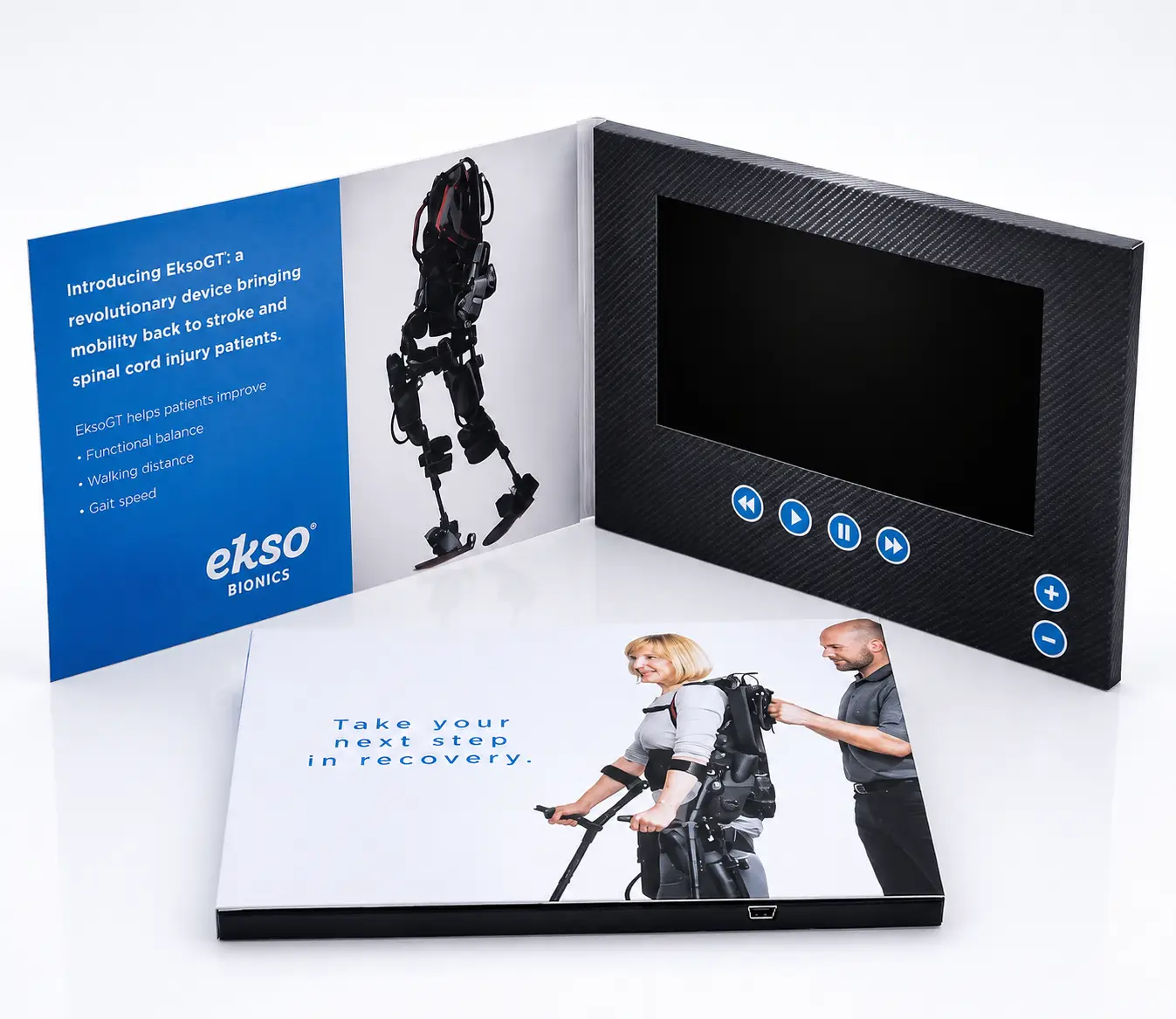
Project Configuration
| Specification | Details |
|---|---|
| Screen | 7-inch IPS |
| Cover | Hardcover |
| Playback | Auto Play |
| Memory | 1GB |
| Finish | Matte Lamination |
Why This Configuration Works
During distributor meetings, product specialists often need to explain installation procedures and demonstrate device operation within a limited meeting time. Video allows those key steps to be shown consistently before the discussion moves to technical questions, while the printed pages stay on hand afterward for specification and certification reference.
Key Takeaway
If your product requires demonstration rather than simple description, a 7-inch autoplay video brochure paired with printed technical reference lets you show the product in use and leave documentation behind — in a single format.
Example 4 — Consumer Products
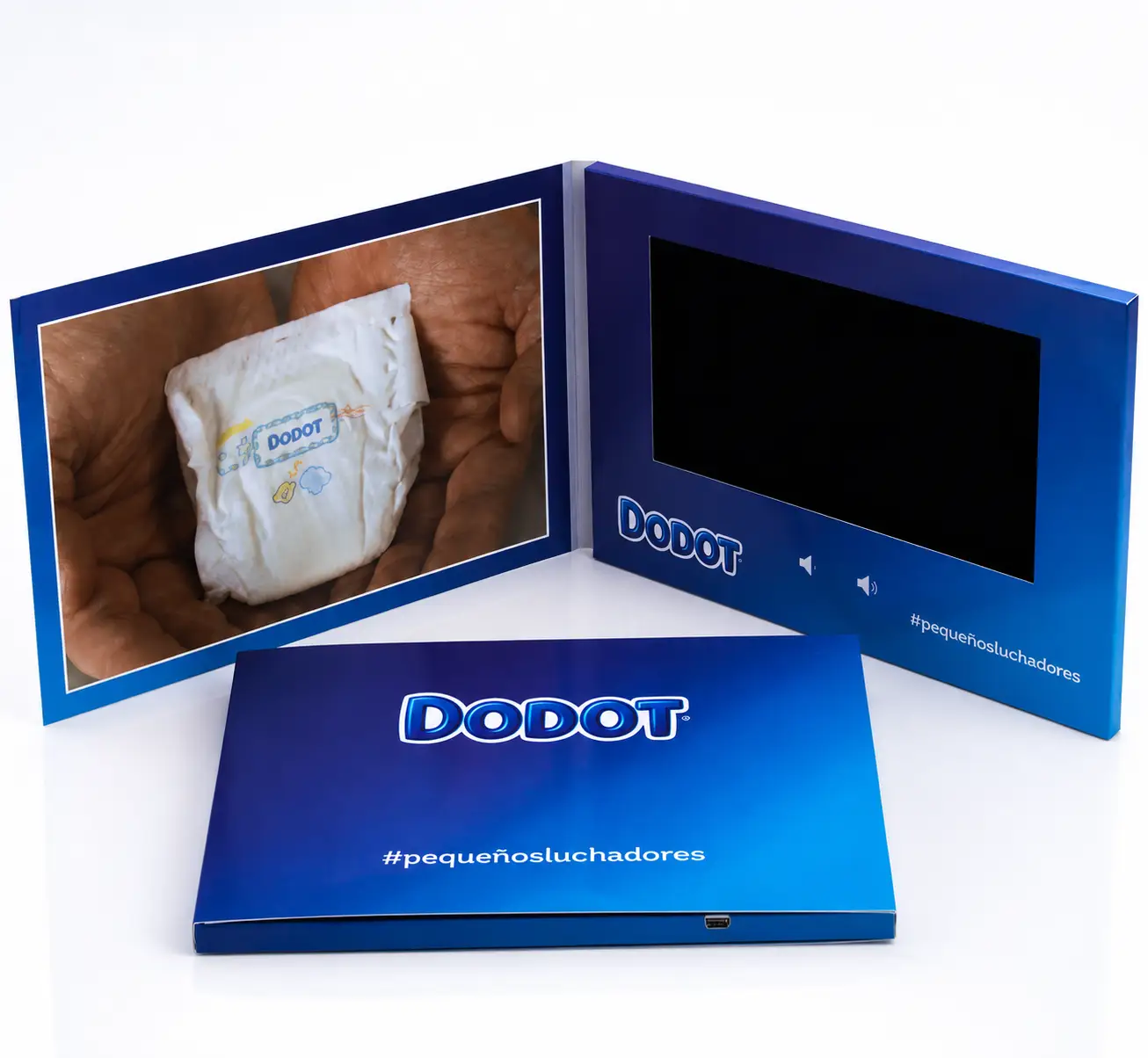
Ahead of a retail launch, the priority is usually reach, not spectacle — getting a piece into the hands of enough retailers, distributors, and media contacts before launch day, without the mailing budget spiraling. That trade-off shaped this project: a consumer products company chose a compact 4.3-inch video brochure as a lightweight pre-launch marketing piece.
Project Configuration
| Specification | Details |
|---|---|
| Screen | 4.3-inch LCD |
| Cover | Soft Cover |
| Playback | Auto Play |
| Memory | 256MB |
| Finish | Matte Lamination |
Why This Configuration Works
A pre-launch mailer needs to land in dozens or hundreds of inboxes and mailboxes without the unit cost or shipping weight undermining the campaign budget. A 4.3-inch screen keeps the piece light enough to mail affordably while still delivering a short, focused product video — the launch message doesn’t need a large display to land.
Key Takeaway
Choose the screen size based on your marketing objective, not simply because a larger screen is available — for a wide-distribution launch piece, a smaller format often protects your budget without weakening the message.
Example 5 — Building Products
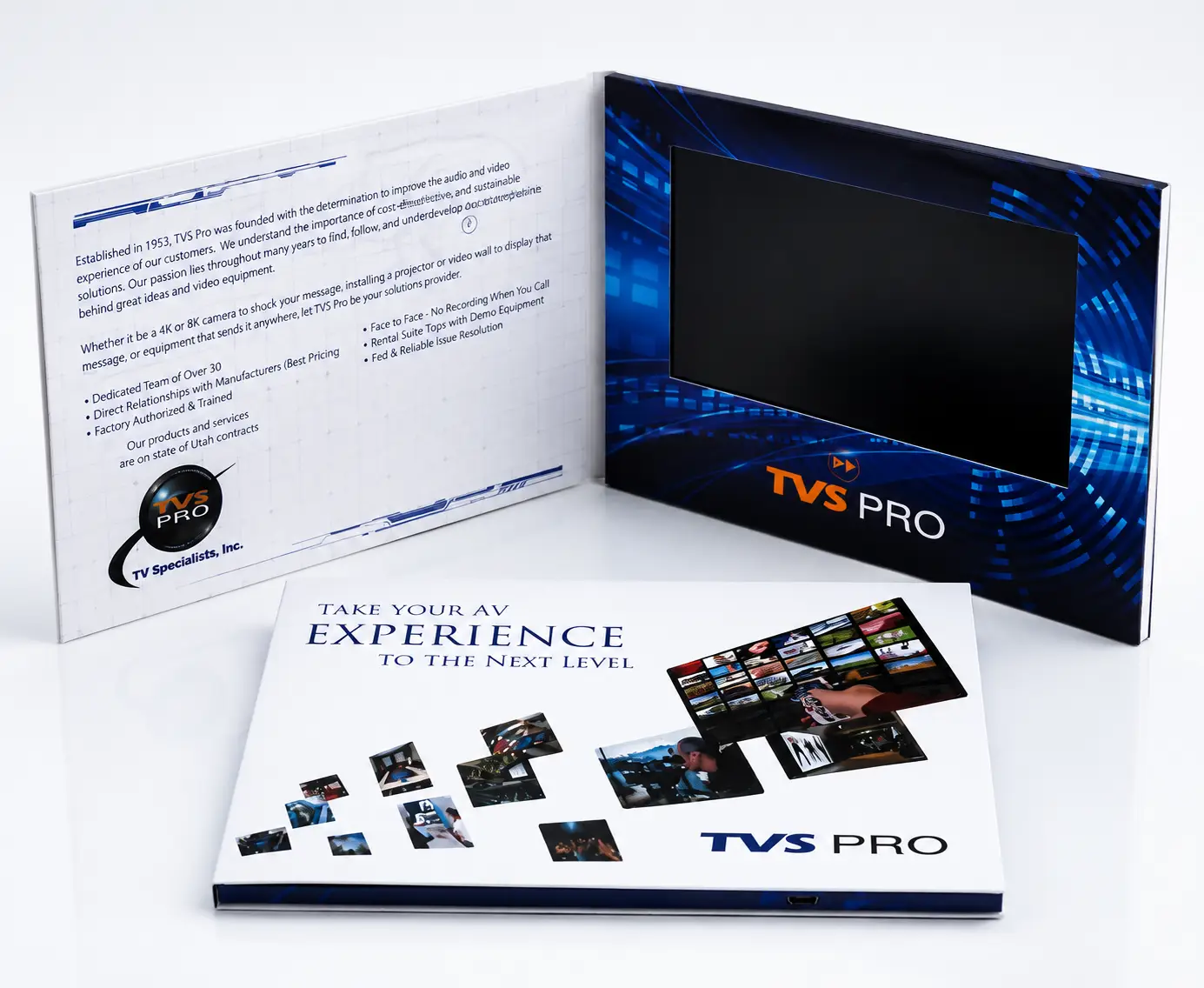
Construction and architectural products are rarely sold on a single image. Contractors and project consultants typically need to see how a system is installed, how components fit together, and how a finished project actually looks on site — details that get lost on a small screen. A building products manufacturer selected a 10.1-inch video brochure to present exactly that kind of content to distributors, contractors, and project consultants.
Project Configuration
| Specification | Details |
|---|---|
| Screen | 10.1-inch IPS |
| Cover | Hardcover |
| Playback | Auto Play |
| Memory | 1GB |
| Finish | Soft-touch Lamination |
Why This Configuration Works
Installation footage and architectural photography lose most of their value on a small screen — a contractor needs to see how a joint is fastened or how a panel aligns, not just recognize that a panel exists. The 10.1-inch display gives that detail room to read clearly, while the hardcover and soft-touch finish keep the piece feeling like a premium presentation tool rather than a technical manual.
Key Takeaway
If your product requires viewers to study installation detail or dimension rather than just recognize the product, a larger screen earns its higher cost — for a simple promotional message, it usually doesn’t.
Example 6 — Corporate Communication
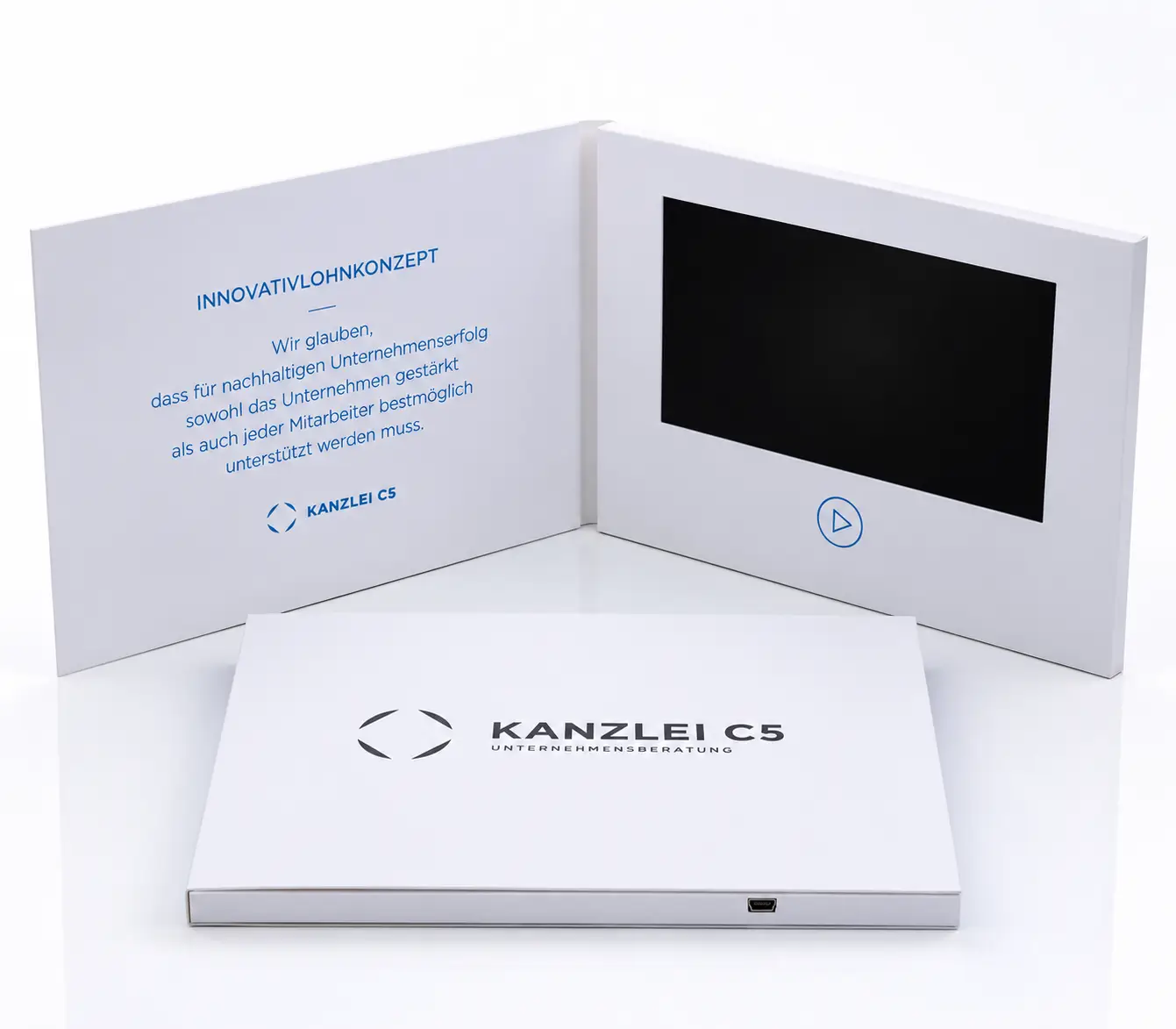
Not every video brochure needs to sell something. Sometimes the job is to introduce a company’s history, values, and leadership to employees or business partners — content that calls for a restrained, professional feel rather than a promotional one. A company took that approach with a custom 5-inch video brochure built for executive presentations and internal communications.
Project Configuration
| Specification | Details |
|---|---|
| Screen | 5-inch IPS |
| Cover | Hardcover |
| Playback | Auto Play |
| Memory | 512MB |
| Finish | Matte Lamination |
Why This Configuration Works
An executive introduction or internal briefing is usually handed across a desk or table, not presented from a distance — portability and a clean, understated feel matter more than screen size. A 5-inch display keeps the piece compact and easy to hand over, while the hardcover build and matte finish read as corporate rather than promotional.
Key Takeaway
If the piece is meant to represent the company itself rather than sell a product, a compact, understated format often carries more credibility than a larger, more elaborate one.
What We Learned From These Projects
- The 7-inch screen is the most common choice across sales-facing projects — large enough for detailed content, compact enough for meetings and trade shows.
- Premium printing shapes the first impression. Soft-touch lamination, spot UV, foil stamping, and embossing appear repeatedly in premium projects because they signal quality before the video even starts.
- Simple playback usually wins. Most projects use automatic playback; buttons get added mainly when several videos need to be accessed in one meeting.
- Video and print should tell one story. The strongest projects keep colors, typography, and messaging consistent from the printed cover straight into the opening frames of the video.
- Design around the audience first. There’s no universal “best” configuration — a setup that works for a luxury property presentation may be unnecessary for a retail launch.
Continue Your Research
Video Brochure Sizes Guide
Compare 4.3″, 5″, 7″, and 10.1″ screen sizes to find the best option for your application.
Video Brochure Cost Guide
Understand the key factors that affect pricing, including screen size, quantity, printing, and customization.
Custom Video Brochures
Explore available screen sizes, printing options, memory capacities, and customization features for your project.
Video Brochure Manufacturer
Learn how custom video brochures are designed, produced, and quality-checked before delivery.
Video Mailer Examples
See how businesses use video mailers for direct mail campaigns, product launches, and promotional marketing.
Ready to Create Your Custom Video Brochure?
As a professional video brochure manufacturer, CheerTrend offers fully customized solutions with factory-direct pricing, flexible order quantities, and worldwide shipping.
Whether you need 50 pieces for a product launch or thousands for a marketing campaign, our team is ready to help.
Contact us today for expert advice, free design recommendations, and a no-obligation quotation.