
Video Brochure Memory Guide: How Much Storage Do You Need?
Choosing the right memory capacity helps ensure your video brochure has enough space for your video content without unnecessary cost.
CheerTrend offers memory options from 128MB to 8GB for different video brochure applications, including corporate presentations, real estate marketing, product launches, invitations, and promotional campaigns.
The right memory choice depends on your video length, number of videos, and project requirements.
Get a Free Quote + Artwork Template
Video Brochure Memory Options Explained
Video brochures use internal flash memory to store video files. Different memory sizes support different video lengths and project requirements.
| Memory | Best For |
|---|---|
| 128MB | Short videos and invitations |
| 256MB | Longer promotional videos |
| 512MB | Corporate and real estate presentations |
| 1GB–8GB | Multiple videos and premium projects |
For most standard video brochure projects, 128MB–512MB is sufficient. Higher memory capacities are usually selected for longer videos or projects containing multiple video files.
Video file size comparison infographic
Video File Size
1 min video
████ 50-100MB
5 min video
████████████ 250-500MB
10 min video
████████████████████ 500MB+
Video brochure examples with recommended memory configurations for different applications — three separate setups shown together:
- Left: Wedding invitation — 5″ video brochure — 128MB
- Center: Real estate presentation — 7″ video brochure — 512MB
- Right: Corporate presentation — 10.1″ video brochure — 1GB+
Alt text: Video brochure memory options for different applications
How Much Video Can a Video Brochure Store?
The storage capacity depends on more than memory size.
The final video capacity is affected by:
- MP4 compression
- Video resolution
- Bitrate
- Number of files
For example, two videos with the same duration may require different storage space if exported with different settings. A shorter, well-compressed video takes up less space than a longer video with minimal compression, even if the playback time is similar.
For the best performance, we recommend selecting memory based on your final video files rather than estimating only by minutes.
Memory determines how much video content can be stored, while battery capacity affects playback time. Learn more about our Video Brochure Battery Capacity Guide.
Sample orders typically ship within 2 business days.
Manufacturer Insight: Choose Memory Based on File Size, Not Only Video Length
Many buyers estimate memory requirements only by video duration. However, the actual storage requirement depends on video resolution, compression settings, and the number of video files.
A 5-minute video exported with different settings can have very different file sizes.
During production, we usually review:
- Final MP4 file size
- Video resolution
- Number of videos
- Playback requirements
before recommending the memory capacity.
For most standard projects, selecting a slightly larger memory option can provide more flexibility for future content updates.
Is 128MB Enough for a Video Brochure?
For many projects, yes.
A 128MB video brochure is commonly used for:
- Wedding invitations
- Event invitations
- Short brand introductions
- Simple promotional videos
- Product announcements
If your project contains one short video with normal playback requirements, 128MB is usually a cost-effective choice.
For example:
Wedding Video Invitation
Recommended configuration:
- 5-inch video brochure
- Auto playback
- 128MB memory
- Short invitation video
When Should You Choose 512MB or More?
A 512MB video brochure is recommended when the project requires:
- Longer videos
- Higher-quality video content
- Multiple video sections
- Property walkthroughs
- Corporate presentations
For example:
Real Estate Presentation Video Brochure
A property marketing brochure may include:
- Exterior videos
- Interior walkthroughs
- Location introductions
- Company information
In this case, 128MB–512MB may be suitable depending on the total video content.
See our 7 Inch Video Brochure for real estate presentation configurations.
Recommended Memory by Application
Different industries usually have different storage requirements.
| Application | Recommended Memory |
|---|---|
| Wedding Invitation | 128MB |
| Event Invitation | 128MB–256MB |
| Real Estate Marketing | 128MB–512MB |
| Corporate Presentation | 512MB–1GB |
| Product Launch Campaign | 512MB–2GB |
| Multiple Video Projects | 1GB–8GB |
Our team can recommend the suitable memory capacity after checking your video files and project requirements.
For corporate presentations requiring larger screens and higher memory, see our 10.1 Inch Video Brochure options.
What Factors Affect Video Brochure Storage Requirements?
1. Video Length
Longer videos require more storage.
A 30-second introduction video and a 10-minute product presentation have very different memory requirements.
2. Video Resolution
Higher-resolution videos usually require larger file sizes.
The screen size, display resolution, and viewing distance should all be considered when preparing video files.
3. Number of Videos
Some projects only need one video.
Others may require:
- Multiple videos
- Different chapters
- Product categories
- Separate presentations
More video files require additional storage space.
4. Video Compression
Proper video compression can reduce file size while maintaining good playback quality.
CheerTrend recommends preparing optimized MP4 files for the best balance between quality and storage.
Before finalizing your memory selection, make sure your video files meet our File Requirements for format, resolution, and encoding.
Can You Update the Video Files Later?
Yes.
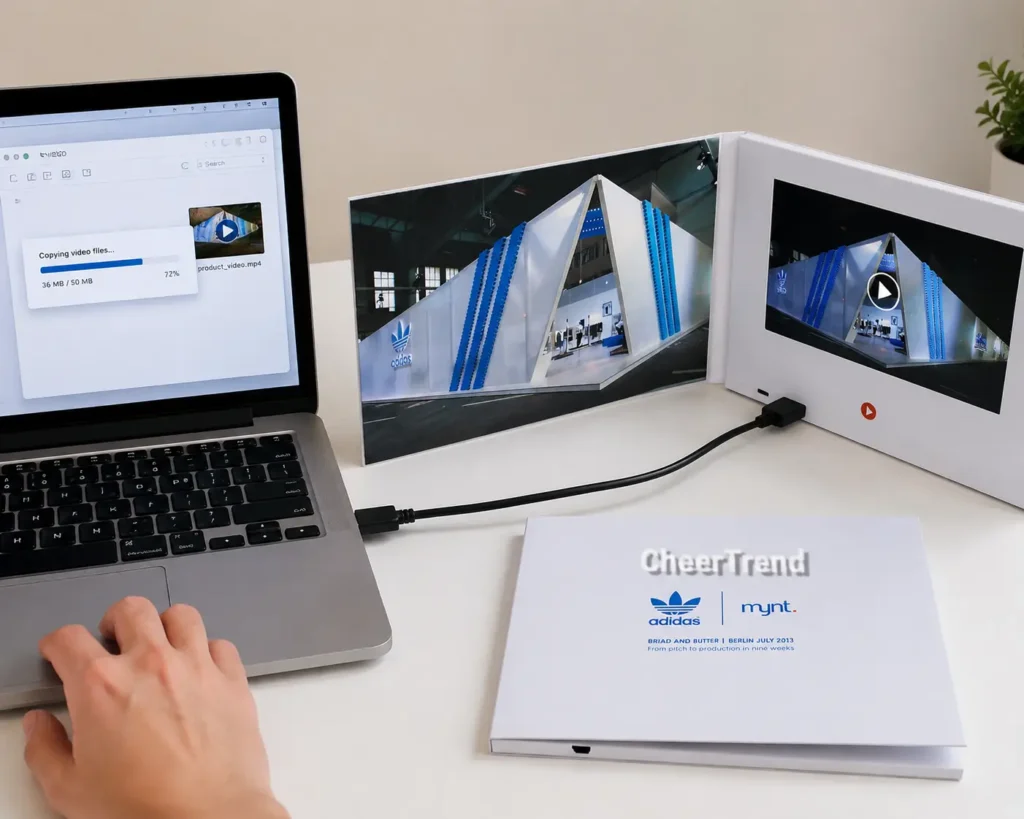
Most CheerTrend video brochures support USB video loading before shipment.
Learn more:
Video Brochure Memory FAQ
Most projects use 128MB to 512MB memory. The best option depends on video length, resolution, and the number of videos.
Yes, 128MB is suitable for short videos such as invitations, greetings, and simple promotional content.
Yes. Higher memory options are available for longer presentations, multiple videos, and customized projects.
Memory capacity is selected during production based on the product configuration. Contact us with your video requirements, and we can recommend the appropriate option.
Memory capacity is usually selected before production. If you need more storage, please confirm before manufacturing.
No. Memory affects storage capacity only. Video quality depends on resolution, bitrate, and video format.
Choose the Right Memory for Your Video Brochure Project
Selecting the correct memory helps balance video quality, project requirements, and cost.
Whether you need a simple invitation card or a premium corporate presentation, CheerTrend can help you choose the right video brochure configuration.
Memory capacity is one part of the total cost. See our Video Brochure Cost Guide for full pricing details.
Get a Free Quote + Memory Recommendation