

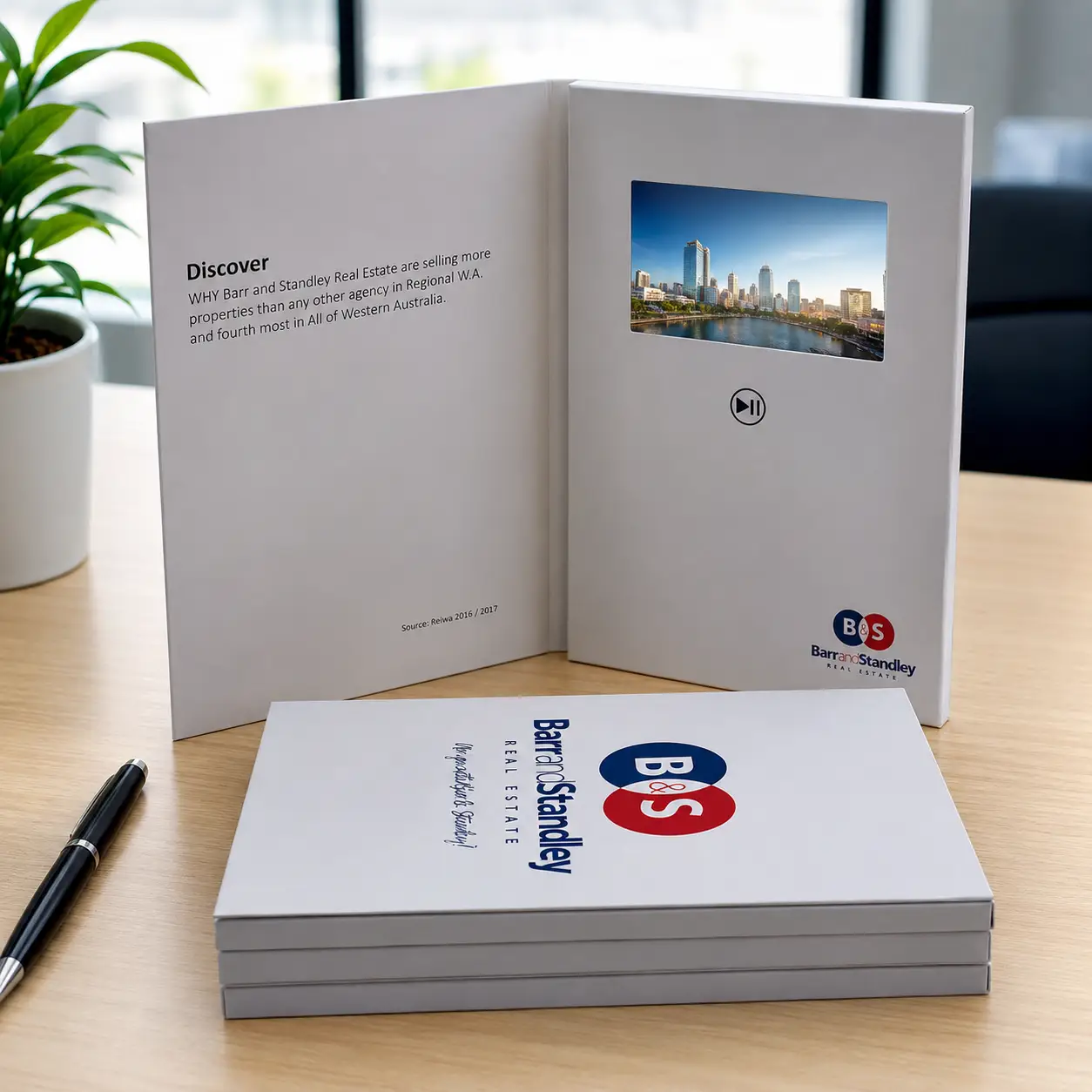
Many sales presentations end the moment the meeting ends. A video brochure can continue presenting your product for days or even weeks after the salesperson has left.
For most sales presentations, the best video brochure is a 7-inch IPS model with a professional printed cover, rechargeable battery, and either button controls for in-person demos or auto-play for leave-behind campaigns. It balances visual impact, portability, and content flexibility for high-value B2B sales environments.
The best sales presentation brochure is not always the one with the largest screen. The right choice depends on your product, your audience, your sales process, and how you expect the prospect to engage with the content after the meeting ends.
How can a video brochure improve my sales presentation?
Many sales professionals face the same challenge. They deliver a strong presentation, answer questions, and leave the meeting feeling confident. A few days later, the prospect has forgotten the key details and the impression fades.
A video brochure improves sales presentations by combining printed materials with video demonstrations. It helps explain products more clearly, creates a stronger leave-behind impression, and gives prospects a tool they can revisit—and share internally—after the meeting.
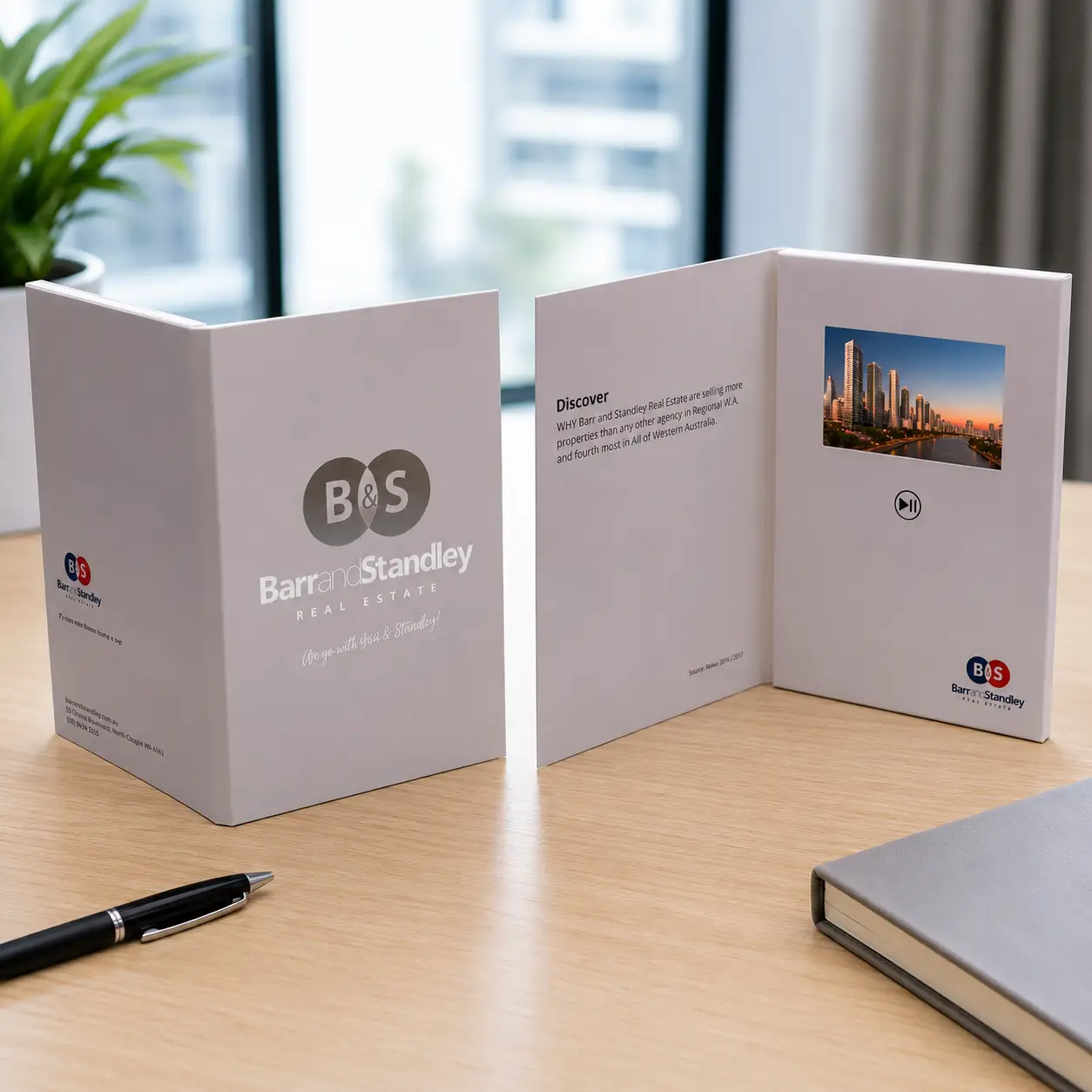
Traditional brochures depend heavily on written information and static images. Video brochures allow sales teams to show how something works rather than asking prospects to imagine it. This is especially valuable for medical devices, industrial equipment, software platforms, real estate developments, and technical products where explanation alone rarely communicates full value.
One advantage that is often underestimated is message consistency. Every salesperson presents slightly differently. A video brochure standardizes the core message so that every prospect receives the same product demonstration, customer story, and value proposition regardless of who conducts the meeting.
At CheerTrend, most of our sales presentation clients order between 20 and 100 units per campaign with highly customized covers and targeted video content. The small batch size reflects the nature of the application: these brochures are not mass giveaways but precision tools aimed at specific decision-makers.1
| Sales Situation | Recommended Use |
|---|---|
| Product Demonstration | Show the product working in real conditions |
| Complex or Technical Product | Simplify explanation through visual demonstration |
| Executive or Boardroom Meeting | Create a premium, professional impression |
| Follow-Up After First Meeting | Reinforce key messages when the prospect reconsiders |
| Multi-Stakeholder Review | Allow the brochure to be shared internally |
A strong sales presentation should continue working even when the salesperson is no longer in the room. Video brochures make that possible.
What screen size should I choose for a sales presentation video brochure?
Buyers often ask whether a 5-inch or 7-inch screen makes more sense for client meetings. The answer depends less on personal preference and more on how the brochure will actually be used.
For in-person sales meetings and product demonstrations, a 7-inch video brochure creates the strongest impression. For large-scale prospect outreach and mailed campaigns, a 5-inch model offers a better balance of quality and cost.
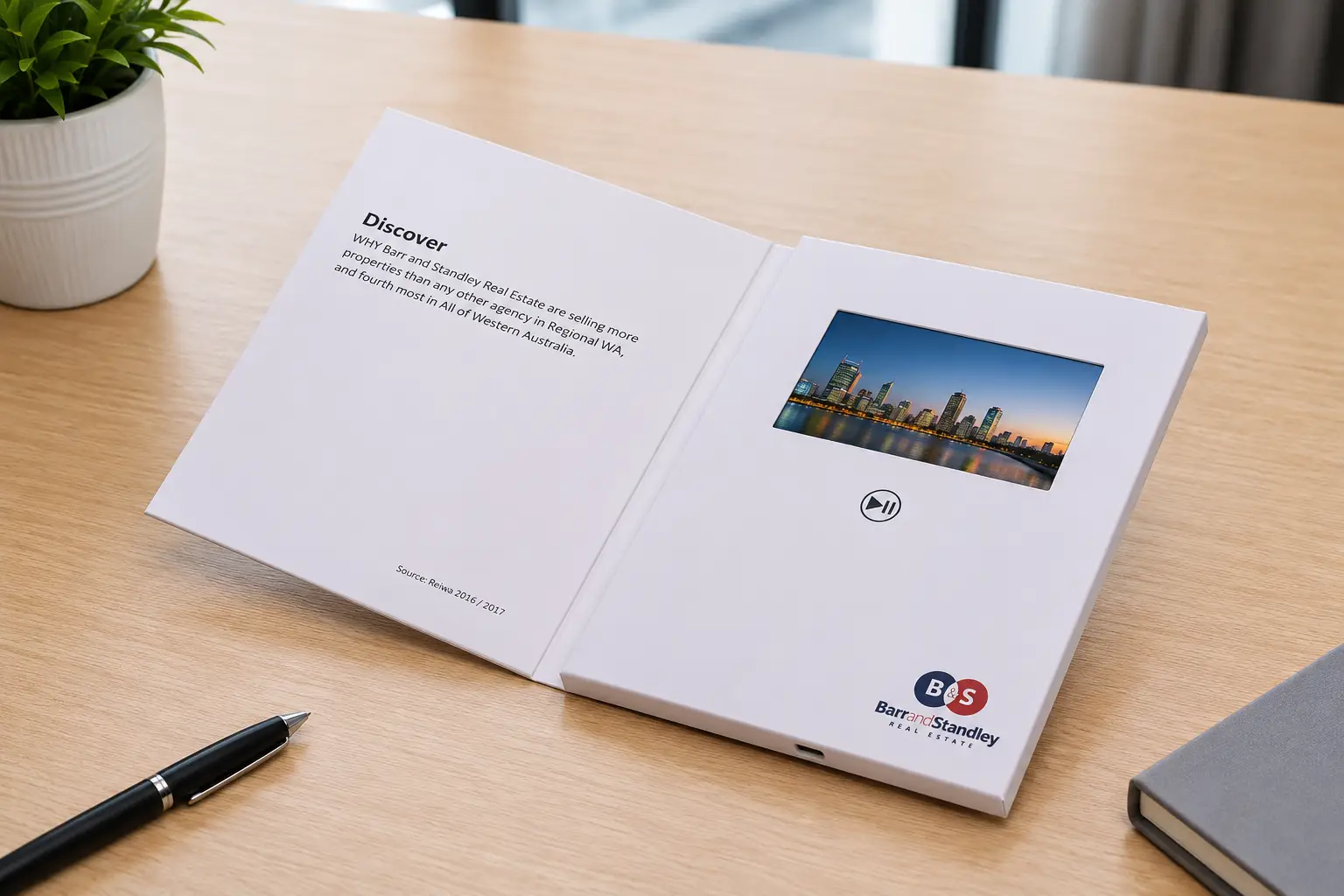
The 5-inch format is compact and cost-effective. It works well when brochures are sent to a broad prospect list, distributed at events, or included in direct mail campaigns alongside other materials. The viewing experience is clear and professional, and the smaller format keeps shipping costs manageable across larger quantities.
The 7-inch format creates a noticeably more premium experience. The additional screen space makes product demonstrations easier to follow, allows more visual detail, and signals a higher level of investment in the relationship. For real estate presentations, medical device sales, industrial equipment, and executive-level B2B meetings, the 7-inch format consistently performs better because the visual experience directly influences perceived product quality.2
| Sales Scenario | Recommended Screen Size |
|---|---|
| Large Prospect Outreach | 5" |
| Product Demonstration | 7" |
| Real Estate Presentation | 7" |
| Medical Device Sales | 7" |
| Executive or Boardroom Meeting | 10.1" |
| Feature | 5" | 7" |
|---|---|---|
| Portability | Excellent | Good |
| Cost Efficiency | Excellent | Good |
| Visual Impact | Good | Excellent |
| Shipping Cost | Lower | Higher |
| Presentation Quality | Good | Excellent |
For most B2B sales environments, a 7-inch IPS screen is the format I recommend first. The cost difference relative to a 5-inch model is modest, and the improvement in perceived quality is immediately visible when the brochure is placed in front of a client.
Should I use buttons or auto-play for my sales meetings?
This question has a more nuanced answer in sales presentations than in trade show applications. The right configuration depends on whether the brochure is being used for in-person demonstrations or as a leave-behind after the meeting.
For in-person sales presentations where a representative controls the meeting, button controls give the salesperson the ability to pace the content, skip to relevant sections, and respond to the prospect’s questions. For leave-behind campaigns, auto-play creates the strongest immediate impression when the prospect opens the brochure alone.
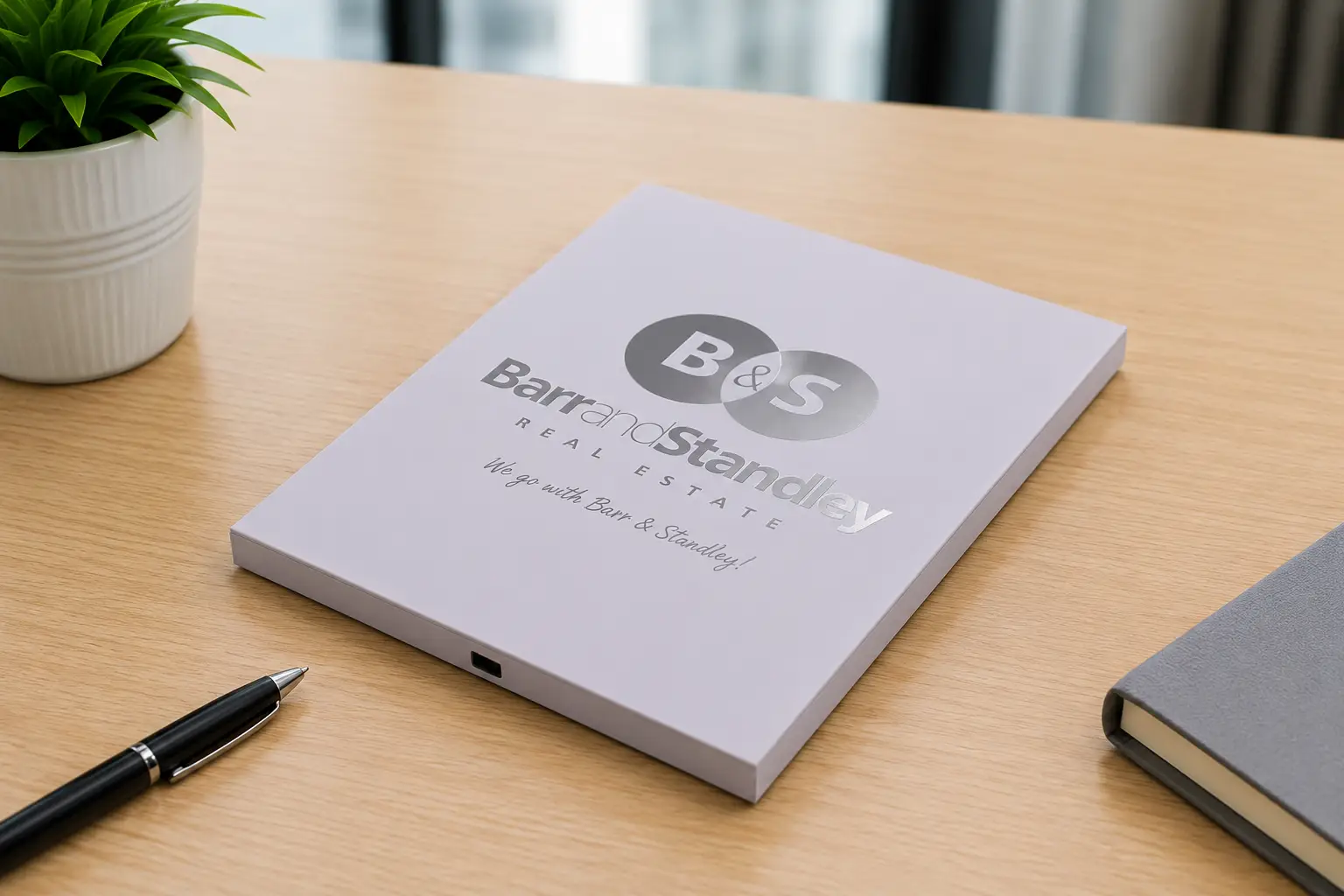
Auto-play is simple and effective. The brochure opens and the video begins immediately without requiring the prospect to do anything. This works extremely well as a leave-behind tool because it creates an immediate engagement moment at exactly the right time—when the prospect picks up the brochure on their desk, sometimes days after the meeting.3
Button controls serve a different purpose. When a sales representative is in the room, they need to control the pace of the presentation. They may want to pause on a specific product feature, skip past content that is not relevant to this particular prospect, or replay a section after a question. A brochure that begins playing automatically the moment it opens can disrupt this flow rather than support it.
| Feature | Auto-Play | Button Controls |
|---|---|---|
| Ease of Use | Excellent | Good |
| Immediate Engagement | Excellent | Good |
| Multiple Videos | Limited | Excellent |
| Sales Rep Control | Low | Excellent |
| Leave-Behind Campaigns | Excellent | Good |
| In-Person Demonstrations | Good | Excellent |
For clients who need both functions, I often recommend a magnetic auto-play design with a few simple buttons. The brochure plays automatically when opened but the representative can still pause, adjust volume, or switch between videos when needed.
What content should I include in my sales presentation video brochure?
Many companies spend significant time selecting the hardware and very little time planning the video content. This imbalance limits the effectiveness of the entire campaign regardless of which screen size or playback configuration is chosen.
The most effective sales presentation video brochures focus on customer problems, product solutions, and proof of results. Product demonstrations and customer success stories consistently outperform corporate overview videos in B2B sales environments.
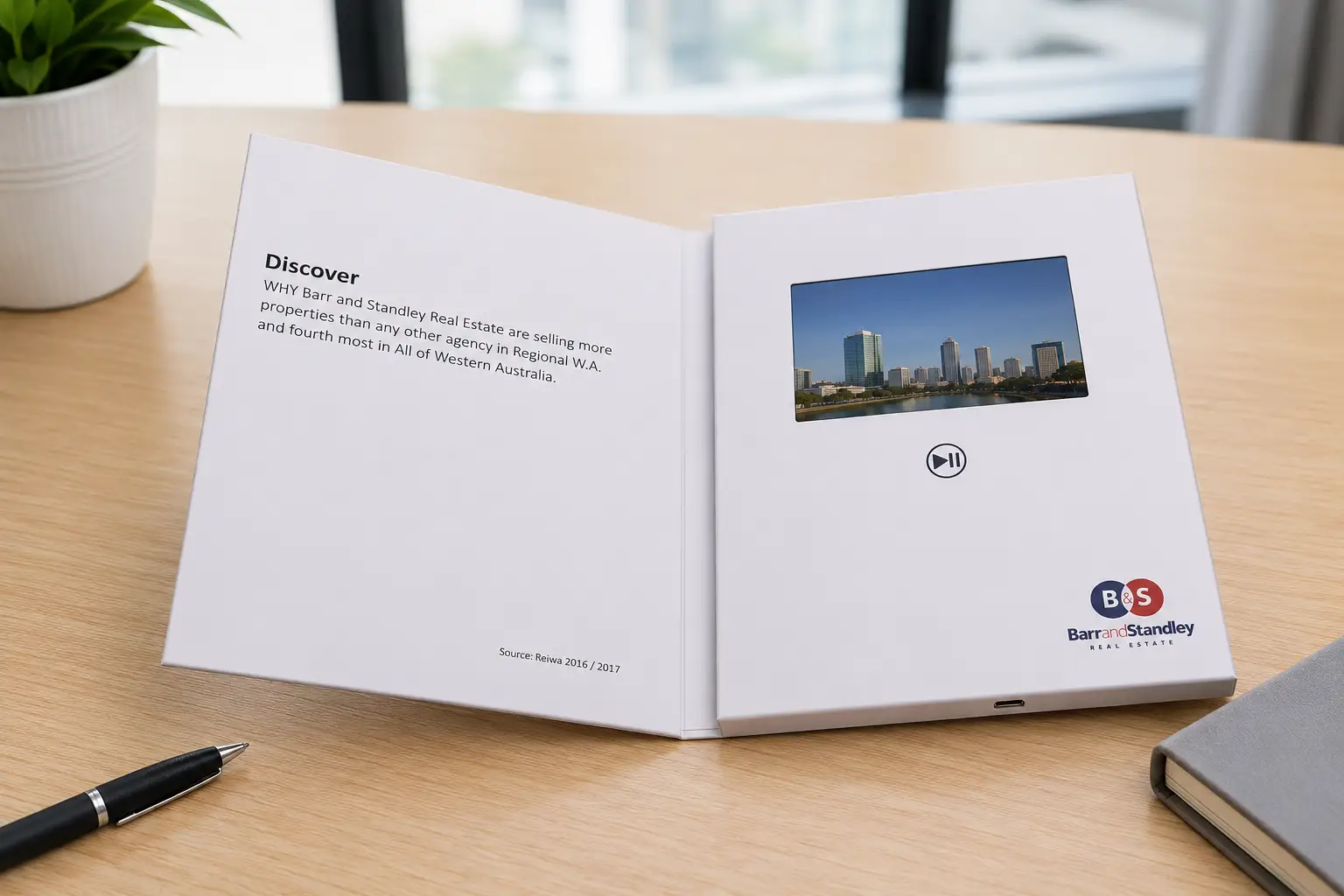
A common mistake is opening with a lengthy company introduction. Most prospects care more about solving a specific problem than learning about the manufacturer’s history or award record. The strongest sales presentation videos identify the prospect’s problem first, present the product as the solution, provide proof through demonstration or case study, and close with a clear next step.4
For medical devices, industrial equipment, and technology products, the demonstration itself is often the most persuasive element. Buyers want to see the product working under real conditions. A 60-second demonstration that shows actual operation, actual results, and actual customer feedback often achieves more than a five-minute corporate film.
| Content Type | Effectiveness |
|---|---|
| Product Demonstration | High |
| Customer Case Study | High |
| Product Comparison | High |
| Testimonial Video | High |
| Brand Story | Medium |
| Company Overview | Medium |
Video length matters significantly in this context. Sales presentation videos perform best when they remain focused and concise. Multiple short videos covering different products or customer segments often outperform a single long presentation because the salesperson can navigate to the most relevant content for each specific prospect.5
Quick Reference: Frequently Asked Questions
| Question | Short Answer |
|---|---|
| What is the best screen size for sales presentations? | A 7-inch video brochure is ideal for most in-person B2B sales meetings. |
| Should I use auto-play or buttons? | Auto-play for leave-behinds; button controls for in-person demonstrations. |
| How long should my sales video be? | Most effective sales videos are between 60 seconds and 3 minutes. |
| Can I update the video after production? | Yes, most video brochures support USB video updates. |
| Is a 7-inch brochure worth the extra cost over a 5-inch? | Yes, particularly for premium products and high-value client meetings. |
| Should I include one video or multiple videos? | Multiple short videos usually provide more flexibility during in-person sales meetings. |
Conclusion
The best sales presentation video brochure balances presentation quality, portability, content flexibility, and ease of use. For most B2B companies, a 7-inch IPS video brochure with button controls for in-person meetings—or auto-play for leave-behind campaigns—delivers the strongest combination of impact and practicality.
If you are planning a sales presentation campaign and are unsure which screen size, playback option, or content structure is right for your project, feel free to contact me. I am happy to help you choose a practical solution based on your goals and budget.
-
Small-batch custom production for sales presentations typically involves highly personalized cover printing, targeted video content, and precise delivery to named decision-makers rather than broad distribution. ↩
-
IPS panels maintain consistent color and contrast at viewing angles up to 178°, which is relevant when a brochure is placed on a desk and viewed from different positions during a meeting. ↩
-
Auto-play is triggered by a magnetic sensor in most video brochure models. When the cover opens beyond a certain angle, the sensor activates and playback begins automatically without any button press. ↩
-
Problem-solution-proof is a widely used structure in B2B sales communication because it matches the cognitive process buyers use when evaluating whether a product addresses their specific situation. ↩
-
In B2B sales environments, video completion rate is influenced by relevance as much as length. A 3-minute video on a directly relevant topic will often be watched in full, while a 90-second video on an unrelated product may be abandoned early. ↩