

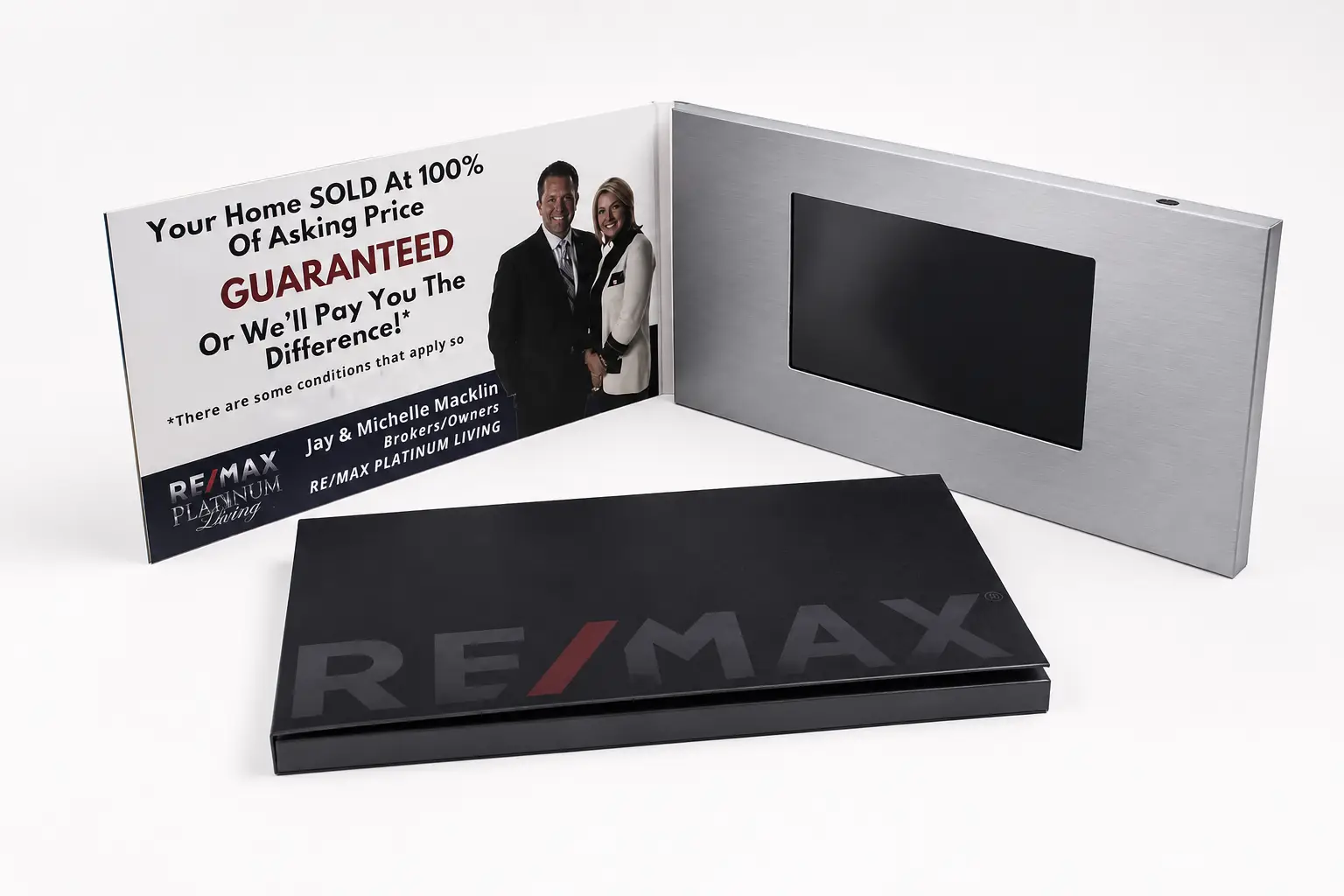
Most trade show brochures are forgotten within hours. A well-designed video brochure can stay on a prospect’s desk for days or even weeks after the event. I have seen companies invest heavily in booth design, travel, and displays, only to hand out marketing materials that never get viewed again. A visitor who spends three minutes watching a product demonstration is far more likely to remember your brand than one who spent thirty minutes reading a printed catalogue.
For most trade shows, the best video brochure is a 7-inch hardcover model with an IPS screen, rechargeable battery, and either auto-play or simple button controls. It provides the best balance of visual impact, portability, cost, and usability for exhibitions, product demonstrations, and post-show follow-up campaigns.
The right video brochure is not always the largest or most expensive one. The best choice depends on how visitors will interact with it, what content you want them to watch, and whether the brochure will be used during the event, after the event, or both.
How can a video brochure help me attract attention at a trade show?
Many exhibitors face the same problem. Visitors walk past the booth, glance at a banner, collect a flyer, and move on. Standing out becomes difficult when dozens of competitors are presenting similar products and services in the same hall.
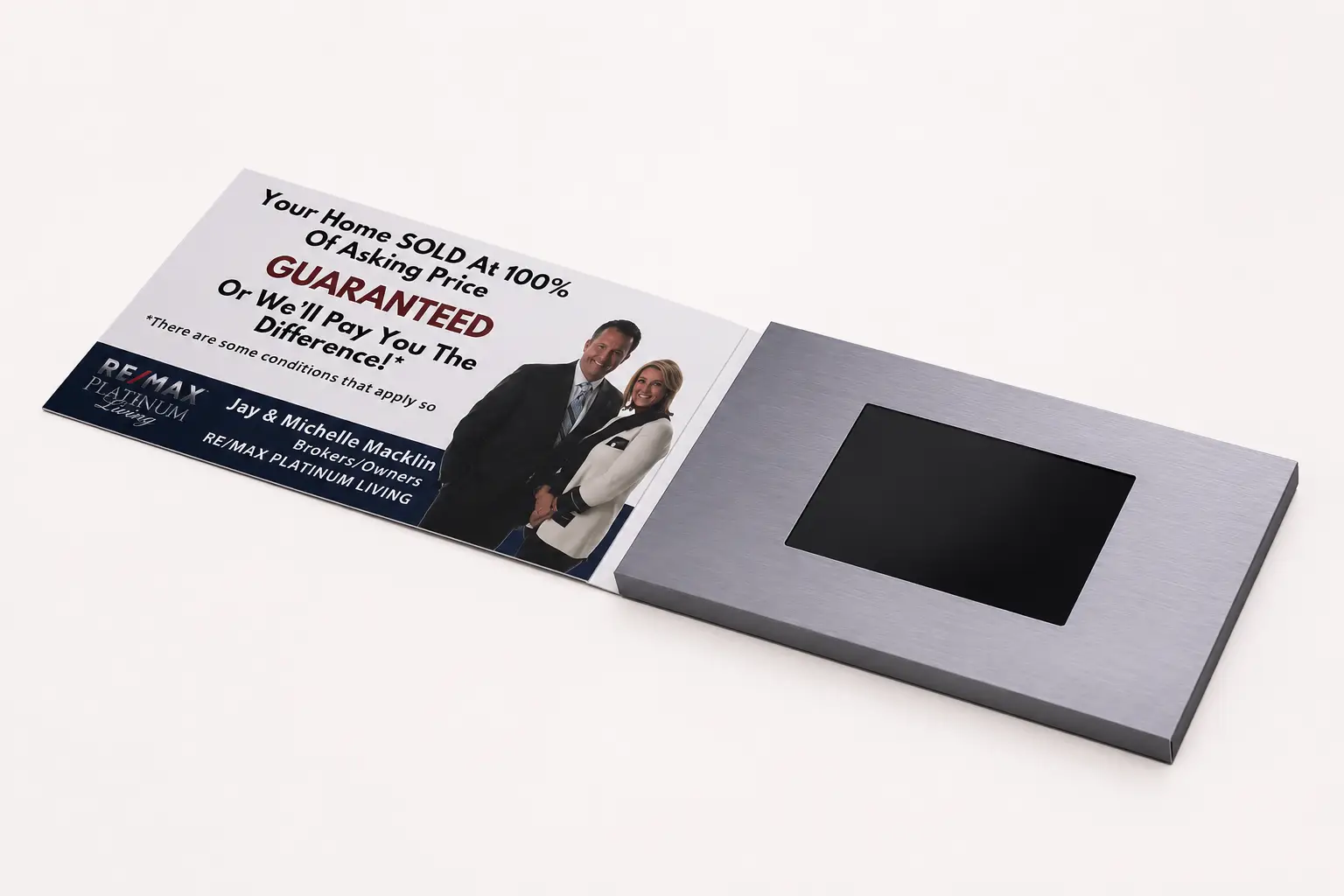
A video brochure attracts attention by combining print and video into a single presentation tool. It allows exhibitors to demonstrate products, explain solutions, and tell brand stories in a format that visitors can hold, watch, and take home after the event.
Trade shows are crowded environments. Visitors are exposed to hundreds of messages every day. Static brochures often struggle to communicate enough information within the few seconds available to capture interest.
A video brochure solves this by delivering information immediately. When a prospect opens the brochure, a product demonstration, customer case study, or brand presentation begins playing instantly. Instead of reading several pages of technical specifications, the visitor receives a visual explanation within seconds.
This advantage is especially important for medical devices, industrial equipment, software platforms, and technology products — categories where photographs alone rarely communicate the full value of the product. A short video can demonstrate functionality, real-world application, and results far faster than any printed material.
At CheerTrend, the majority of our trade show clients use the video brochure in two ways: as a booth handout for qualified prospects during the event, and as a follow-up tool mailed to key contacts in the week after the show. Both applications use the same brochure with the same video, which means the investment in production continues to generate value long after the exhibition closes.1
| Trade Show Objective | How a Video Brochure Helps |
|---|---|
| Product Demonstration | Shows products in action immediately |
| Lead Qualification | Delivers consistent messaging to every prospect |
| Brand Awareness | Creates stronger post-show recall |
| Distributor Recruitment | Explains partnership opportunities clearly |
| Investor Meetings | Supports professional presentations |
The most successful trade show campaigns use the video brochure as part of a larger sales process rather than treating it as a simple giveaway item.
What screen size should I choose for a trade show video brochure?
One of the first questions buyers ask is whether to choose a 5-inch, 7-inch, or 10-inch screen. Many assume that the largest screen automatically creates the best results.
For most trade shows, a 7-inch video brochure offers the strongest balance of visibility, portability, and return on investment. A 5-inch brochure is ideal for high-volume distribution, while a 10-inch brochure is better suited for VIP presentations and premium campaigns.
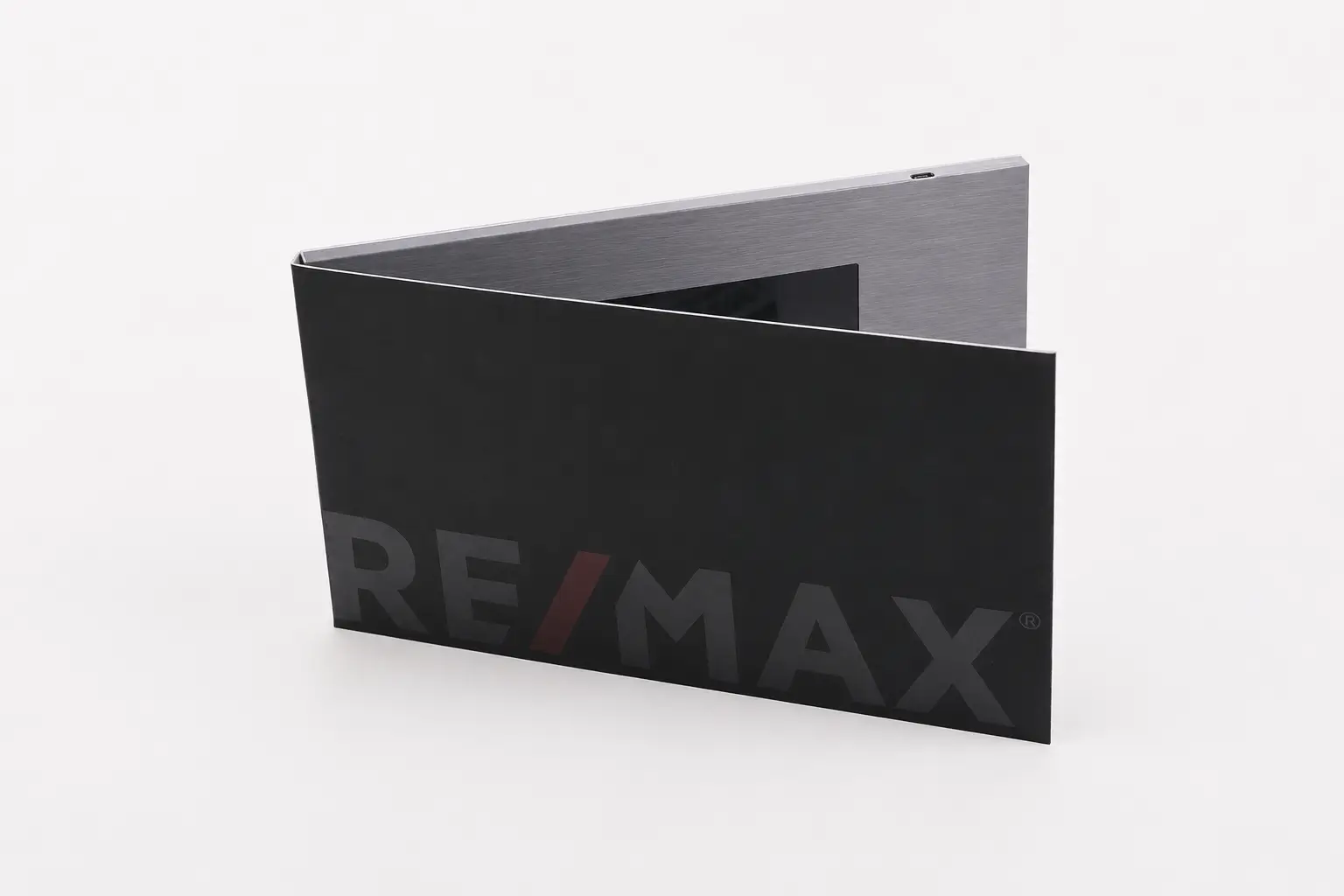
The 5-inch format is popular for events where exhibitors plan to distribute brochures to a large number of prospects. It is compact, easy to carry, and keeps shipping costs manageable for bulk campaigns. The 7-inch format remains the most common choice among our trade show clients because it provides enough screen space for product demonstrations and technical content while still fitting comfortably in a bag or briefcase.2
The 10.1-inch format creates a stronger visual impression and works well for luxury brands, investor presentations, and medical device demonstrations where detail and perceived quality matter most. The trade-off is higher production cost, heavier packaging, and meaningfully higher international shipping costs.
| Trade Show Goal | Recommended Screen Size |
|---|---|
| General Lead Generation | 5" |
| Product Demonstration | 7" |
| Technical Presentation | 7" |
| Distributor Meeting | 7" |
| VIP Presentation | 10.1" |
| Feature | 5" | 7" | 10.1" |
|---|---|---|---|
| Portability | Excellent | Good | Moderate |
| Visual Impact | Good | Excellent | Excellent |
| Shipping Cost | Lower | Medium | Higher |
| Handout Suitability | Excellent | Good | Limited |
| Premium Appearance | Good | Very Good | Excellent |
The best screen size is the one that matches the campaign objective. For most trade shows, that means a 7-inch brochure.
Should I use buttons or auto-play for my trade show campaign?
Many buyers focus on screen size and overlook the playback configuration. In practice, how visitors interact with the brochure often determines whether they watch the full content or set it aside.
Auto-play works best when the goal is immediate engagement and the campaign focuses on a single clear message. Button controls work best when visitors need to choose between multiple videos, product categories, languages, or case studies.
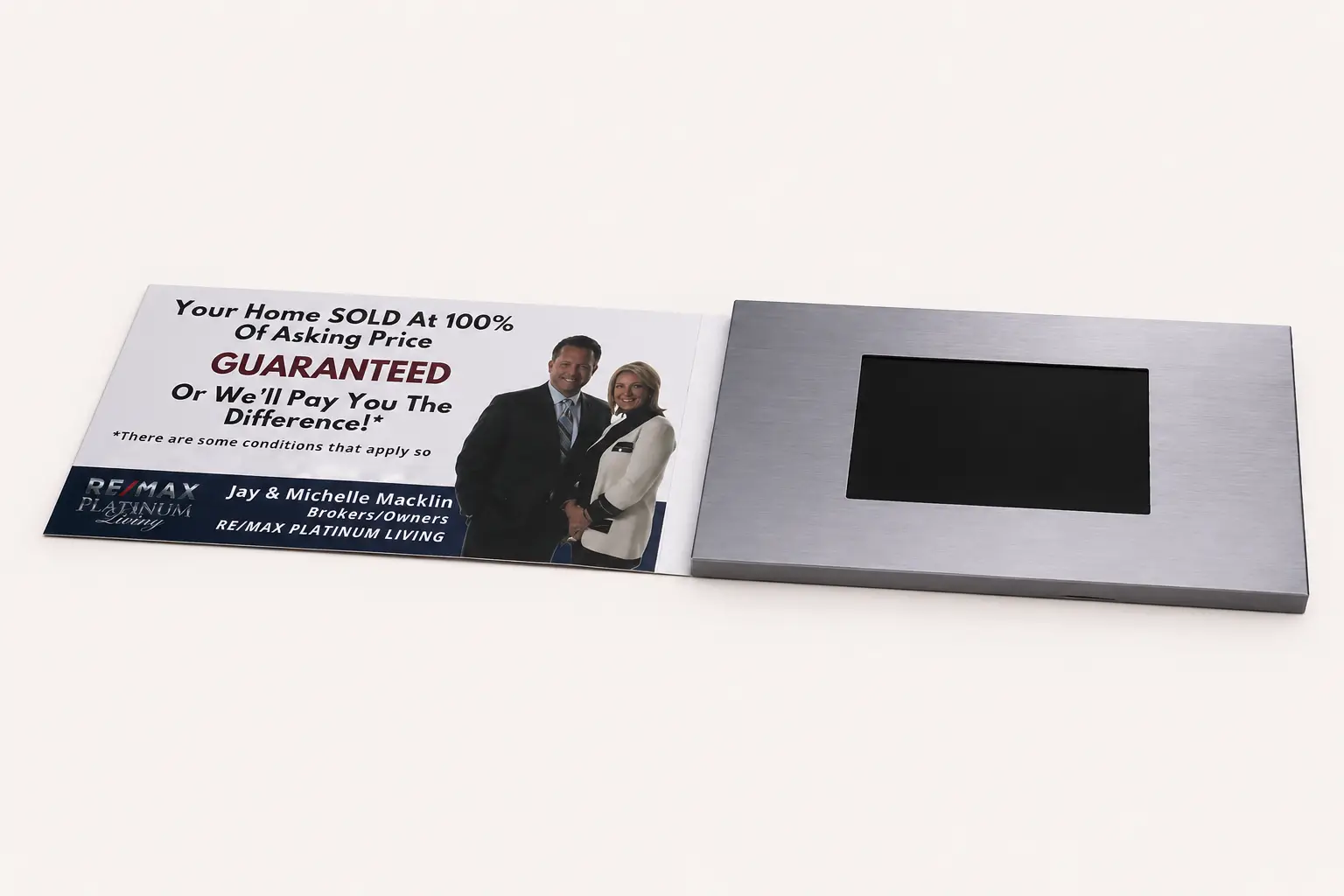
Auto-play removes any decision-making from the visitor. The brochure opens and the video begins immediately. This is the preferred configuration for booth handouts, direct mail follow-up campaigns, and any situation where a single video carries the full message.
Button controls become valuable when the brochure contains more than one video. Many exhibitors include separate content for product demonstrations, technical specifications, customer testimonials, and multilingual versions. In these cases, buttons allow the visitor or the sales representative to navigate to the most relevant content for that specific conversation.
For continuous booth demonstrations, the configuration I recommend most often includes a dedicated on/off button, volume controls, loop playback, and USB power support so the device can run throughout the day without draining the battery.3
| Feature | Auto-Play | Button Controls |
|---|---|---|
| Ease of Use | High | Medium |
| Immediate Engagement | Excellent | Good |
| Multiple Videos | Limited | Excellent |
| Visitor Control | Low | High |
| Product Demonstrations | Good | Excellent |
| Multi-Language Content | Limited | Excellent |
For most trade show campaigns, I recommend keeping the interface as simple as possible. Too many buttons can distract visitors from the content and reduce overall engagement.
What content should I include in my trade show video brochure?
Many companies spend significant time selecting hardware and very little time planning video content. This imbalance often leads to disappointing results regardless of the screen size or configuration chosen.
The most effective trade show video brochures focus on product demonstrations, customer success stories, and clear business value. Concise, well-structured videos almost always outperform lengthy corporate presentations in exhibition environments.
Trade show visitors rarely have time to watch long presentations. Attention spans are limited, and most prospects are evaluating several suppliers during the same event. For industrial, medical, and technology companies, product demonstration videos consistently generate the strongest engagement because buyers want to see the product working rather than hear about the company’s history.4
Customer success stories are highly effective as a second layer of content. A prospect is often more persuaded by another customer’s real experience than by the manufacturer’s own marketing claims. Where possible, I recommend pairing a product demonstration with a short case study from a recognizable client or industry.
| Content Type | Effectiveness |
|---|---|
| Product Demonstration | High |
| Customer Case Study | High |
| Product Comparison | High |
| Brand Story | Medium |
| Corporate Overview | Medium |
A practical content structure that works well for trade shows combines a short attention-grabbing opening, a focused product demonstration, a customer result or proof point, and a clear call to action. The total running time should ideally stay under two minutes. Shorter videos tend to achieve higher completion rates in busy exhibition environments, which means more prospects receive the full message.5
Quick Reference: Frequently Asked Questions
| Question | Short Answer |
|---|---|
| What is the best screen size for trade shows? | A 7-inch video brochure is the most versatile option for most exhibitions. |
| Should I use buttons or auto-play? | Auto-play is best for single-video campaigns; buttons work better for multiple videos. |
| How long should my trade show video be? | Most effective trade show videos are between 30 seconds and 2 minutes. |
| Can I update the video after the event? | Yes, most video brochures can be updated through USB connection. |
| Is a 10-inch brochure always better than a 7-inch? | No. A 7-inch brochure often provides a better balance of cost, portability, and impact. |
| How many units should I order for a trade show? | Most exhibitors order 100–500 units for general distribution, or 50–100 for qualified leads only. |
Conclusion
The best trade show video brochure is rarely the biggest or most expensive model. For most exhibitors, a 7-inch IPS video brochure with practical playback controls delivers the strongest balance of engagement, portability, and value. Matching the screen size, playback configuration, and video content to the specific event and audience consistently produces better results than simply choosing the highest specification available.
If you are planning an upcoming exhibition and are unsure which screen size, memory, or playback configuration suits your campaign, I am happy to review your requirements and recommend a practical setup based on real trade show project experience at CheerTrend.
-
Video brochures used as post-show follow-up tools extend campaign value beyond the event itself, reaching prospects at a calmer moment in the sales cycle when they are more likely to engage with detailed content. ↩
-
Shipping cost differences between screen sizes accumulate significantly for international bulk shipments. A 10.1-inch brochure can cost roughly twice as much to ship as a 7-inch version for the same quantity. ↩
-
USB power support allows video brochures to run continuously during exhibitions without depleting the internal battery, which is particularly useful for multi-day trade shows. ↩
-
Product demonstration videos are effective in trade show contexts because they reduce the cognitive effort required to understand a product’s value, allowing prospects to form a clear impression within seconds. ↩
-
Video completion rate refers to the percentage of viewers who watch a video from start to finish. Shorter videos consistently achieve higher completion rates in environments where attention is divided. ↩