

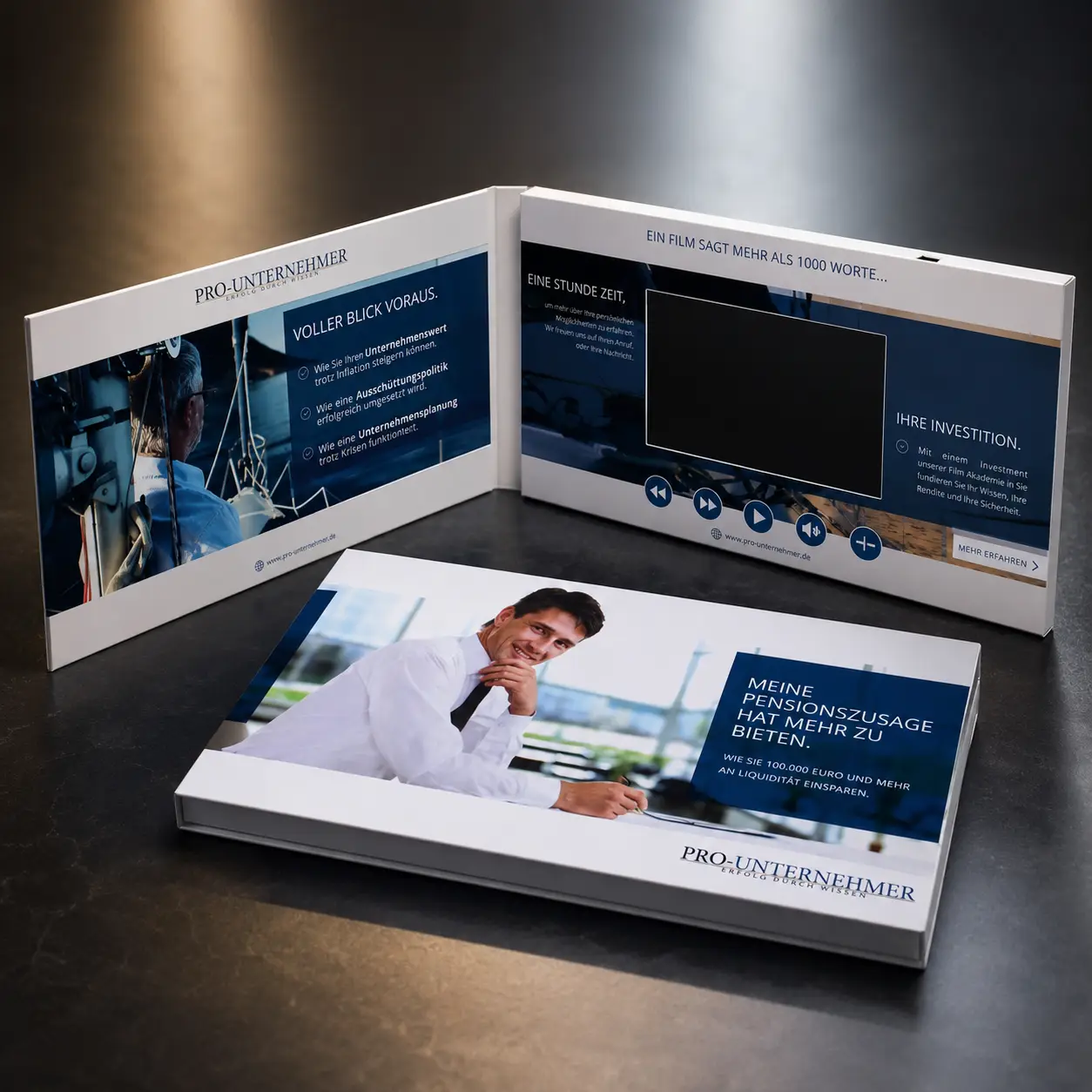
I often see buyers focus on screen size, printing, and packaging first. Then the video files arrive, and suddenly the memory becomes the biggest problem.
You should upgrade to 4GB or 8GB memory when your video brochure contains multiple HD videos, long presentations, touchscreen menus, training content, product demonstrations, or future video updates. For simple campaigns, 512MB or 1GB is often enough. For premium presentations, larger memory helps preserve video quality and flexibility.
Many suppliers quote the lowest possible configuration to win the project. That often means 128MB or 256MB memory. The quote looks attractive. The problem appears later when the final video files are too large, forcing compression, quality loss, or unexpected upgrade costs. Understanding memory requirements before production can help avoid these issues.
Why is 128MB or 256MB memory often insufficient for high-resolution videos?
I have seen buyers spend thousands of dollars producing a professional marketing video and then try to fit it into a memory size designed for simple greeting cards.
128MB or 256MB memory is often insufficient because high-resolution videos require more storage space to maintain image clarity, smooth motion, and visual detail. Small memory sizes usually force aggressive compression, which can reduce playback quality and weaken the overall presentation.

The Hidden Problem Behind Cheap Quotes
Many low-cost video brochure quotes are based on 128MB or 256MB memory. At first glance, the brochure appears identical to one with 4GB memory. The screen size may be the same. The printing may look similar. The difference becomes visible only when the content is loaded.
A three-minute corporate video exported in high quality can easily exceed the practical limits of a 128MB memory chip. To make it fit, the file must often be compressed heavily. This can create blurry images, visible pixelation, and poor playback quality.
For industries such as luxury real estate, medical devices, and technology products, video quality directly affects brand perception. A premium brochure with a low-quality video creates a confusing message.
Why Compression Has Limits
Video compression is useful. Every project uses it to some degree. However, there is a point where compression begins to damage the viewing experience.
When compression becomes too aggressive:
- Small text becomes difficult to read.
- Product details lose sharpness.
- Motion appears less smooth.
- Colors may look less accurate.
- Fine textures become blurry.
These problems are especially noticeable on product demonstrations, medical training videos, and luxury property presentations.
Typical Memory Requirements
| Memory Size | Typical Use Case | Recommendation |
|---|---|---|
| 128MB | Simple greeting card video | Basic only |
| 256MB | Short promotional video | Limited use |
| 512MB | Standard marketing video | Good entry level |
| 1GB | Multiple compressed videos | Popular choice |
| 4GB | Multiple HD videos | Professional campaigns |
| 8GB | Extensive content libraries | Premium projects |
For most serious B2B projects, I rarely recommend choosing memory based solely on price. I prefer to review the actual video files first and then select memory accordingly.
How do different memory sizes affect the playback duration of my 1080P or 4K videos?
Many buyers ask how many minutes of video a memory chip can hold. The answer depends on video quality, resolution, bitrate, and compression settings.
Larger memory sizes allow longer playback duration or higher video quality. A 1080P video with a high bitrate requires significantly more storage than a heavily compressed file. Upgrading to 4GB or 8GB gives greater flexibility while maintaining better visual quality.
Why Bitrate Matters
Two videos can both be 1080P and have completely different file sizes.
The difference is often bitrate.
A higher bitrate stores more visual information. This creates:
- Better image clarity
- Smoother movement
- More accurate colors
- Improved detail retention
The trade-off is larger file size.
This is why one three-minute video might fit comfortably into 256MB while another requires several times more storage.
Memory Capacity Comparison
| Memory Size | Approximate HD Capacity* | Typical Project Type |
|---|---|---|
| 128MB | 1–3 minutes | Greeting cards |
| 256MB | 3–5 minutes | Simple promotions |
| 512MB | 5–15 minutes | Standard presentations |
| 1GB | 15–30 minutes | Product demos |
| 4GB | 1–3 hours | Multi-video campaigns |
| 8GB | 3–6+ hours | Training libraries |
*Actual capacity varies based on encoding settings.
Should I Use 4K Video?
Many buyers assume 4K video is always better. In practice, most video brochure screens do not display native 4K resolution.
For many projects, a properly optimized 1080P file delivers excellent results while keeping file sizes manageable.
The goal is not simply to maximize resolution. The goal is to maximize perceived quality on the actual screen being used.
A well-prepared 1080P file often performs better than an oversized 4K file that creates storage challenges.
In which scenarios do I absolutely need 4GB or 8GB memory for multi-video campaigns?
This is where larger memory sizes become valuable.
You should consider 4GB or 8GB memory whenever your brochure contains multiple HD videos, separate button-controlled content, touchscreen navigation, training materials, or future content updates. These projects require more storage and greater flexibility.

Scenario 1: Multi-Button Real Estate Presentations
Luxury real estate teams often use multiple videos inside a single brochure.
A typical layout may include:
- Development overview
- Property walkthrough
- Floor plan presentation
- Community highlights
- Agent introduction
Each video may be two to three minutes long.
Combined together, these videos quickly exceed the practical limits of smaller memory configurations.
For these projects, 4GB often provides the right balance between capacity and cost.
Scenario 2: Medical Device Demonstrations
Medical companies frequently need highly detailed video content.
These videos often contain:
- Product demonstrations
- Clinical procedures
- Interface walkthroughs
- Technical explanations
- Training modules
Small visual details matter.
Over-compression can reduce educational value and make the product appear less professional.
Larger memory allows better quality exports while preserving important details.
Scenario 3: Product Launch Campaigns
Product launch kits frequently contain multiple content pieces.
These may include:
- Brand story
- Product introduction
- Feature demonstration
- Customer testimonials
- Executive message
Marketing teams often update these videos during the campaign lifecycle.
Additional memory provides room for revisions without requiring immediate hardware upgrades.
Scenario 4: Agency White-Label Projects
Marketing agencies regularly deliver video brochures to their own clients.
The client may later want to:
- Replace videos
- Add content
- Update branding
- Change campaign messaging
An 8GB configuration creates flexibility that agencies appreciate because it reduces future limitations.
What memory size works best for my real estate, medical, or product launch project?
Different industries use video brochures differently. The ideal memory size depends on content strategy rather than industry alone.
For most real estate, medical device, and product launch projects, 4GB provides an excellent balance of capacity, flexibility, and cost. 8GB becomes valuable when the project includes large content libraries, training materials, multiple campaigns, or future updates.
Real Estate Projects
Real estate teams focus heavily on presentation quality.
A brochure may contain:
- Drone footage
- Interior walkthroughs
- Lifestyle videos
- Agent introductions
- Neighborhood highlights
For a single listing, 1GB may work.
For luxury developments or multiple property presentations, I generally recommend 4GB.
For large-scale developer projects with extensive content libraries, 8GB becomes attractive.
Medical Device Companies
Medical device companies often need educational content.
The challenge is not only video length. The challenge is visual clarity.
These projects frequently include:
- Product operation demonstrations
- Clinical workflows
- Detailed close-up footage
- User training materials
Because these videos contain important details, preserving quality is often more important than minimizing memory cost.
A 4GB configuration is usually a strong starting point.
Product Launch Campaigns
Product launches require flexibility.
Content changes frequently.
Videos may be revised multiple times before final approval.
Marketing teams often appreciate additional memory because it provides room for:
- New product videos
- Updated messaging
- Multiple campaign versions
- Customer-specific content
For many product launch campaigns, 4GB provides excellent value.
For larger launch programs or agency-managed projects, 8GB can provide additional long-term flexibility.
Practical Recommendation
| Project Type | Recommended Memory |
|---|---|
| Greeting cards | 128MB–256MB |
| Basic promotional videos | 512MB–1GB |
| Standard corporate presentations | 1GB |
| Real estate presentations | 4GB |
| Medical device demonstrations | 4GB |
| Product launch kits | 4GB–8GB |
| Agency white-label projects | 4GB–8GB |
| Training libraries | 8GB |
Hardware Quality Matters Too
Memory capacity is only part of the equation.
The quality of the flash memory chip also affects:
- Playback stability
- Loading speed
- Long-term reliability
- Video switching performance
A premium video brochure should not only have enough memory. It should also use stable, high-quality components that support smooth playback over time.
That is why I always recommend discussing your actual content requirements before choosing a memory configuration.
Conclusion
Choosing the right memory size protects video quality, improves flexibility, and reduces project risk. For most premium marketing campaigns, 4GB is the practical starting point, while 8GB provides valuable room for future growth.