

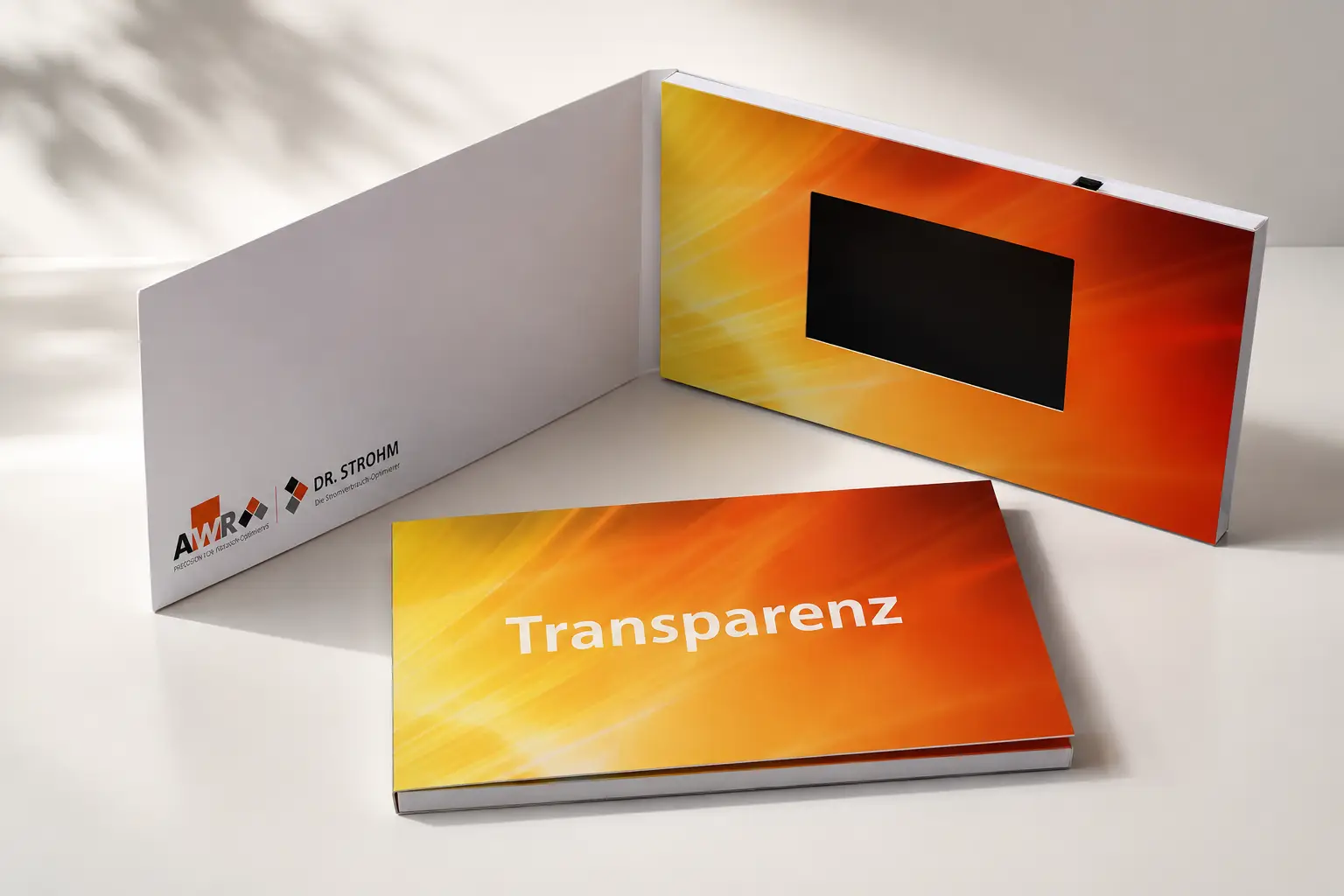
Buyers often ask how many minutes of video a brochure can hold. It sounds like a simple question. In practice, the answer depends less on duration and more on how the video was made — and how much the project grows over time.
This guide breaks down what actually determines storage capacity, corrects some common misconceptions, and helps you choose the right memory size before production begins.
How Memory Size Affects Video Storage
A video brochure stores files the same way a USB drive does. The larger the memory, the more content it can hold. One important detail many buyers miss: a small portion of every chip is reserved for system functions, so the usable space is slightly less than the stated capacity.

Here is a realistic estimate based on standard 1080p video at a moderate bitrate of around 8–12 Mbps:
| Memory Size | Approximate Usable Space | Video Capacity (1080p, 8–12 Mbps) | Typical Use Case |
|---|---|---|---|
| 128MB | ~90MB | 1–2 minutes | Greeting cards |
| 256MB | ~220MB | 2–4 minutes | Short promotional videos |
| 512MB | ~470MB | 4–8 minutes | Company introductions |
| 1GB | ~950MB | 8–15 minutes | Product demonstrations |
| 4GB | ~3.8GB | 20+ minutes / multiple HD videos | Multi-video campaigns |
| 8GB | ~7.6GB | 40–80 minutes | Training libraries, dealer kits |
Note: These figures assume standard H.264 encoding at 1080p and 8–12 Mbps. Lower-bitrate compressed video stretches capacity further; high-bitrate or 4K footage reduces it significantly.1
Why Video Length Is Only Part of the Story
Two videos can both be three minutes long. One might be 80MB. The other might be 450MB. Duration alone does not determine file size — resolution, bitrate, and export settings do.
To illustrate with real customer files:
| Video Duration | File Size | Notes |
|---|---|---|
| 50 seconds | 120MB | Moderate bitrate |
| 60 seconds | 385MB | High-bitrate export |
| 6 minutes | 563MB | Compressed delivery format |
| 7 minutes | 400MB | Web-optimized export |
A 60-second customer video was 385MB.
Another customer video lasted 7 minutes and was only 400MB.
The duration was 7 times longer, but the file size was almost the same.
The longest video is not the largest file. This is exactly why estimating memory from duration alone leads to surprises in production.
What Bitrate Actually Means
Bitrate controls how much visual data is stored per second. A higher bitrate preserves more detail — fine textures, smooth motion, accurate color. This matters most for:
- Luxury real estate and architecture footage
- Medical device demonstrations showing small components
- Industrial equipment with fine mechanical detail
- Premium product launches where image quality reflects brand value
Reducing bitrate to save storage space can introduce visible compression artifacts — blurring, pixelation, and degraded text. Because video brochure viewers hold the device close and engage with it deliberately, these artifacts are more noticeable than in online video.2
The right approach is to review actual exported video files before selecting memory, rather than estimating from the edit timeline.
In our experience, buyers rarely run out of memory because a video is too long. More often, they run out of memory because they add more videos, more images, or higher-quality content than originally planned.
The Most Common Memory Upgrade Request We Receive
The most common reason buyers upgrade from 512MB to 4GB is not because they want longer videos. They want to avoid reducing video quality.
A pattern we see repeatedly: a buyer submits their final video file and discovers it is 600MB or 800MB. The original memory choice no longer fits. At that point, the options are either to compress the video — which reduces image quality — or to upgrade the memory. For a brochure representing a luxury property, a medical device, or a product launch, most buyers choose to upgrade.
Choosing the right memory tier before production begins avoids this decision entirely.
What Else Takes Up Space
Video duration is rarely the main driver of storage use. In most projects, memory fills up because of content complexity, not video length.
Multiple Videos
A project that starts with one video often grows to five or six. Real estate teams add drone footage, agent introductions, and neighborhood content. Medical companies add training modules. Marketing agencies add multiple versions for different markets. Each video adds to the total independently.3
Image Galleries
Many buyers overlook photos entirely. A single property presentation may include 80–120 high-resolution images alongside the video. At 3–5MB per image, that alone adds several hundred megabytes before a single frame of video is counted.
Touchscreen Navigation and What It Really Costs in Storage
Touchscreen brochures with chapter menus or catalog navigation store multiple short video clips rather than one continuous file. This improves the user experience but increases total storage requirements in ways that are easy to underestimate.
One U.S. client originally planned a standard single-video presentation. As the project developed, the brief expanded to include seven videos, touchscreen navigation, and chapter-based content organized across multiple sections. The final content package reached 3.32GB. No individual video was unusually long. The deciding factor was not video duration — it was content structure.
This is why touchscreen projects almost always require 4GB or 8GB from the start.
Future Updates
Content plans change after delivery. New listings, updated product messaging, and additional training chapters all require available space. Projects that eventually use 4GB or 8GB often began with much more modest initial plans.4
Memory Calculator
If your final video files are ready, a simple formula helps estimate how much memory you need:
Required Memory = Total Content Size × 1.3
The 1.3 multiplier accounts for system overhead, future additions, and safe headroom.

| Total Content Size | Calculation | Recommended Memory |
|---|---|---|
| ~200MB | 200 × 1.3 = 260MB | 512MB |
| ~700MB | 700 × 1.3 = 910MB | 1GB–2GB |
| ~1.5GB | 1.5 × 1.3 = 1.95GB | 2GB–4GB |
| ~3.3GB | 3.3 × 1.3 = 4.3GB | 8GB |
If your video files are not yet available, use the capacity table above as a starting point and build in at least one memory tier of buffer above your initial estimate.
What Memory Size Should I Choose for My Real Estate, Medical, or Product Launch Project?
Different industries use video brochures in different ways. Here is how to think about memory for the most common project types.
![best video brochure memory size guide]
Real estate presentations typically combine listing video, drone footage, agent introductions, neighborhood content, and a large image gallery. For a simple single-property presentation, 1GB may be enough. For luxury properties or multi-listing campaigns, 4GB is the more reliable choice.
Medical device presentations often contain product demonstrations, clinical workflow videos, and training content where image clarity is critical. Compressing these videos to save storage can reduce the legibility of fine detail. Most medical device projects are better served by 4GB from the start.
Product launch kits evolve throughout development. New videos, revised messaging, and additional campaign versions are added as the project progresses. Starting at 4GB provides room for that growth without requiring a late-stage upgrade. Larger dealer kits or multi-market campaigns often move to 8GB.5
Marketing agency projects require flexibility by nature. Client revisions, updated branding, and versioning for different markets can multiply content volume quickly. 4GB–8GB is standard for agency work.
| Project Type | Recommended Memory |
|---|---|
| Greeting card | 128MB–256MB |
| Company introduction | 512MB–1GB |
| Standard product demo | 1GB |
| Real estate presentation | 4GB |
| Medical device presentation | 4GB |
| Product launch kit | 4GB–8GB |
| Marketing agency project | 4GB–8GB |
| Touchscreen presentation | 8GB |
| Training library | 8GB |
FAQ
Is 128MB enough for a video brochure?
For a single short promotional video or greeting message, yes. For anything with multiple videos, images, or interactive navigation, it will run out quickly.
How many videos can fit in a 4GB brochure?
There is no fixed number — it depends on resolution and bitrate. At standard 1080p quality, 4GB typically accommodates several HD videos with room for supporting images and navigation files.
Why is my 1-minute video larger than someone else’s 5-minute video?
File size is driven by bitrate, resolution, and export settings, not duration. A high-bitrate 1-minute video can easily exceed a heavily compressed 5-minute video in storage size.
Should I choose memory based on video length or file size?
File size is the more reliable measurement. If files are not yet available, use video duration as a rough starting point and add at least one memory tier as a buffer.
Can I upgrade memory after ordering?
Many suppliers allow upgrades during production, but it adds cost and can delay the schedule. Choosing the right tier before production starts is almost always the better path.
Conclusion
Video duration matters, but it is one factor among several. Resolution, bitrate, the number of files, image galleries, interactive navigation, and future content updates all affect how much a video brochure can store. The most reliable approach is to review actual exported file sizes, apply a 1.3x buffer, and choose a memory tier that leaves room for the project to grow.
-
File size estimates are based on standard H.264 encoding at 1080p resolution with a bitrate of 8–12 Mbps. Actual sizes vary with encoding settings, scene complexity, and file format. 4K footage at equivalent quality settings requires roughly four times the storage of 1080p. ↩
-
Compression artifacts are more visible in video brochures than in online or broadcast contexts because viewers hold the device at close range and spend more deliberate time engaging with the content. ↩
-
When planning storage for multi-video projects, calculate total file size from actual exported files rather than estimating from the edit timeline or raw footage. ↩
-
Ordering a larger memory tier upfront is generally more cost-effective than reordering with upgraded memory after production, particularly for projects with minimum order quantities. ↩
-
Memory pricing for video brochures typically increases in tiers. The cost difference between 1GB and 4GB is often smaller than buyers expect relative to the total per-unit cost of the brochure. ↩