

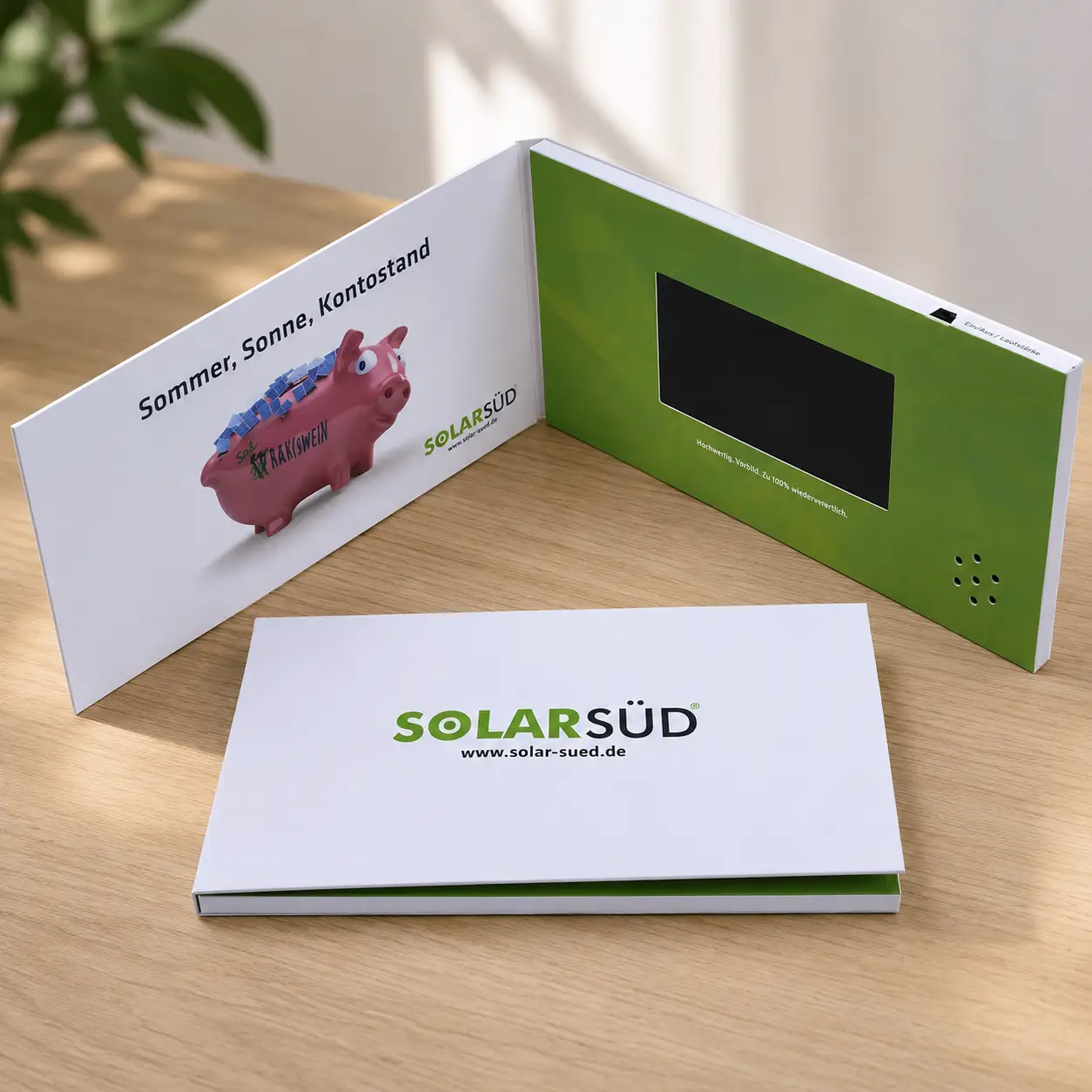
I often see buyers pay extra for a specification they do not fully understand. Many receive a quotation that says "Supports 1080P Video Playback" and assume the product contains a true 1080P display.
Yes, many video brochures can play 1080P and even 4K video files. However, playback support is different from screen resolution. A video brochure may decode a 1080P or 4K file while displaying it on a screen with a much lower native resolution such as 800×480, 1024×600, or 1280×800.
This misunderstanding causes more confusion than almost any other technical specification in the industry. It also explains why some buyers feel disappointed after receiving samples that technically match the quotation but not their expectations.
What does "1080P playback support" actually mean?
I often see suppliers use the phrase "Supports 1080P Playback" because it sounds impressive. The problem is that many buyers interpret it as proof that the screen itself is Full HD.
In most cases, "1080P playback support" means the hardware can decode and play a 1920×1080 video file. It does not mean the LCD screen itself has a native 1920×1080 resolution.
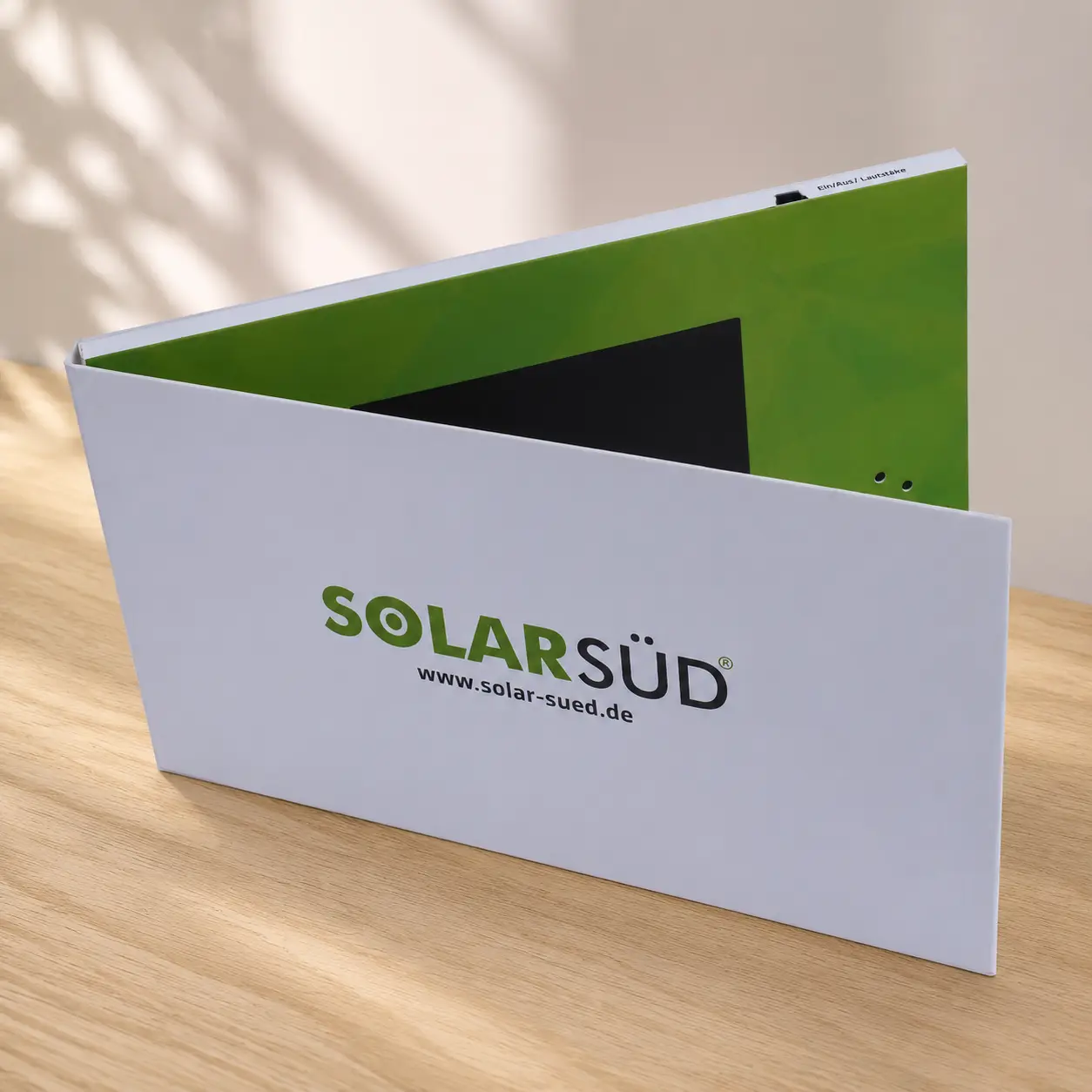
This is probably the biggest technical misunderstanding in the video brochure industry.
Playback Support vs Screen Resolution
A video brochure has two separate specifications:
- Video decoding capability
- Physical screen resolution
Many suppliers combine these concepts into one marketing statement, which creates confusion.
For example, a video brochure may accept a 1080P video file, decode it correctly, and play it smoothly — yet the screen itself may only be 1024×600. The device simply scales the image to fit the display.1
Typical Screen Resolutions
| Screen Size | Typical Native Resolution |
|---|---|
| 4.3" | 480×272 |
| 5" IPS | 800×480 |
| 7" IPS | 1024×600 |
| 10.1" IPS | 1280×800 |
Many of these screens can play 1080P videos. None of them are true 1920×1080 displays.
The Question Buyers Should Ask
Instead of asking:
Does it support 1080P?
Ask:
What is the native screen resolution?
That single question usually tells you far more about image quality than any playback claim. A supplier can honestly advertise 1080P playback support while using a screen that is far below Full HD resolution. That is not necessarily misleading — it simply means buyers need to understand the difference between playback capability and display capability.
Can a video brochure play 1080P videos smoothly?
I often hear buyers say they need Full HD playback because their videos were professionally produced. In reality, most modern video brochures can already handle 1080P content without difficulty.
Yes, many video brochures can play 1080P videos smoothly. Playback performance depends more on bitrate, codec, export settings, and hardware quality than on resolution alone.
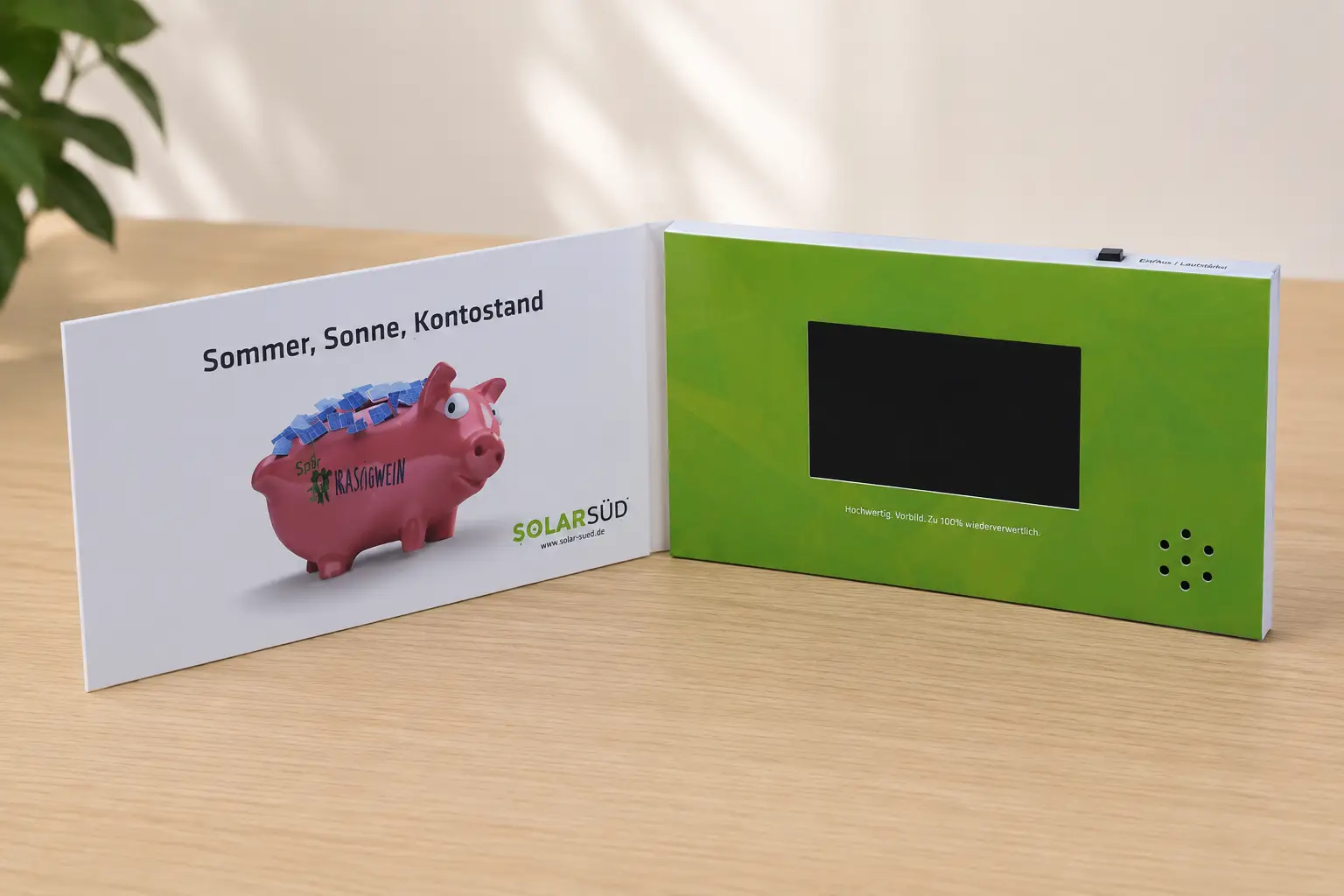
A Real Example
A 60-second customer video was 385MB.
Another customer video lasted 7 minutes and was only 400MB.
Duration was not the problem.
File size was.
Most buyers expect the longer video to be much larger. The opposite happened. The reason was bitrate and export settings — not resolution.
This example highlights a common mistake. Buyers often focus on resolution while ignoring the factors that actually affect playback performance.2
Why Some 1080P Videos Lag
A lagging 1080P video does not automatically mean the hardware cannot handle Full HD content. In real projects, the most common causes are excessive bitrate, unsupported codecs, improper export settings, and unoptimized source files.
One customer uploaded a property marketing video that lagged badly during playback. After reviewing the file, we recommended converting it to MP4, using H.264 encoding, matching the screen resolution, and reducing the bitrate. The video then played normally without changing the hardware.
The hardware stayed the same. The video file changed.
Recommended Settings
| Setting | Recommendation |
|---|---|
| Format | MP4 |
| Video Codec | H.264 |
| Audio Codec | AAC |
| 720P Bitrate | 3–5 Mbps |
| 1080P Bitrate | 6–10 Mbps |
| Frame Rate | 25–30 FPS |
These settings provide an excellent balance between visual quality and playback reliability. For most real estate, healthcare, and marketing projects, a properly optimized 1080P file delivers excellent results.3
Can a video brochure play 4K videos?
I often see buyers request 4K support because they believe larger numbers automatically produce better quality. In most video brochure applications, that assumption creates larger files without creating a better viewing experience.
Many video brochures can accept or decode 4K source files, but the content is usually downscaled to match the screen’s native resolution. In most situations, 4K provides little visible benefit on a 5-inch, 7-inch, or even 10-inch video brochure screen.
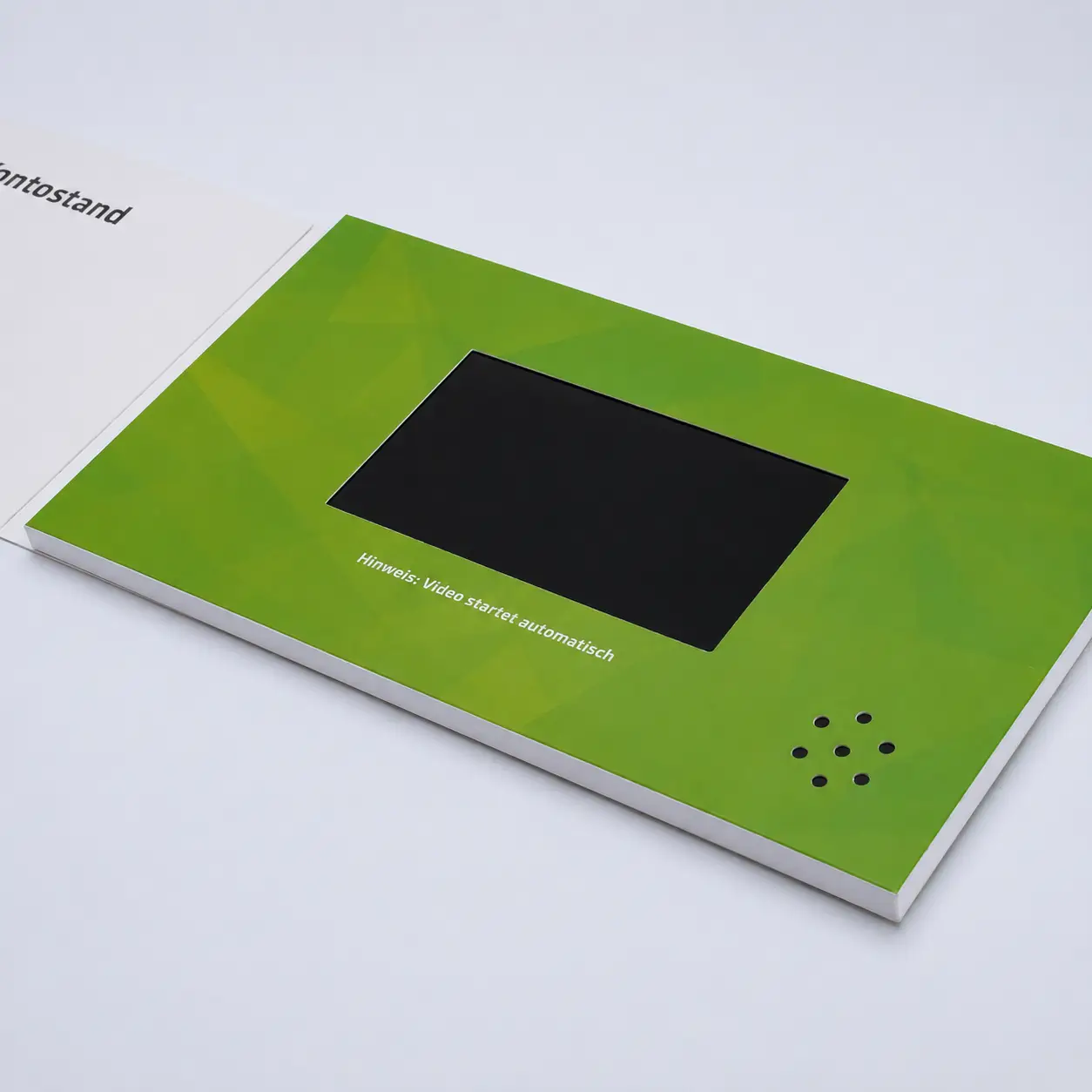
The important question is not whether the device can open a 4K file. The important question is whether the screen can actually display the extra detail.
Why 4K Often Adds No Visible Benefit
A 4K file contains 3840×2160 pixels. A typical 7-inch screen contains only 1024×600 pixels. The display simply cannot show all the information contained in the original file — the extra data is discarded during scaling.
A Real Project Example
One customer project contained seven separate videos with a total content package of approximately 3.32GB. The discussion focused on whether 4GB or 8GB memory was needed. The decision had nothing to do with screen resolution. It was based entirely on content volume.
This illustrates a very common misunderstanding. Many buyers assume more memory means higher resolution, or that 4K support means a 4K screen. Storage capacity, playback capability, and screen resolution are three completely different specifications.4
The Hidden Cost of 4K
| Factor | 1080P | 4K |
|---|---|---|
| File Size | Smaller | Much Larger |
| Storage Requirement | Lower | Higher |
| Playback Risk | Lower | Higher |
| Visible Improvement on Small Screens | Good | Minimal |
This is why many experienced manufacturers recommend optimizing videos for the actual screen rather than exporting everything in 4K.
What video resolution should I actually use for a video brochure?
I often see buyers spend hours comparing 1080P and 4K when the real answer is much simpler.
The best video resolution is usually the one that closely matches the screen’s native resolution while maintaining excellent playback quality. For most projects, optimized 1080P source files provide the best balance between quality, storage efficiency, and reliability.
The goal is not to create the largest file. The goal is to create the best viewing experience.
What Professional Teams Actually Do
Most real estate teams, medical device companies, and marketing agencies follow a similar workflow. They keep high-quality master files for editing and archiving, then create a separate version optimized specifically for the video brochure screen. This preserves image quality, reduces file size, improves playback reliability, and uses storage more efficiently.
Recommended Export Strategy
| Screen Resolution | Recommended Export |
|---|---|
| 480×272 | 480×272 or 720P |
| 800×480 | 720P |
| 1024×600 | 720P or optimized 1080P |
| 1280×800 | 1080P |
This approach consistently produces better results than exporting everything in 4K.5
A Simple Rule
If the screen is not 4K, the viewer will not see true 4K detail. If the screen is 1024×600, optimizing the video for that display creates the best balance of quality and performance.
Many buyers ask whether a device can play 1080P or 4K. The better question is: what resolution works best for this screen? That question leads to a better purchasing decision and a better viewing experience.
FAQ
What is the difference between 1080P playback support and a 1080P screen?
Playback support means the hardware can decode a 1080P file. Screen resolution refers to the actual number of pixels on the display. A device can support 1080P playback while having a native screen resolution of only 1024×600.
Will 4K video look better than 1080P on a video brochure?
Usually not. Most video brochure screens have a native resolution far below 4K. The extra detail in a 4K file cannot be displayed and is discarded during scaling. A well-optimized 1080P file typically looks identical while using significantly less storage.
Why does my 1080P video lag?
Lag is usually caused by excessive bitrate, unsupported codec, or poor export settings rather than the resolution itself. Converting the file to MP4 with H.264 encoding and reducing the bitrate to 6–10 Mbps resolves most playback issues.
What is the best format for a video brochure?
MP4 with H.264 video codec and AAC audio codec is the most reliable combination across different hardware and manufacturers.
Does upgrading memory improve screen quality?
No. Memory determines how much content can be stored. Screen resolution is a fixed hardware specification that cannot be changed by upgrading memory.
Conclusion
Many video brochures can play 1080P and 4K files, but playback support is not the same as screen resolution. Before choosing a supplier, ask two questions: what is the native screen resolution, and what video settings are recommended for that screen? Those answers will tell you far more than a simple claim of "1080P playback support."
-
Native screen resolution refers to the actual number of pixels physically present on the LCD panel. A screen with 1024×600 native resolution cannot display more than 614,400 pixels regardless of the source video resolution. ↩
-
Bitrate is the amount of video data processed per second of playback. Two videos at the same resolution can have dramatically different file sizes and playback demands depending on their bitrate settings. ↩
-
H.264 remains the most widely supported video codec across video brochure hardware from different manufacturers. Newer codecs such as H.265 (HEVC) offer better compression but require more processing power and may cause compatibility issues on older playback hardware. ↩
-
Storage capacity, playback capability, and screen resolution are independent specifications. Upgrading any one of them does not change the others. A 4GB brochure with a 1024×600 screen will not display more detail than a 1GB brochure with the same screen. ↩
-
Matching the export resolution to the screen resolution eliminates the need for real-time scaling during playback, which reduces processing load and can improve playback stability on devices with limited hardware resources. ↩