

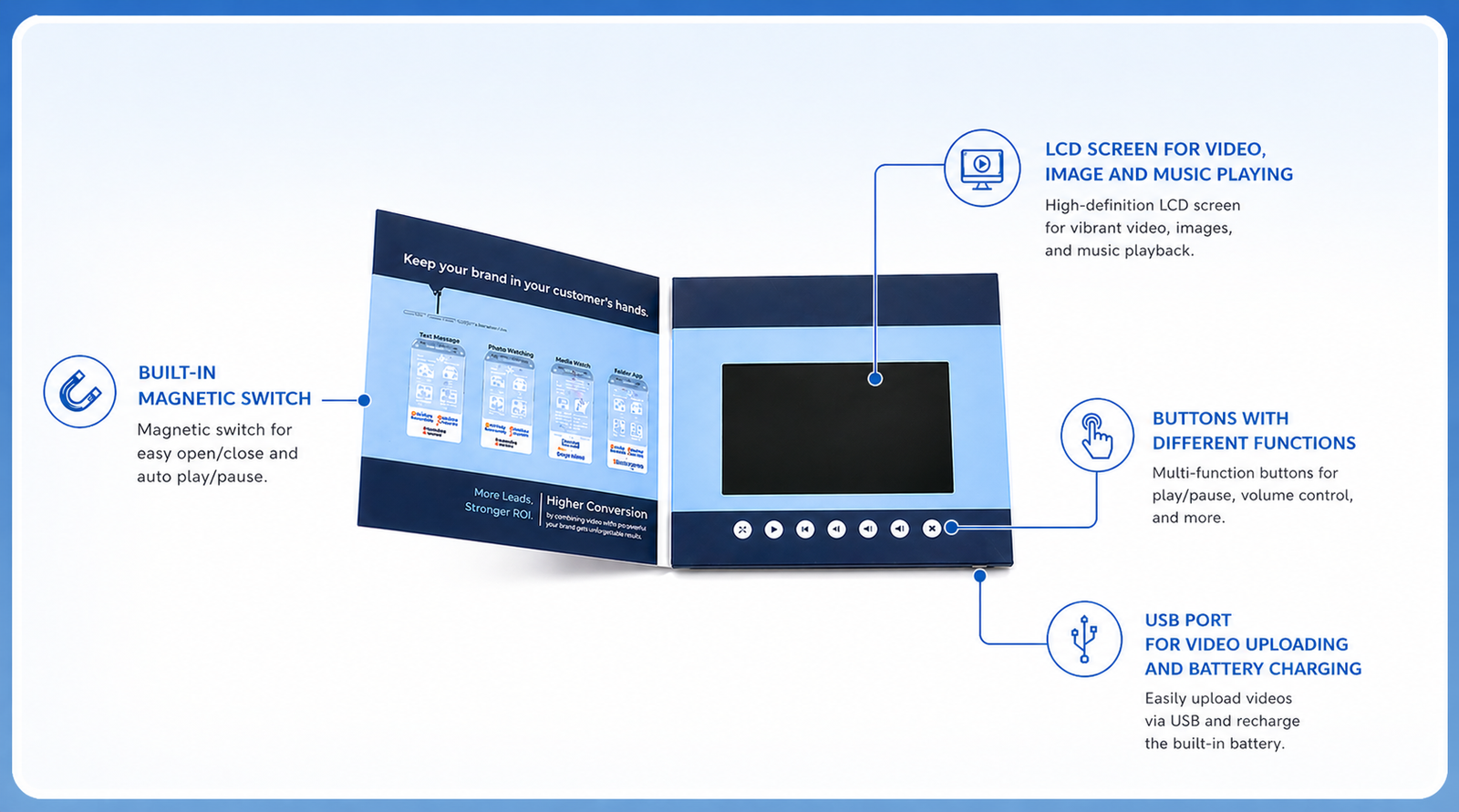
Can You Upload Your Own Video to a Video Brochure? (Short Answer)
Yes — you can upload your own video for free, or it can be preloaded for you before shipping.
You have two flexible options:
- Upload it yourself (best for confidential content)
- Have it preloaded and tested during production
Both options are standard and cost nothing extra.
👉 Get pricing based on your video length and quantity
What Do I Need to Prepare Before Uploading?
Before uploading, make sure everything is ready for smooth playback.
You’ll need:
- Your video brochure (fully charged)
- A USB cable (included)
- A computer (Mac or Windows)
- Your video file (MP4 recommended)
Helpful tips:
- Match resolution to screen size
- Keep file size reasonable
- Use standard audio format (AAC)
If you’re unsure, testing your file in advance can save time.
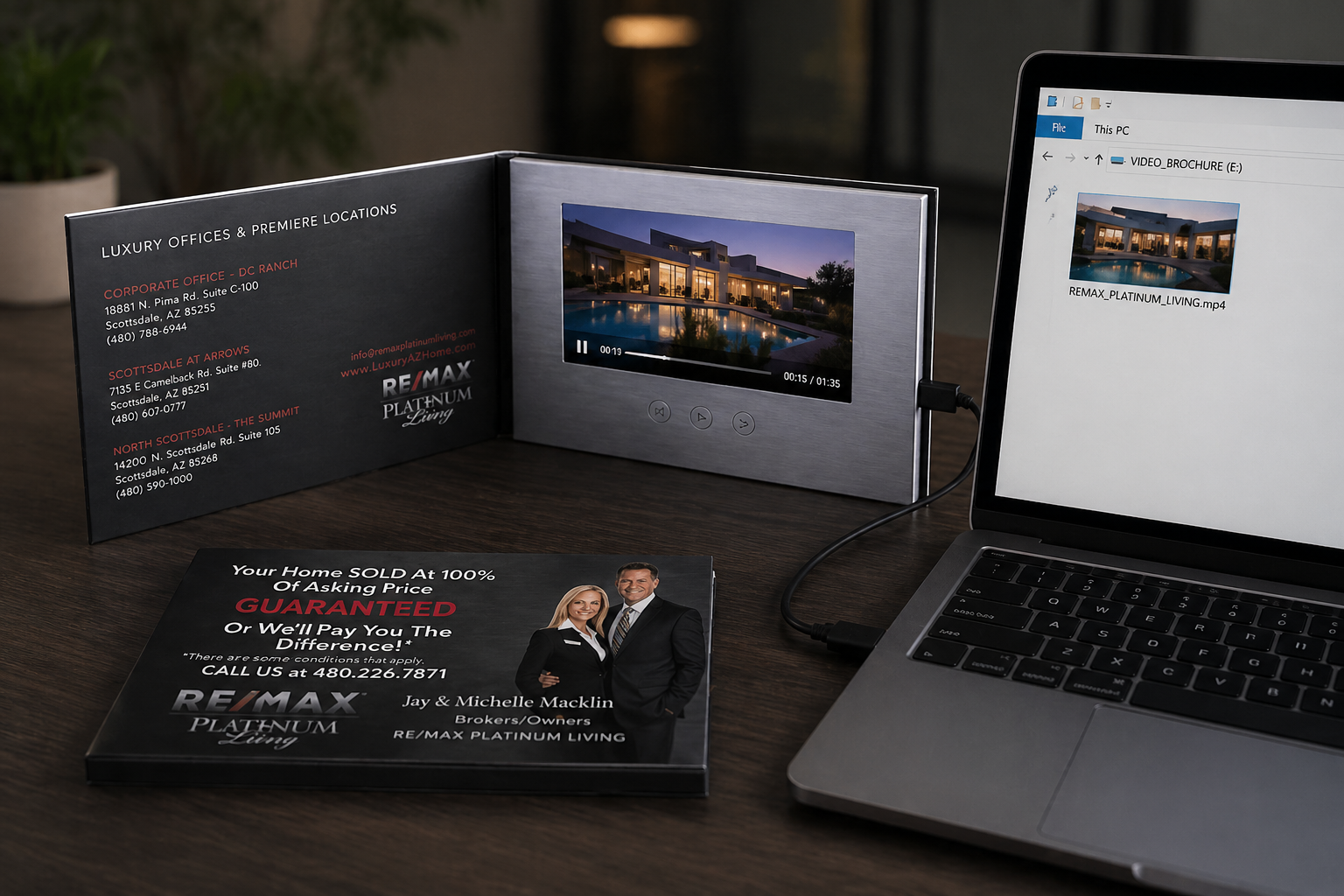
How to Upload Your Video to a Video Brochure (Step-by-Step)
Uploading works just like using a USB flash drive.
- Connect the video brochure to your computer via USB
- It will appear as a removable drive
- Delete the existing test video (to free space)
- Drag and drop your new video file
- Wait for the transfer to complete
- Safely eject the device
- Open the brochure to test playback
Important for Mac users:
After deleting files, empty the Trash — otherwise storage is not actually freed.
💡 Notes:
- Most models are plug-and-play
- 2.4” screens may require special formatting tools (rare today)
What Video Formats Are Supported? (MP4, AVI, MOV Explained)
Most video brochures support multiple formats, but optimization is key.
Recommended formats:
- MP4 (H.264) — best compatibility
- AVI
- MOV
Resolution guidelines:
| Screen Size | Resolution |
|---|---|
| 4.3” / 5” | 800 × 480 |
| 7” | 1024 × 600 |
| 10” | 1024 × 600 |
Best performance settings:
- Frame rate: below 30 fps
- Lower bitrate for smoother playback
Most playback issues are solved by adjusting resolution.
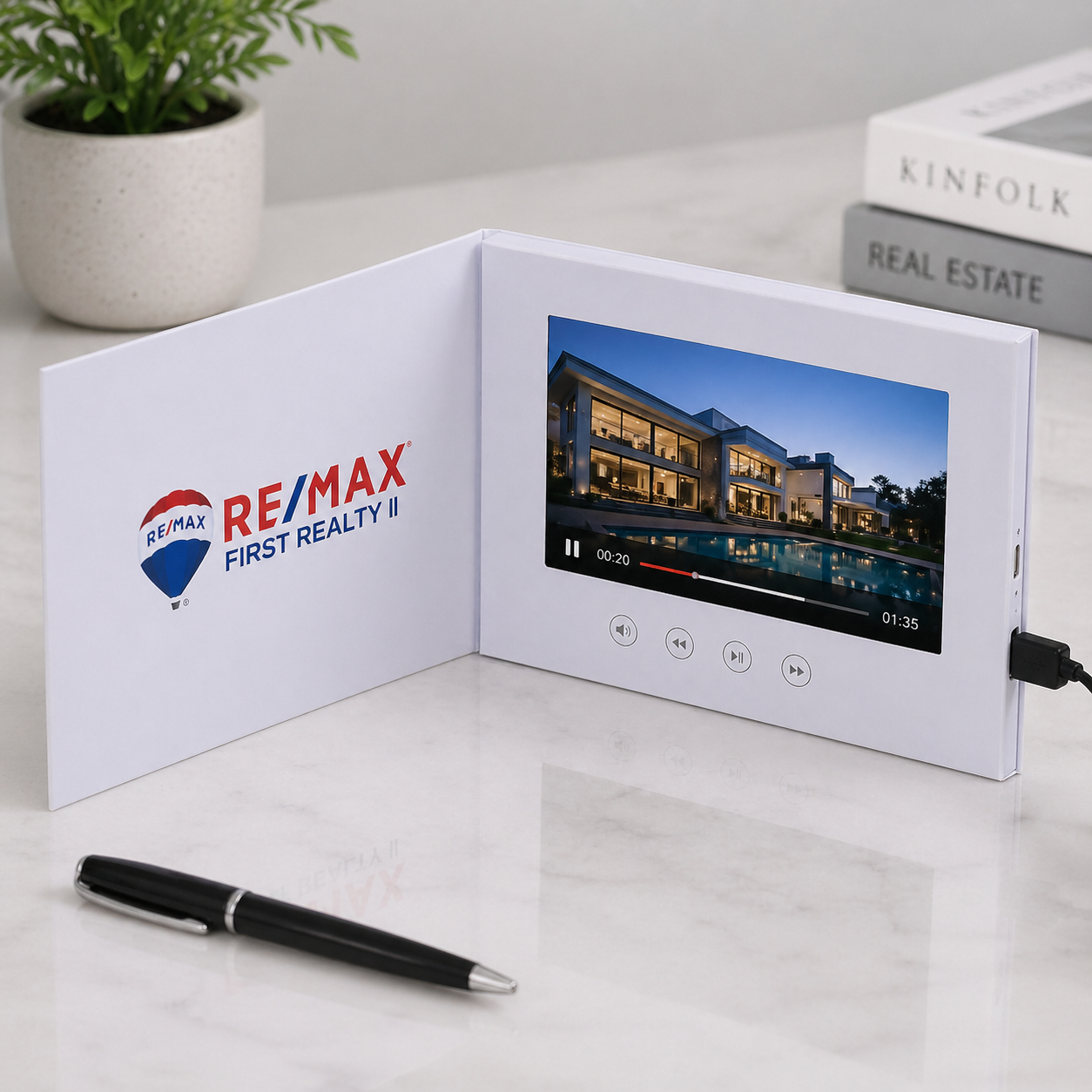
Do You Charge for Video Uploading? (Free vs Supplier Support)
No — video uploading is completely free.
- You can upload videos yourself anytime
- Or they can be preloaded during production at no extra cost
A video is required during manufacturing for testing, so this is already part of the process.
If your file needs conversion or optimization, that can usually be handled as well.
👉 See full video brochure pricing here
Common Problems & How to Fix Them
Why Does My Video Show “No File”?
This is the most common issue.
Fix it by:
- Setting resolution to 800 × 480 (for 4.3” / 5”)
- Exporting as MP4 (H.264)
- Reducing frame rate to below 30 fps
- Trying 720p if needed
In most cases, adjusting the resolution solves the problem.
Why Is There No Sound on My Video Brochure?
If your video plays but has no sound:
Check:
- Audio format (AAC recommended)
- Export settings
- Whether audio track exists
Avoid uncommon codecs, as they often cause compatibility issues.
Other Common Issues
- Video not playing → check format & resolution
- Battery drains fast → reduce file size or brightness
- Nothing happens → confirm file is properly copied
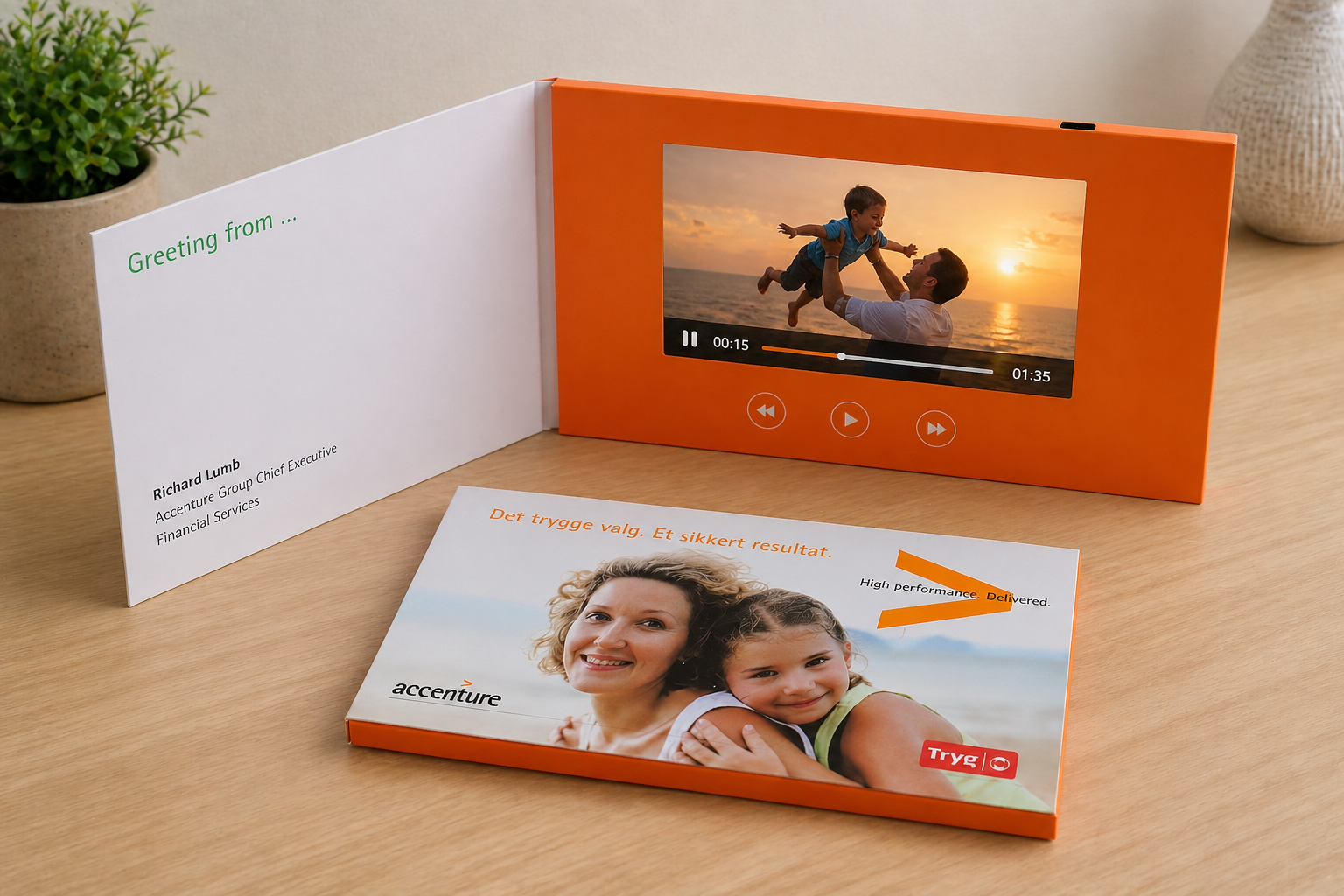
Can You Change or Update the Video Later?
Yes — you can update the video anytime.
Simply reconnect the brochure to your computer and replace the file.
This makes video brochures ideal for:
- Multiple campaigns
- Different clients
- Confidential projects
You stay fully in control of your content.
Final Tip
If you’re not sure whether your video will work, testing it first can save time and avoid delays.