

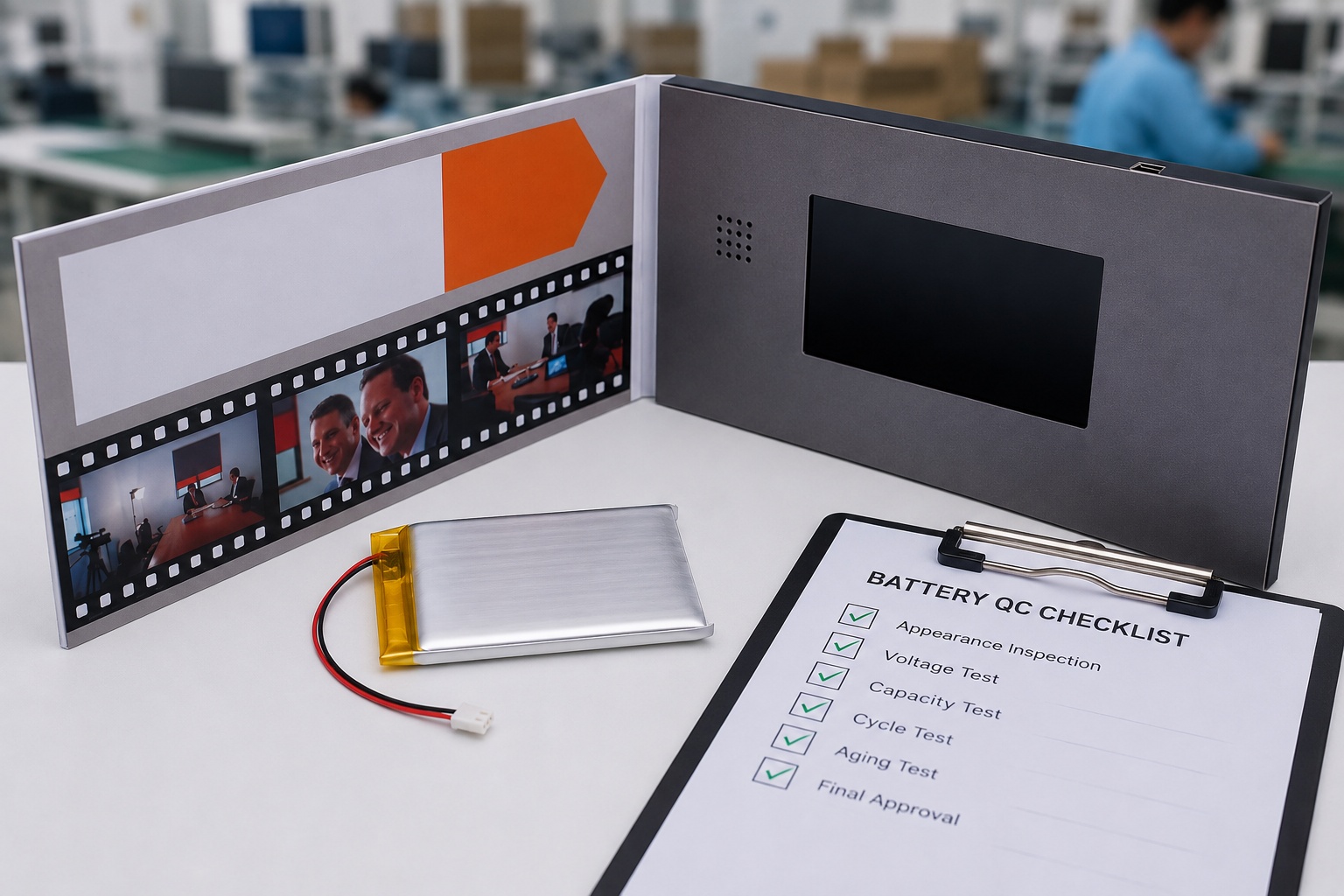
Many buyers worry about customs delays or shipping problems. But in real projects, the biggest issues usually start much earlier during production, assembly, testing, and packaging.
Most video brochure importing problems happen because factories skip testing, reduce material quality, rush production, or fail to control consistency during mass production.1
I have seen projects delayed because of artwork mistakes. I have also seen entire batches fail because USB ports were not tested or low-grade batteries were used during rush production.
This article covers 11 real problems I repeatedly see in video brochure manufacturing and what buyers should check before mass production starts.
Why These Problems Usually Appear Too Late
A sample may look perfect.
But mass production is very different.
A sample usually involves:
- one technician
- one screen batch
- one packaging setup
Mass production involves:
- multiple workers
- larger material sourcing
- faster assembly speed
- tighter deadlines
That is why many problems only appear:
- after shipping
- after distribution
- or after end users start using the products
Experienced buyers focus heavily on:
- QC process
- material consistency
- testing standards
- production management
not just sample appearance.
1. Low-Quality Batteries Often Fail Weeks Later
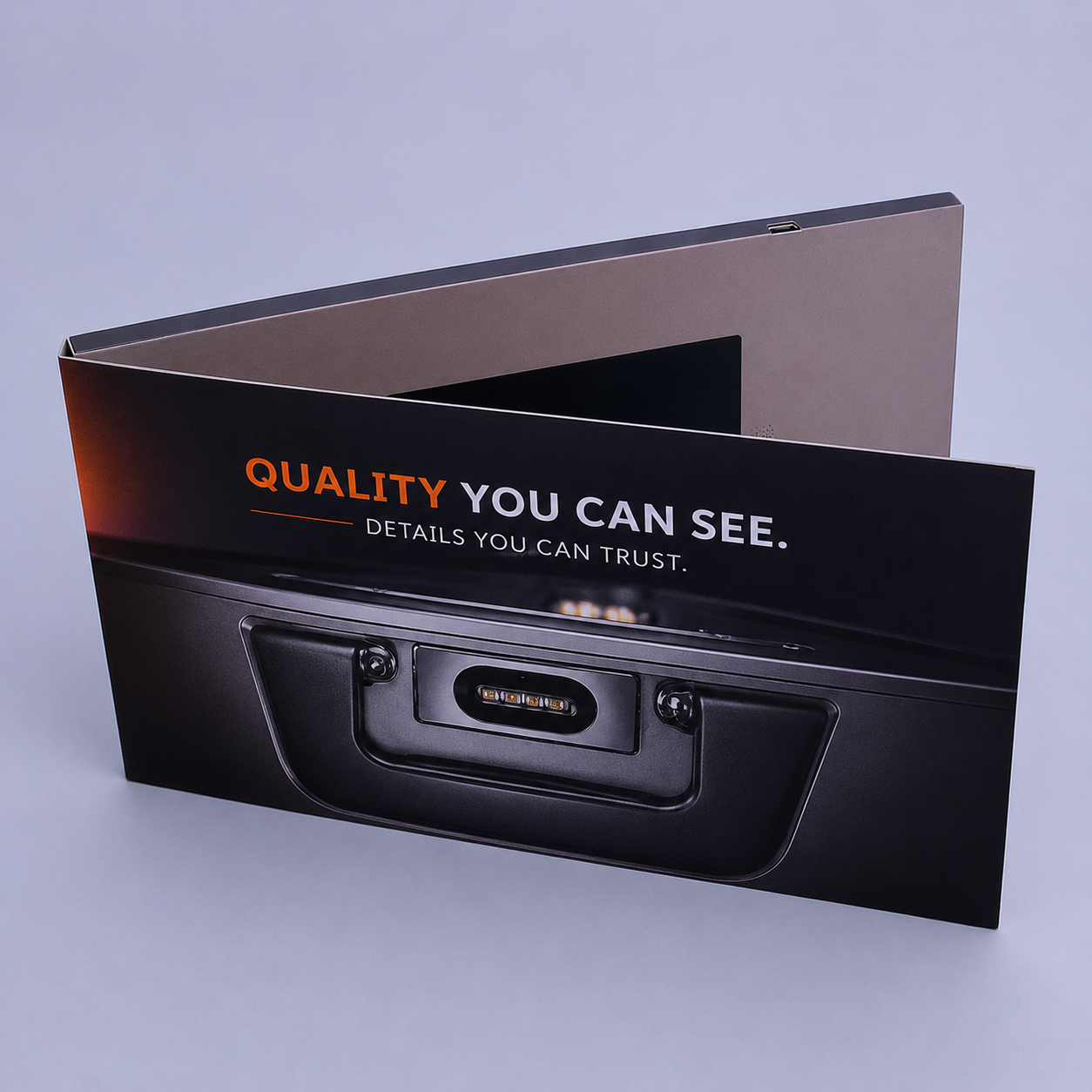
Battery problems are some of the most expensive issues because they often appear after delivery.
At first, everything may seem normal.
But several weeks later:
- charging becomes unstable
- battery life drops quickly
- devices stop powering on
- brochures become hot during charging
This usually points to:
- low-grade battery cells
- recycled batteries
- missing aging tests
- inconsistent suppliers
Many low-cost factories skip battery aging tests because they take time and equipment.2
What Buyers Should Request
| Battery Requirement | Recommended Standard |
|---|---|
| Battery Type | New A-grade lithium cells |
| Aging Test | Required |
| Charging Cycle Test | Recommended |
| Warranty Terms | Defined before production |
Reliable factories usually test batteries before shipment because battery-related returns are expensive for both sides.
2. Screen Quality Problems Are Difficult to Detect Early
Screen quality issues are some of the hardest problems to catch during sampling.
A sample may look excellent, but mass production may later use:
- mixed screen batches
- lower-grade TFT screens
- refurbished screens
- inconsistent brightness levels
I have seen buyers complain about:
- black dots
- white edges
- weak colors
- dim brightness
- poor viewing angles
Some factories reduce costs by mixing screen suppliers during larger orders.
This becomes especially visible with:
- luxury branding
- dark videos
- close-up product shots
Common Screen Problems
| Problem | Typical Cause |
|---|---|
| Black dots | Defective pixels |
| White edges | Low-quality panels |
| Uneven brightness | Mixed screen batches |
| Weak colors | Lower-grade screens |
Buyers should request:
- new A-grade screens
- screen consistency testing
- powered-on QC videos before shipment
3. Button Functions Sometimes Fail During Mass Production
Samples may work perfectly.
But during mass assembly, factories sometimes install button cables incorrectly or skip full function testing.
I have seen problems where:
- play buttons triggered volume controls
- buttons stopped responding
- two functions activated at once
These issues usually happen during:
- rushed assembly
- overtime production
- tight delivery schedules
Some factories only check whether the screen powers on. They do not test every button individually.
Recommended Protection
Before production starts, buyers should confirm:
- button labels
- playback sequence
- startup behavior
- volume settings
Factories should perform:
- 100% button testing
- full playback testing
- final functional QC
4. Videos Sometimes Lag or Fail Completely
Some buyers only discover playback problems after receiving the finished products.
The video uploads successfully, but playback becomes:
- slow
- frozen
- out of sync
- completely unresponsive
This usually happens because:
- bitrate is too high
- file size is too large
- memory is insufficient
- resolution exceeds screen capability
I often see buyers upload 4K videos into small-screen brochures. The device processor simply cannot handle that level of data smoothly.3
Recommended Video Settings
| Setting | Recommended Range |
|---|---|
| Format | MP4 |
| Codec | H.264 |
| Bitrate | 3–5 Mbps |
| Resolution | Match screen resolution |
Factories should always test the actual final video files before mass production starts.
5. Weak Magnets Create Packaging Problems
Magnetic closures look simple, but weak magnets create serious problems later.
I have seen brochures:
- open during shipping
- scratch their screens
- lose presentation quality
- feel loose and cheap
This often happens because factories switch to:
- thinner magnets
- cheaper materials
- incorrect magnet positioning
Samples sometimes use stronger magnets than bulk production.
What Buyers Should Confirm
| Check Item | Why It Matters |
|---|---|
| Magnet strength | Keeps brochure closed |
| Magnet alignment | Prevents weak closure |
| Material consistency | Matches approved sample |
A simple shake test usually reveals weak magnetic closures quickly.
6. USB Ports Are Often Not Fully Tested
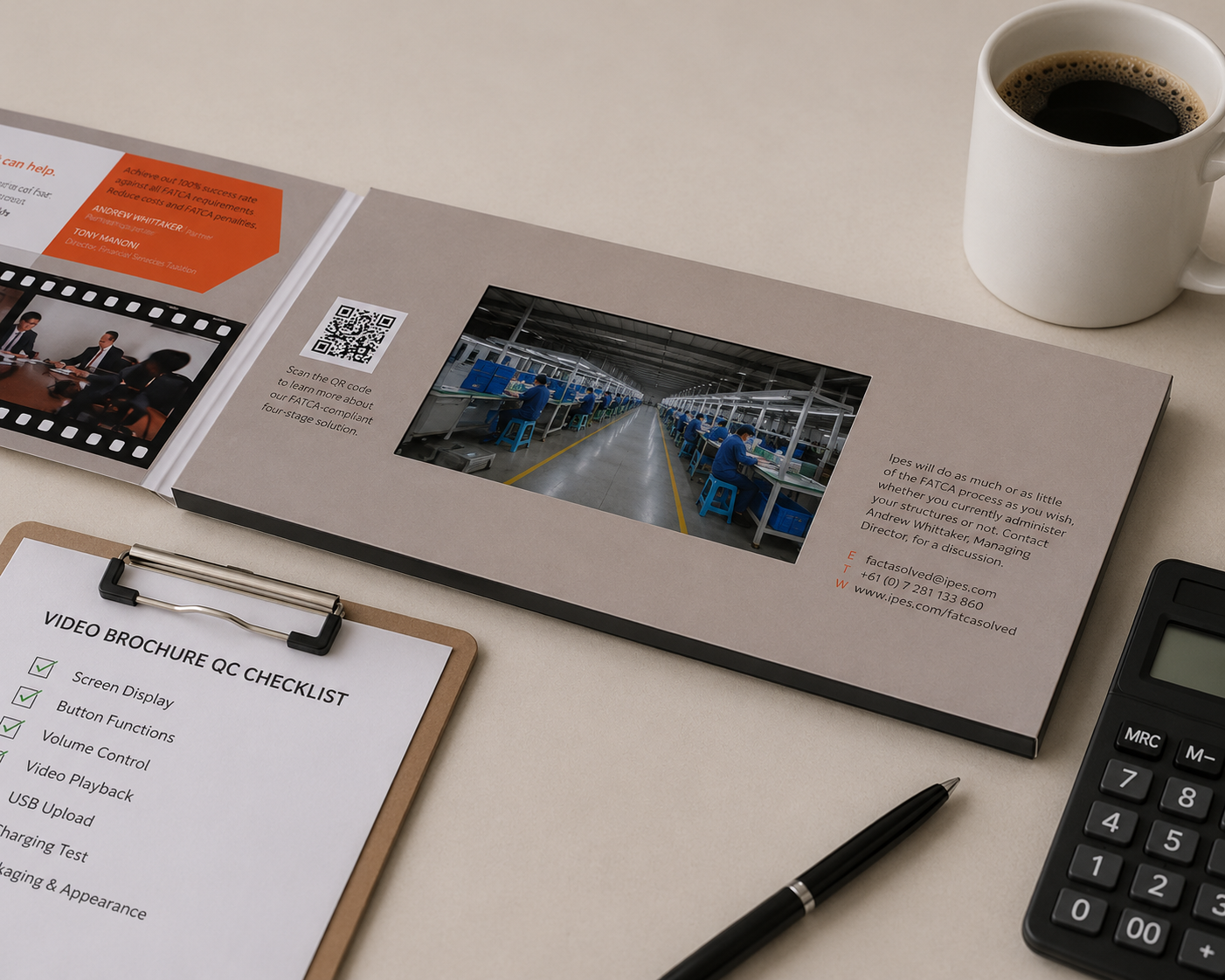
Many buyers assume upload problems come from file formatting only.
In reality, faulty USB ports are also common in low-cost production.
Some problems include:
- weak solder joints
- unstable USB connections
- damaged charging ports
- loose internal wiring
This creates situations where:
- uploads fail
- transfers stop halfway
- devices disconnect randomly
Some devices also only support:
- MP4 files
- H.264 encoding
- limited video resolutions
How Buyers Can Reduce This Risk
| Check Area | Recommended Solution |
|---|---|
| Video Format | MP4 |
| Video Encoding | H.264 |
| USB Testing | 100% tested |
| File Transfer | Full playback verification |
Reliable factories should test every USB port individually before packaging.
7. Packaging and Appearance Problems Often Happen at the End
Many appearance defects happen during final packaging, not during printing itself.
I have seen:
- glue marks on covers
- fingerprints on matte lamination
- shifted logos
- dirty surfaces
- inconsistent colors
This usually happens because factories rush final assembly before shipment deadlines.
Some factories also skip:
- glove handling
- visual inspection
- print consistency checks
Common Appearance Problems
| Problem | Typical Cause |
|---|---|
| Color shift | Poor print calibration |
| Glue marks | Fast assembly handling |
| Dirty surfaces | No glove use |
| Crooked logos | Misaligned assembly |
Buyers should request:
- signed print samples
- inspection photos
- full appearance QC before shipment
8. Low-Resolution Artwork Creates Blurry Printing
Many artwork files look sharp on screen but become blurry after printing because the resolution is too low.
Most print-ready artwork should use at least 300 DPI.
Many buyers unknowingly send:
- website images
- screenshots
- compressed graphics
- low-resolution logos
Some factories do not warn buyers before printing because correcting artwork takes extra time.
Artwork Standards
| Check Item | Recommended Standard |
|---|---|
| Image Resolution | 300 DPI minimum |
| File Format | AI, PDF, PSD |
| Logo Files | Vector format |
| Artwork Approval | Pre-print proof |
If an image already looks soft at 150% zoom on a computer screen, it will usually print poorly.
9. Missing Bleed Lines Cause White Edges
This is one of the most common printing mistakes for first-time buyers.
Many artwork files are designed at the exact finished size without bleed margins.
During cutting, even a small alignment shift can expose thin white edges around the brochure.
Standard Bleed Recommendations
- Add 3mm bleed on all sides
- Keep important text 5mm from trim lines
- Avoid placing logos near edges
Once mass production starts, fixing bleed problems usually requires reprinting the order.4
10. The Same Problem Can Have Different Root Causes
One common buyer complaint is:
“The video won’t play.”
But this single symptom could come from:
- wrong file format
- bad USB port
- insufficient memory
- corrupted transfer
- unstable battery output
The same applies to:
“The button doesn’t work.”
That could mean:
- a cable issue
- software mapping error
- defective switch
- incomplete testing
Reliable factories diagnose systematically.
Low-cost suppliers often guess.
That difference matters.
11. A Perfect Sample Does Not Guarantee a Perfect Bulk Order
Many first-time buyers assume that once the sample is approved, mass production will automatically match it.
In reality, samples and bulk production happen under very different conditions.
Chinese factories sometimes say:
“Samples are made for approval. Bulk production is made for delivery.”
Samples usually receive:
- slower assembly
- more attention
- carefully selected materials
- extra inspection
Mass production is different.
Factories may suddenly need to assemble:
- 500 units
- 2,000 units
- or larger orders
within very tight deadlines.
This creates pressure on:
- assembly consistency
- material sourcing
- worker speed
- QC time
I have seen situations where:
- the approved sample used one screen batch
- but bulk production later used another
- magnets became weaker
- color tone shifted between print batches
The buyer only notices these differences after delivery.
How Experienced Buyers Reduce This Risk
| Protection Method | Why It Matters |
|---|---|
| Signed production sample | Locks specifications |
| QC videos | Shows real production |
| Batch inspection photos | Confirms consistency |
| Third-party inspection | Adds verification |
Reliable factories explain how they maintain consistency between samples and bulk production.
Conclusion
Most video brochure importing problems are not caused by bad luck.
They usually happen because factories skip testing, reduce material quality, or rush production without proper QC procedures.
Experienced buyers do not only compare prices.
They also ask how factories control:
- batteries
- screens
- buttons
- artwork
- packaging
- testing
- production consistency
before shipment.
-
Most defects in video brochure projects appear during assembly, testing, or packaging rather than during initial sampling. ↩
-
Battery aging tests usually require several charge-discharge cycles and can delay production schedules by multiple days. ↩
-
Small LCD video brochure screens usually cannot process ultra-high-bitrate 4K marketing videos smoothly. ↩
-
Bleed lines are standard printing safety margins used to prevent visible white edges after cutting.