

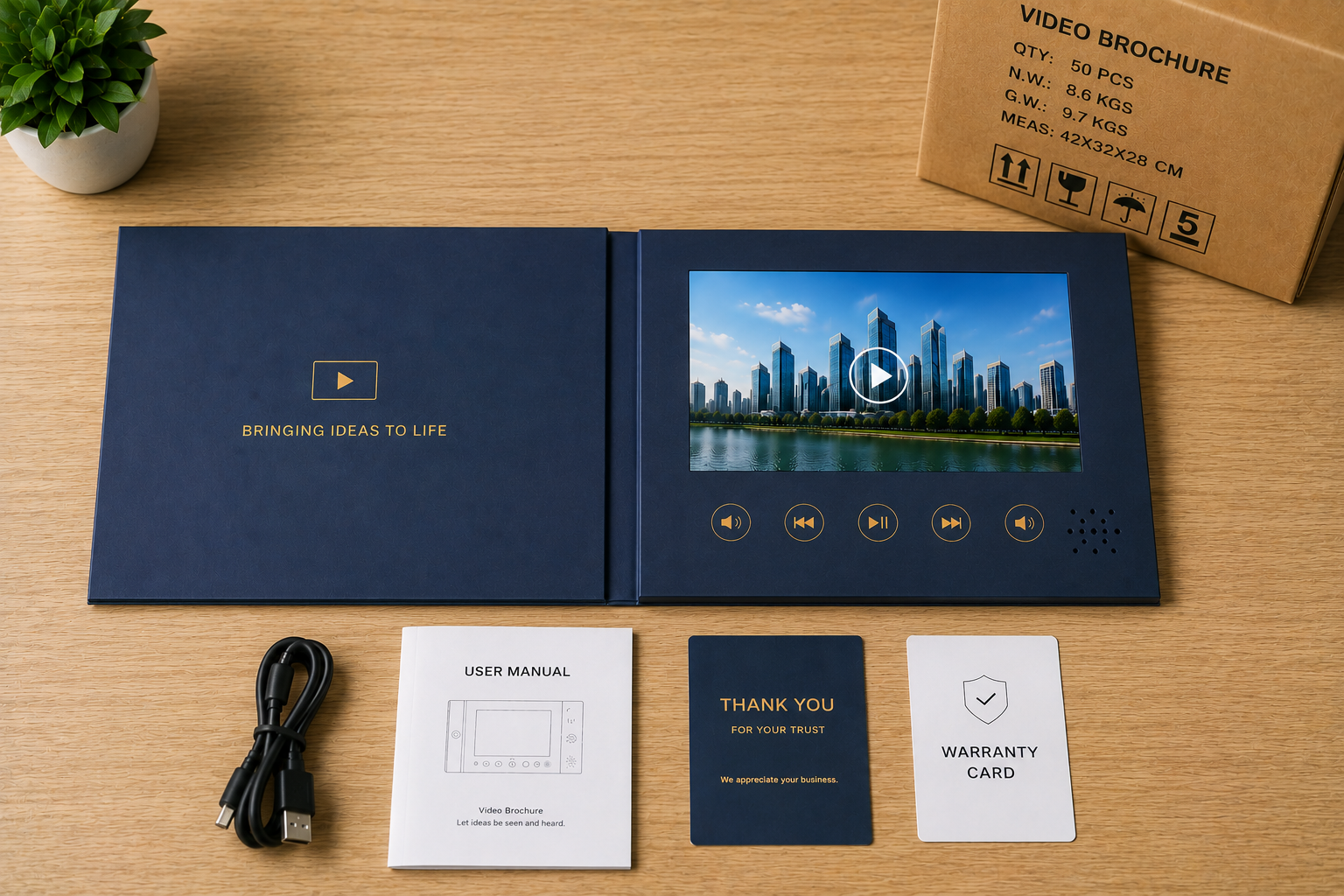
Many video brochure projects get delayed before production even starts. Buyers often send incomplete files, unclear specifications, or unfinished artwork, and factories cannot move forward efficiently.
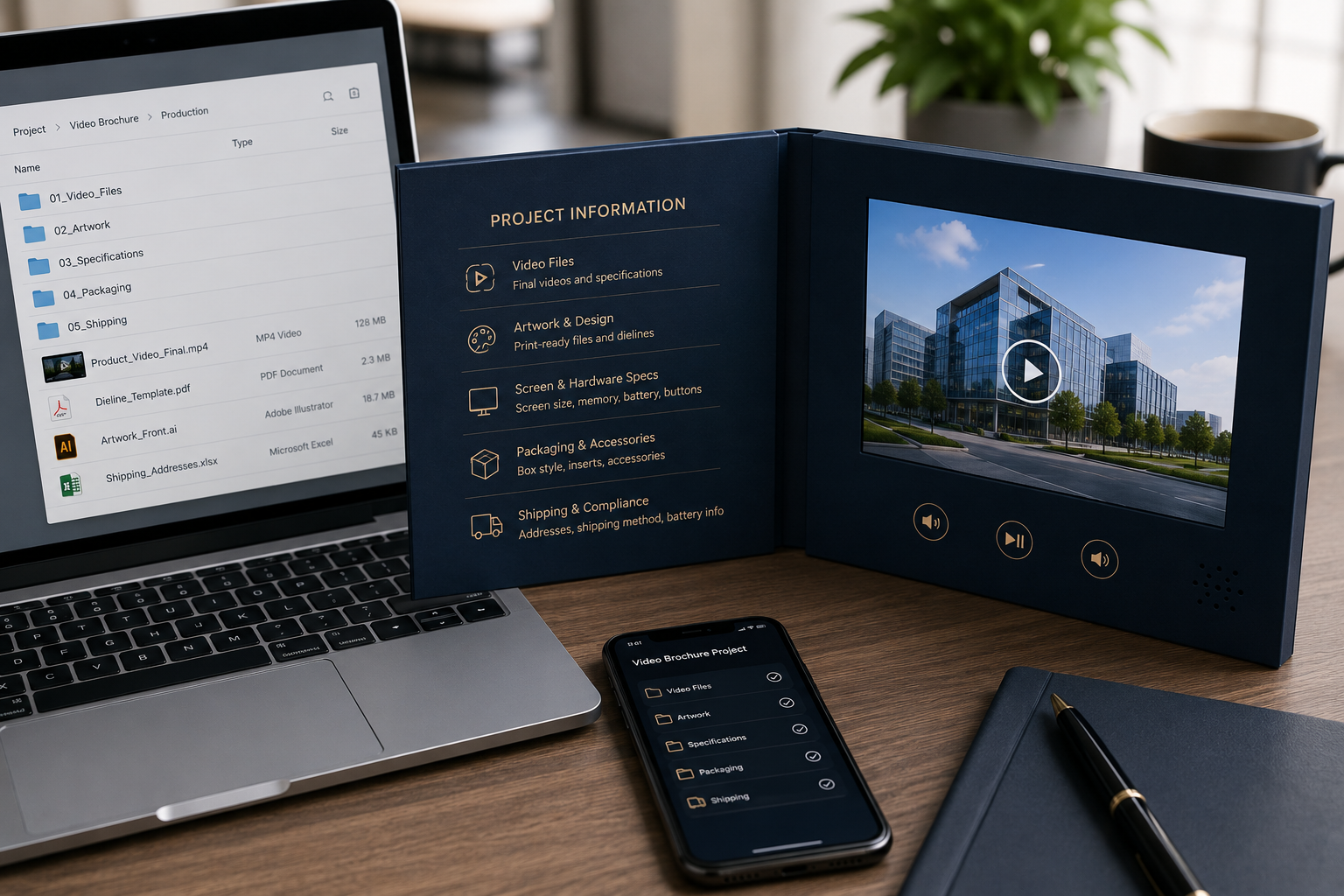
Before production begins, buyers should prepare final video files, print-ready artwork, screen specifications, packaging instructions, shipping details, quantity requirements, and compliance information. Complete project details reduce delays, improve production accuracy, and prevent unnecessary costs.
I noticed many first-time buyers focus heavily on unit pricing. But in real manufacturing, incomplete information usually creates bigger problems than pricing itself.
Why Is Pre-Production Information Important?
Video brochures combine printing, electronics, packaging, and assembly together. One missing detail can affect multiple production departments at the same time.
For example, changing from a 5-inch screen to a 7-inch screen may also require:
- new foam inserts
- different packaging dimensions
- battery relocation
- revised button placement
- updated carton sizing
That creates delays and additional cost.
Common Problems Caused by Missing Information
| Missing Information | Typical Result |
|---|---|
| Final artwork missing | Printing delay |
| Wrong video format | Playback failure |
| Undefined packaging | Rework costs |
| Missing shipping address | Freight delay |
| No timeline provided | Scheduling conflicts |
Many buyers underestimate compatibility problems. Some send unsupported video codecs or oversized 4K files that cannot run smoothly on standard video brochure boards.
I usually recommend sending a short test video before mass production. That small step often prevents major delays later.
What Video Files Should Buyers Prepare?
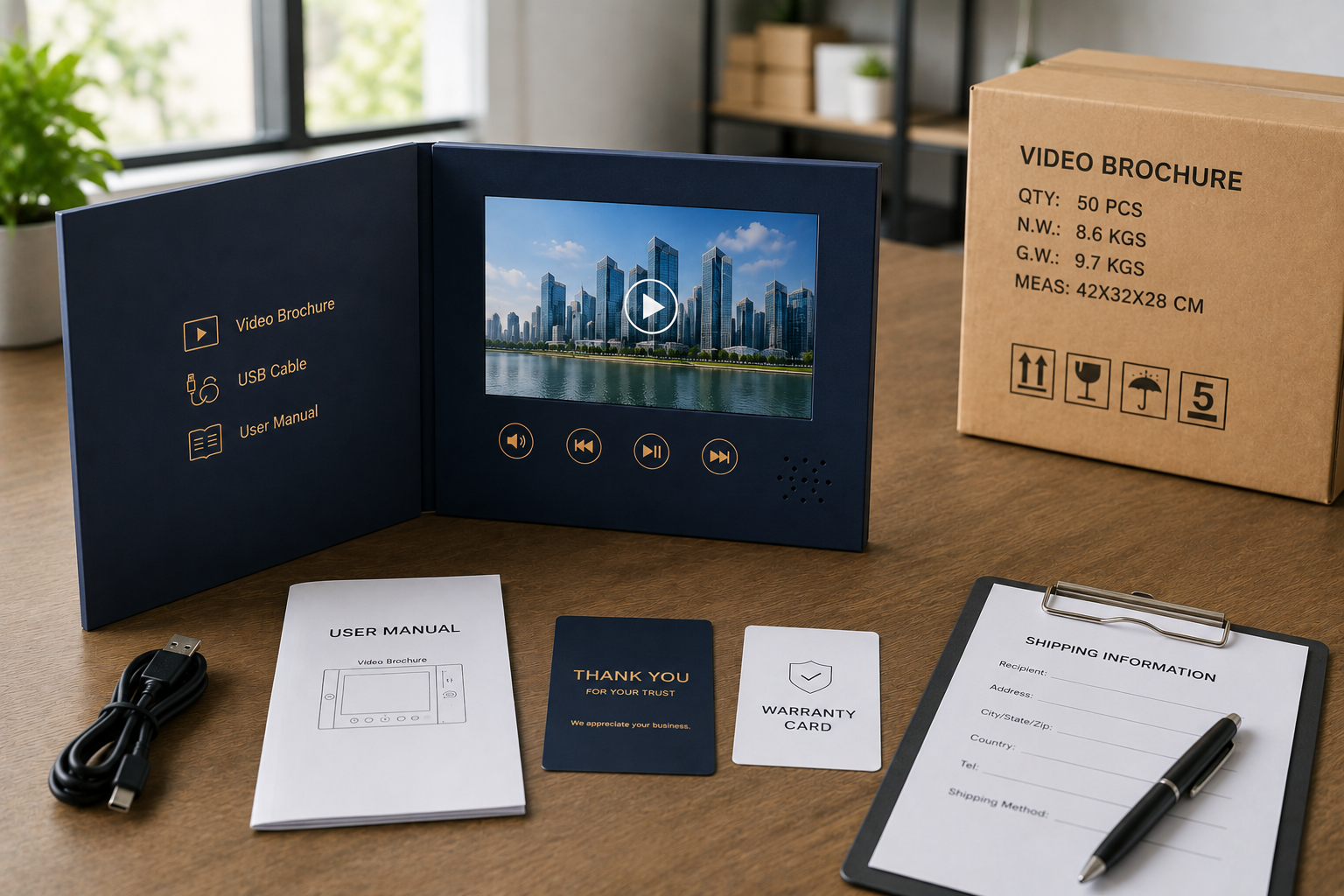
The video is the core of the product. Poor formatting or incorrect encoding creates playback issues immediately.
Buyers should provide final video files in MP4 format with H.264 encoding whenever possible.1
Recommended Video Specifications
| Item | Recommendation |
|---|---|
| Preferred Format | MP4 |
| Secondary Formats | AVI, MOV |
| Recommended Codec | H.264 |
| Resolution | 720P or 1080P |
| Audio | AAC |
Memory and Video File Size
Many buyers misunderstand memory selection.
The correct process is:
- Export the final video
- Check the actual file size
- Select memory capacity accordingly
| Memory | Typical Usage Reference* |
|---|---|
| 128MB | Short promotional videos |
| 512MB | Multi-video presentations |
| 1GB | Longer HD presentations |
Some buyers request 4K videos for small 5-inch screens. In practice, compressed HD files usually perform better and reduce unnecessary memory cost.
Common Video Mistakes
| Mistake | Result |
|---|---|
| Sending non-H.264 video files | Playback failure or freezing |
| Using oversized 4K videos | Slow loading |
| Low audio levels | Poor user experience |
| Changing videos late | Production delays |
I also strongly recommend version labels such as:
- Final_Video_V3.mp4
- Campaign_Final.mp4
That prevents factories from accidentally using outdated files.
What Artwork and Printing Files Should Buyers Send?
Printing quality directly affects how premium the final product feels.
Factories need print-ready artwork with correct dimensions, bleed areas, and safe zones before production begins.
Recommended Design File Formats
| Design Element | Recommended Format |
|---|---|
| Logo | AI, EPS, SVG |
| Layout | AI, PDF |
| Images | 300 DPI PNG or TIFF |
| Fonts | Outlined or packaged |
Use the Factory Dieline Template
This part is extremely important.
The dieline controls:
- fold positions
- screen openings
- button holes
- speaker locations
- magnetic areas
Without the correct template, artwork may overlap structural areas.
I once saw a luxury client place their logo directly across the spine fold area. The printed result looked broken after assembly.
Common Artwork Mistakes
| Mistake | Result |
|---|---|
| RGB files instead of CMYK | Color shifts |
| No bleed area | White cutting edges |
| Low-resolution images | Blurry print quality |
| Incorrect safe zones | Hidden graphics |
If buyers want a premium feel, I usually recommend soft-touch lamination and cleaner layouts. Many brands overdesign video brochures. Simpler designs often look more expensive.
What Technical Specifications Must Buyers Confirm?
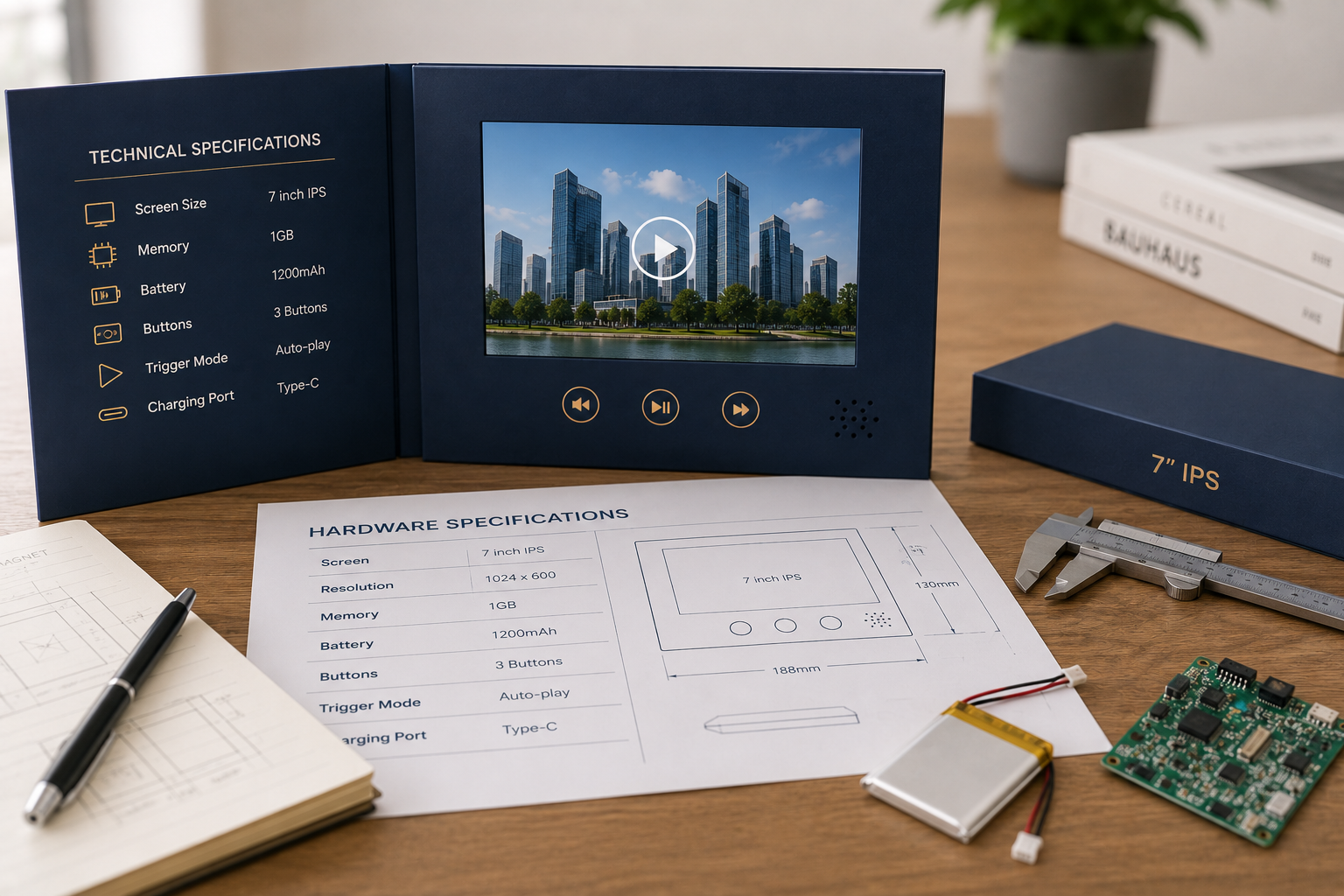
Technical specifications directly affect cost, battery performance, and user experience.
Buyers should confirm screen size, memory capacity, battery size, playback behavior, and button configuration before production starts.
Core Specifications Checklist
| Specification | Common Options |
|---|---|
| Screen Size | 4.3", 5", 7", 10" |
| Screen Type | TFT, IPS |
| Memory | 128MB–4GB |
| Battery | 500mAh–4000mAh |
| Buttons | 1–10 |
TFT vs IPS Screens
| Type | TFT | IPS |
|---|---|---|
| Cost | Lower | Higher |
| Viewing Angle | Standard | Wide |
| Color Quality | Average | Better |
If budget allows, I usually recommend IPS screens for marketing campaigns and trade show presentations because viewing angles look much better.
Common Buyer Mistakes
| Mistake | Result |
|---|---|
| Ultra-thin design with large battery | Structural conflict |
| Late touchscreen request | Sampling delay |
| Unclear button functions | PCB confusion |
For most campaigns, I usually recommend:
- 7-inch IPS screen
- 512MB or 1GB memory
- magnetic rigid box
- auto-play opening
That setup balances cost, presentation quality, and shipping efficiency very well.
What Packaging and Shipping Details Should Buyers Provide?
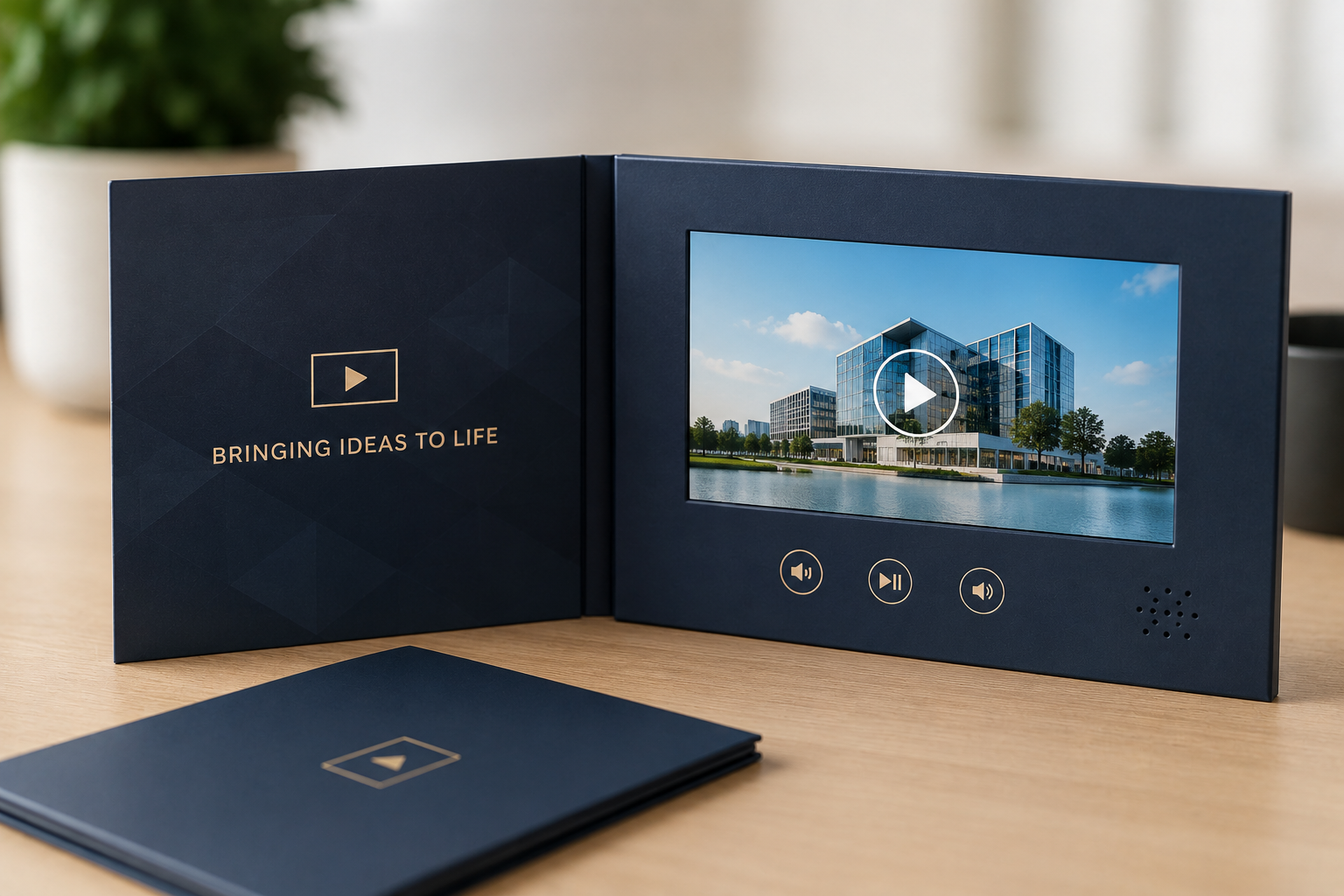
Packaging affects both presentation quality and freight cost.
Buyers should confirm packaging style, accessories, shipping method, fulfillment requirements, and delivery addresses before production begins.
Common Packaging Options
| Packaging Style | Typical Use |
|---|---|
| White mailer box | Budget campaigns |
| Magnetic rigid box | Luxury presentation |
| Foam insert box | Electronics protection |
Accessories Buyers Should Confirm
Factories also need to know which accessories should be included.
Examples include:
- USB charging cable (Type-C or Micro-USB)
- wall adapter
- instruction manual
- warranty card
Small accessory changes affect sourcing and packing workflow.
Shipping and Compliance
Buyers should confirm:
- FOB or DDP terms
- air or sea shipping
- customs requirements
- Amazon labeling requests
Video brochures contain lithium batteries, so international shipping rules matter.2
Many air shipments require:
- MSDS documentation
- UN38.3 reports
- restricted battery charge levels
Buyers should also provide realistic timelines. Standard production usually takes 7–28 days depending on quantity and customization complexity.3
How Can Buyers Reduce Production Delays?
Factories work faster when buyers organize project files clearly from the beginning.
Experienced agencies usually send:
- approved artwork folders
- labeled video versions
- specification sheets
- packaging references
- delivery deadlines
That organization speeds up production dramatically.
My Recommended Buyer Checklist
Video Files
- Final MP4 videos
- Runtime confirmation
- Version labels
Artwork
- Print-ready files
- Correct bleed
- Approved dieline
Hardware
- Screen size
- Memory
- Battery
- Button functions
Logistics
- Shipping address
- Timeline
- Freight method
Sampling Saves Money
Some buyers skip sampling to save budget.
I rarely recommend that.
A physical sample immediately reveals:
- print quality
- folding accuracy
- screen brightness
- sound performance
- packaging feel
Fixing problems during sampling is much cheaper than fixing thousands of finished units later.4
Conclusion
Successful video brochure production starts with organized communication. Buyers who prepare complete files, specifications, and timelines early usually avoid delays, reduce mistakes, and receive much better final products.
-
Most video brochure factories recommend MP4 with H.264 encoding because it offers the best compatibility with common LCD video modules and control boards. ↩
-
International lithium battery shipments usually follow IATA transportation safety regulations. ↩
-
Production lead times vary based on quantity, screen size, printing complexity, and packaging structure. ↩
-
Sampling helps identify printing, assembly, playback, and packaging problems before mass production begins. ↩