

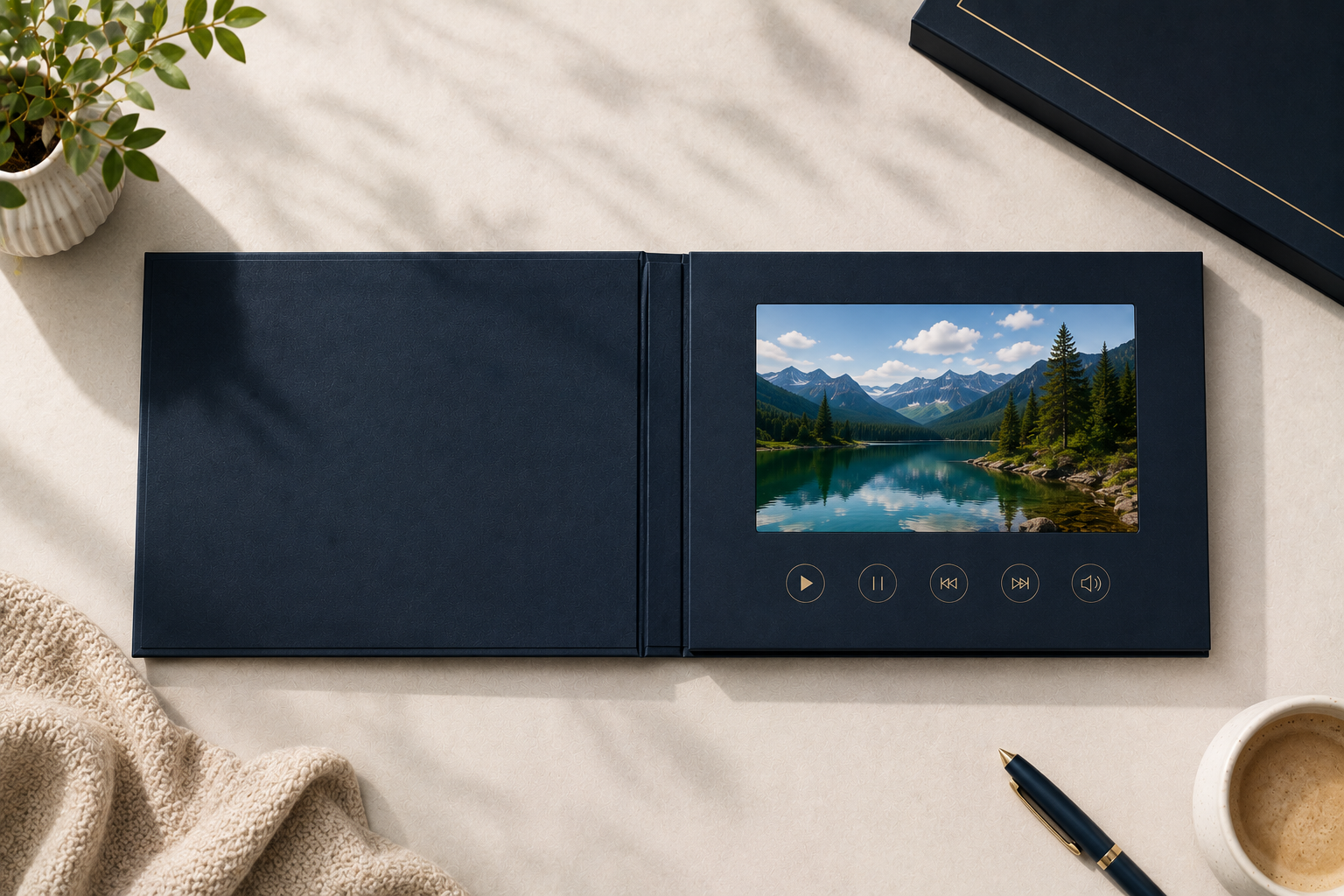
Importing video brochures from China is usually easier than many first-time buyers expect. In most cases, the process is not a complicated import project. It is more like ordering a custom printed marketing product with a built-in LCD screen, battery, speaker, memory board, and video playback function.
Many buyers think they need to understand every detail about customs, freight forwarding, battery documents, and electronics certification before starting. In real projects, most buyers only need to confirm the product specifications, artwork, video files, quantity, and delivery deadline. A good supplier can guide the rest.
One advantage of this industry is that many manufacturers support very low MOQs. Some factories can even produce just 1 sample unit. For commercial projects, many buyers start from around 100pcs because the unit cost becomes much more reasonable at that quantity.
For most projects, you mainly need to confirm:
- Screen size
- Quantity
- Memory size
- Button functions
- Artwork design
- Video files
- Shipping timeline
Once these details are clear, the supplier can usually prepare the die-line, check the video files, make the sample, and arrange production.
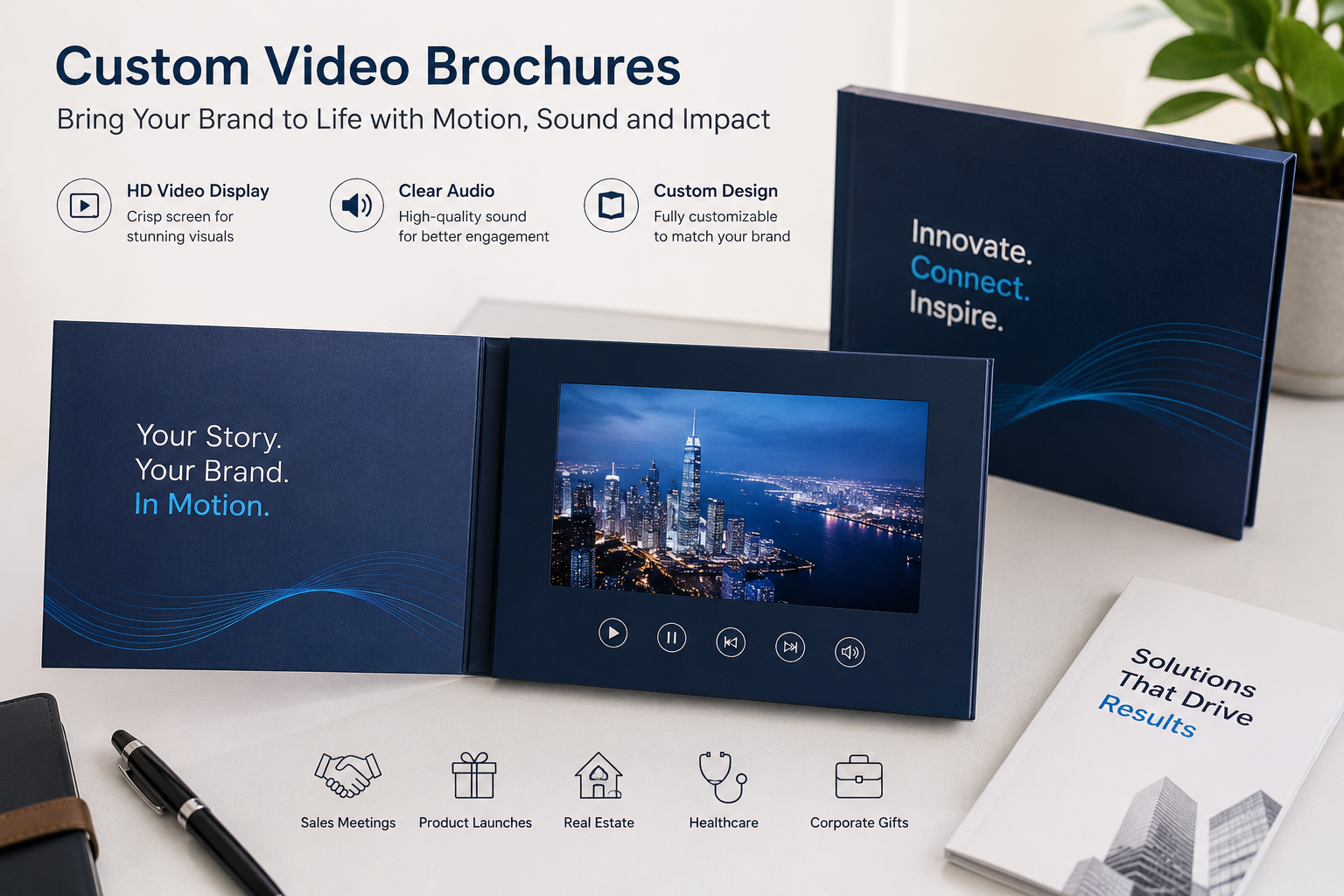
Step 1: Confirm the Screen Size and Main Functions
The first step is deciding what type of video brochure you want.
Most suppliers offer several common screen sizes:
| Screen Size | Common Use |
|---|---|
| 2.4 inch | Small invitation cards or simple message cards |
| 4.3 inch | Standard marketing brochures |
| 5 inch | Real estate, product introductions, and presentations |
| 7 inch | Premium marketing, medical, luxury, and B2B campaigns |
| 10 inch | High-end presentations and display kits |
Most buyers choose either 5-inch or 7-inch screens. These two sizes give a good balance between presentation effect, cost, and shipping weight.
At this stage, you should confirm:
- Screen size
- IPS or TFT screen
- Memory size
- Battery size
- Button functions
- Touch screen or non-touch screen
- Hardcover or softcover style
- Printing finish
The most common functions are:
- Open to play automatically
- Close to stop automatically
- Volume buttons
- Next/Previous buttons
- Multiple buttons for different videos
In many projects, the supplier will recommend the correct memory size based on your video files. For example, 128MB may be enough for a short video. For multiple videos or longer HD presentations, 512MB, 1GB, 2GB, or 4GB may be better.
Most buyers do not need to understand every technical detail. You can send your video files to the supplier, and the supplier can check the file size, playback format, and recommended memory.
Step 2: Ask for the Die-Line and Prepare Artwork
After the specifications are confirmed, the supplier usually provides a die-line template.
The die-line shows:
- Bleed area
- Safe area
- Fold lines
- Screen position
- Button position
- Speaker position
- USB port position
Most factories accept artwork in:
- AI
- PSD
- High-resolution PNG
Some buyers already have a designer. Other buyers ask the supplier to help with the layout. Both ways are common.
This step is important because the video brochure is not only an electronic product. It is also a printed presentation tool. Poor artwork setup can make the final product look less premium, even if the screen and electronics work well.
A good supplier should check the artwork before production and point out possible problems, such as low-resolution images, missing bleed, wrong button position, or text too close to the cut line.
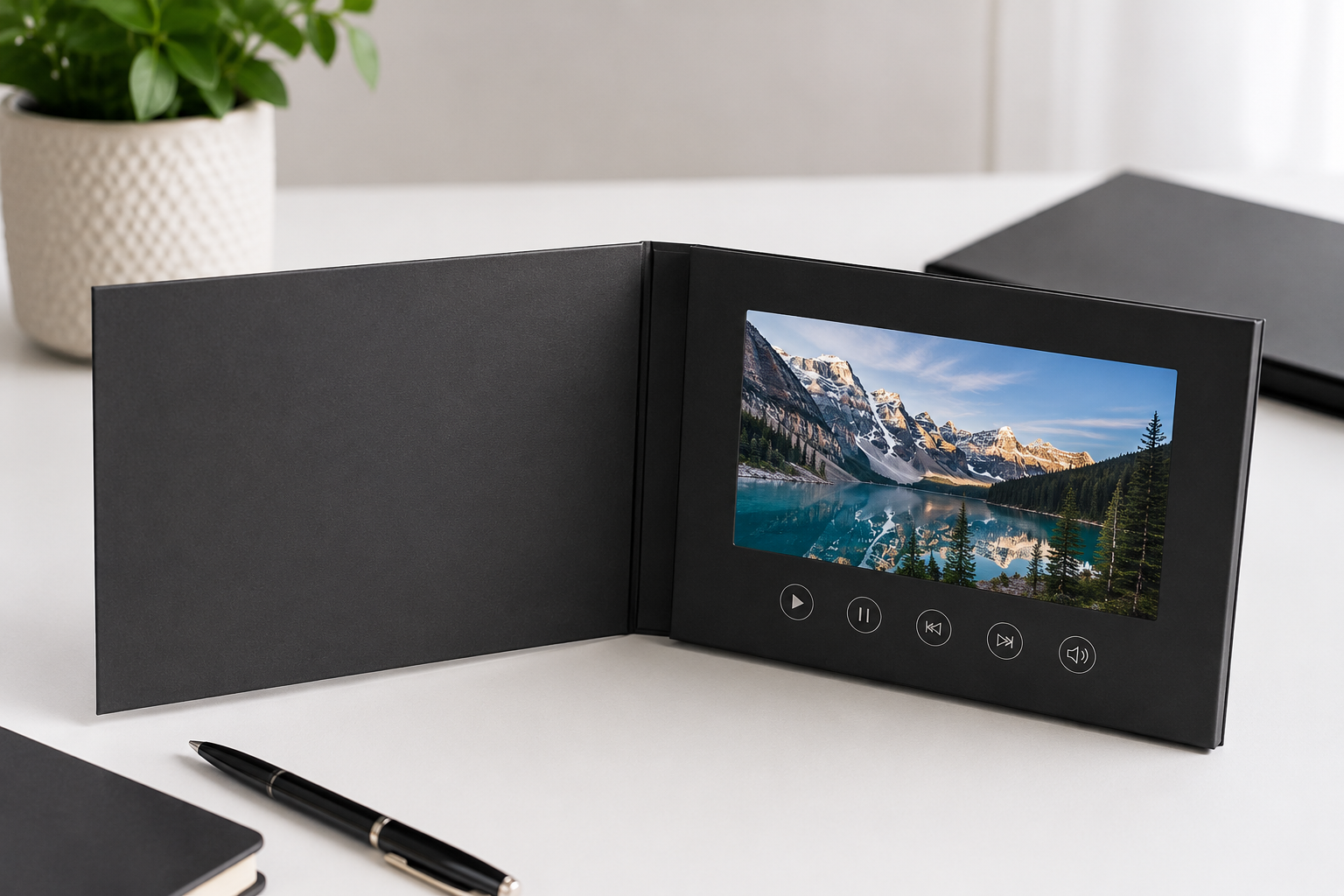
Step 3: Send Your Video Files for Checking
For the video files, most suppliers support:
- MP4
- MOV
- AVI1
In most cases, buyers simply send the original MP4 files. The supplier will test whether the file plays smoothly on the selected video brochure screen.
Sometimes a video file may:
- Lag during playback
- Fail to open
- Use unsupported encoding
- Use the wrong resolution
- Use a very high bitrate
- Be too large for the selected memory size
This is common. It does not mean the product has a problem.
Experienced suppliers usually have engineers who can convert or optimize the video format before production. In many cases, this service is included without extra cost.
Another point many first-time buyers overlook is copyright.
If your video uses copyrighted music, licensed footage, celebrity content, or brand assets, you should make sure you have the right to use them commercially. In rare situations, copyrighted content may create problems later if the products are inspected, distributed publicly, or used in a large campaign.2
If the video content involves copyright, the safer option is to let the buyer upload the final video after delivery. The factory can still use a temporary royalty-free demo video for testing the screen, speaker, and buttons.
Step 4: Confirm the Sample Before Mass Production
Before mass production, the supplier usually prepares one or more of the following:
- Digital mockup
- Printed sample photos
- Product testing video
- Physical sample if requested
Some buyers only need photos and videos for approval. Other buyers prefer to receive one physical sample before confirming the bulk order.
Typical sample costs are usually around US$30–100 depending on:
- Screen size
- Printing complexity
- Custom packaging
- Shipping destination
In many projects, the sample fee can later be deducted from the bulk order cost.3
This stage helps you confirm:
- Printing quality
- Screen quality
- Button layout
- Video playback
- Startup logo
- Overall presentation effect
Many buyers make small changes after seeing the sample. For example, they may enlarge the logo, adjust button text, change the cover finish, upgrade the screen, or increase the memory size.
That is normal. It is much better to adjust these details before mass production than after production has already started.
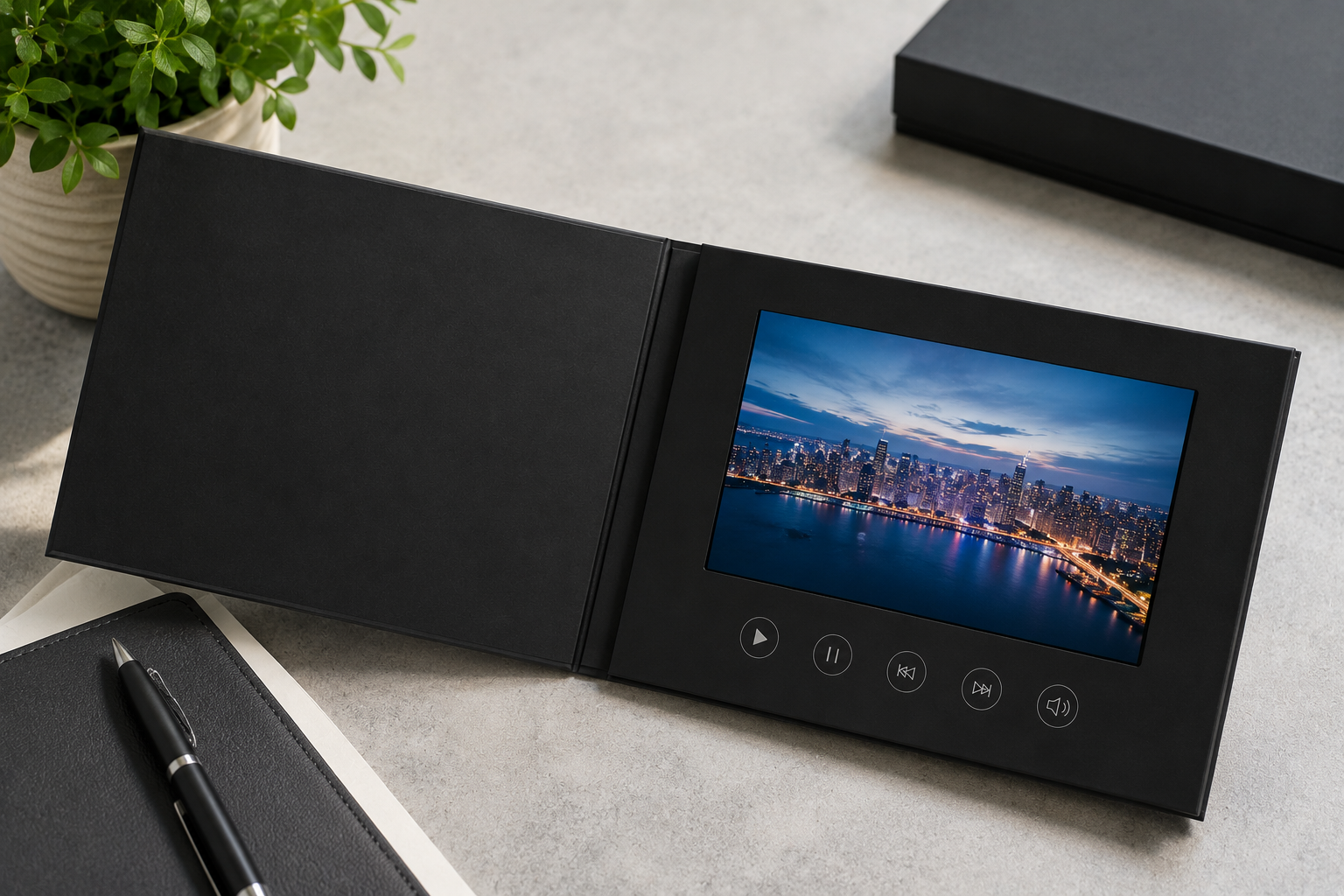
Step 5: Start Mass Production
Once the sample and artwork are approved, mass production can begin.
For standard projects, production usually takes around 7–15 days after final approval.4
| Order Size | Typical Production Time |
|---|---|
| Sample | 3–7 days |
| 50–100 pcs | Around 7–10 days |
| 100–500 pcs | Around 10–15 days |
Production usually includes:
- Printing
- Lamination or surface finishing
- Screen assembly
- Battery installation
- Speaker installation
- Button setup
- Video loading
- Functional testing
- Packaging
Most delays happen because of unclear artwork, late video files, last-minute changes, or unrealistic deadlines.
For urgent projects, suppliers may arrange overtime production or faster shipping. However, rush orders usually require better coordination and may increase cost.
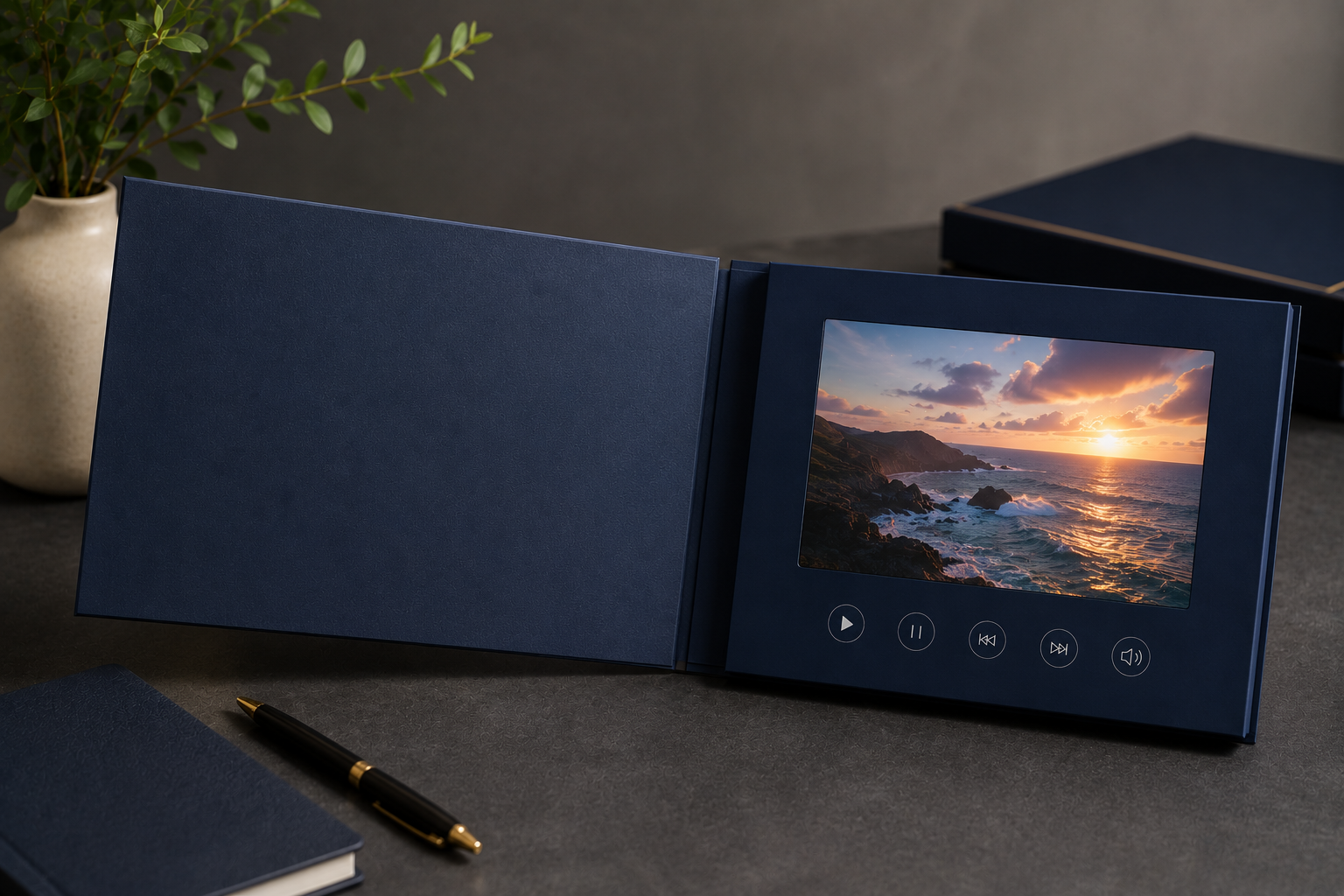
Step 6: Arrange Shipping and Delivery
Most video brochure shipments are not very large. Many orders are only 30kg, 50kg, or 100kg.
Because of this, most orders ship by express courier or special air channels instead of sea freight.
Common shipping options include:
- DHL
- FedEx
- UPS
- TNT
- Tax-included air shipping channel for some US shipments
For the United States, many suppliers currently use tax-included shipping channels because of tariff changes and customs handling. This is often simpler for buyers because the shipment is handled as door-to-door delivery.
Typical delivery times are:5
| Destination | Typical Shipping Time |
|---|---|
| USA | Around 10 days by tax-included channel |
| Canada | 5–10 days by express courier |
| Europe | 5–10 days by express courier |
| Australia | 5–10 days by express courier |
Some buyers worry about the built-in battery.
In most real projects, this is not a major problem. Video brochures are shipped through battery-approved courier or freight channels. The freight forwarder will choose the correct channel for products with built-in lithium batteries. Buyers usually do not need to prepare special battery documents themselves.
Step 7: Test the Products After Delivery
After you receive the goods, you should test a few random units before using them in a campaign.
Check:
- Video playback
- Button functions
- Speaker volume
- Screen brightness
- Printing quality
- Magnetic switch function
- USB connection
One advantage of video brochures is that most models allow buyers to update the video later.
Usually, you can connect the brochure to a computer with a USB cable. The device will appear like a USB drive. Then you can delete the old video and copy in the new video.
This makes video brochures useful for repeated campaigns, real estate presentations, training materials, product launches, and sales kits.
Common Mistakes First-Time Buyers Make
Choosing Only by Price
Very low prices often mean weaker screens, smaller batteries, poor printing, or unstable assembly. For custom electronic print products, the cheapest option is not always the safest option.
Ignoring Video Compatibility
A video may look fine on a computer but still lag on a video brochure if the file format, bitrate, or resolution is not suitable.
Underestimating Production Time
Some buyers expect the supplier to ship immediately after payment. In reality, printing, assembly, video loading, testing, and packaging still take time.
Changing Specifications Too Late
Changing screen size, button layout, memory, or artwork after production starts can cause delays and extra costs.
Forgetting Copyright Issues
If the content includes licensed music or brand-owned video material, buyers should manage the usage rights carefully. If needed, buyers can upload the final video themselves after delivery.
Related Questions
- How much does a custom video brochure cost in 2026?
- How do I choose a reliable video brochure manufacturer?
- Why do video brochure videos lag or fail to play?
- What are the most common questions about video brochures?
- What is the MOQ for custom video brochures?
- Should I use DHL or FedEx to ship video brochures from China?
- How does a video brochure sample order work?
Conclusion
Importing video brochures from China is usually a simple process when the specifications, artwork, video files, and timeline are clear.
For most buyers, the process includes:
- Choosing the screen size and functions
- Preparing the artwork
- Sending video files for checking
- Confirming the sample
- Starting mass production
- Shipping by courier or tax-included air channel
- Testing the products after delivery
The most important part is not only finding the lowest price. It is choosing a supplier who can help you avoid playback issues, artwork mistakes, shipping delays, and packaging problems.
If you are preparing your first video brochure project, you can start by confirming your screen size, quantity, video length, memory needs, button functions, and target delivery date. With those details, a supplier can recommend the right structure and prepare a clear quote.
Footnotes
-
Most video brochure factories support MP4 playback, although some older boards may still require AVI conversion depending on screen size and motherboard compatibility. ↩
-
Copyright responsibility for uploaded video content normally belongs to the buyer or brand owner, especially when using licensed music, commercial video assets, or third-party brand materials. ↩
-
Some suppliers deduct sample costs from later bulk orders, although this policy varies by manufacturer. ↩
-
Typical production timelines vary depending on printing complexity, order quantity, holidays, and component availability. ↩
-
Shipping times mentioned here are based on common courier and air-channel timelines for standard commercial shipments. Customs checks, peak seasons, and weather can affect final delivery time. ↩